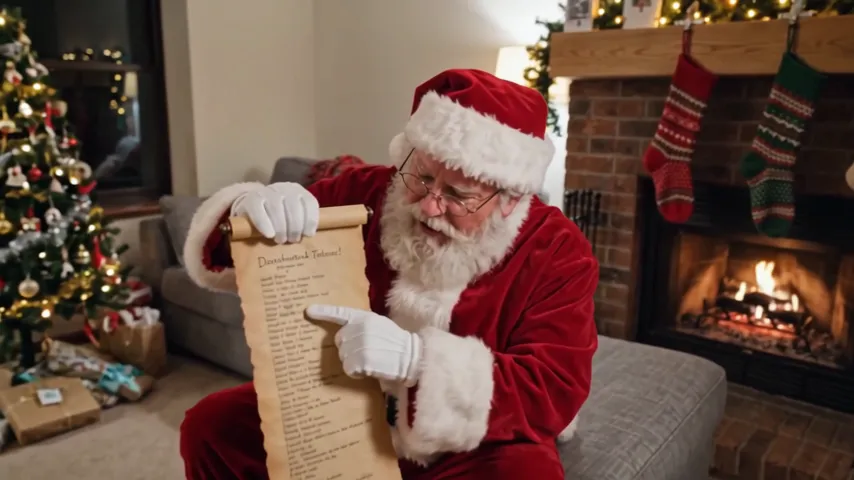
A personalized Santa video is a Santa video message with name: made from one photo of your living room and your child’s name, Santa walks in, sits in the armchair by your tree, reads a handwritten letter, then looks into the camera and says the name, the gift they hope for and a good thing they did this year. 12 seconds, landscape, in Santa’s own voice.
Updated
At a glance
- Length
- 12 seconds
- Format
- Landscape 16:9
- Photos
- Your living room photo
- Price
- 750 credits (HD 1,500)
- On plans
- Starter and Pro 375 · Unlimited 225
- Sound
- The trend’s sound, mixed in
- Sign-up
- An account is required (free to create)
- Watermark
- No watermark
Which room photos work best
A tree and a chair
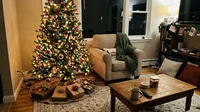
Santa sits down beside the tree: a photo with a Christmas tree and an armchair or sofa in it works best.
No people
Take the photo with nobody in the room, and never upload a photo of your child: only Santa appears.
The whole room, landscape
Hold the phone sideways and get the room in: the video is landscape, and Santa needs space to walk in.
What is a personalized Santa video?
It is a personalized video from Santa: a short message that speaks to one child by name. Ours is filmed in your own living room: you upload a photo of the room, type the name, the gift and something they did well, and Santa says them to the camera.
The AI makes the whole scene from your photo, so no child’s photo is needed and none is taken: Santa is the only one on screen. He speaks English, with the rest of his lines fixed, so the message is the same warm one every time, with your words in it.
Use the personalized Santa video template
Santa’s list, with a happy ending: Santa Naughty List Video
Santa on your night camera, not a word said: Santa Caught on Camera AI
A Christmas card that moves: Animated Christmas Card
Or a still card from a prompt: AI Christmas Card Generator
How to make it
- 1
Upload a room photo
Your living room with no people in it; a tree and an armchair work best.
- 2
Type the name and the gift
Add something they did well if you like, then Generate: landscape, 12 seconds.
- 3
Play it for them
Ready in about five minutes, with Santa’s voice. Download it from My creations.
AI video template or filming it yourself
Both end with the same clip on TikTok. The difference is what you need before you start.
| AI video template | Filming the trend | |
|---|---|---|
| You need | One room photo and a name | A Santa suit, someone to wear it and a script |
| Time | About five minutes | An evening of filming |
| Santa | Made by the AI, in your own room | A friend in a costume |
| Voice | Santa’s, saying your words | Your friend’s best Santa voice |
| Cost | 750 credits, less on a plan | The suit and your evening |
Questions
Is the personalized Santa video free?
No. A template video uses 750 credits at 480p (1,500 in HD), about $10 with a credit pack. Starter and Pro plans pay half (375) and Unlimited pays 30%: 225 credits a video, about $2.25. The 100 free credits you get when you sign up are not enough for one video.
What do I upload?
Only one photo of your living room, with no people in it. You do not need a photo of your child, and please do not upload one: Santa is the only one in the video.
Will Santa say my child’s name right?
The prompt asks Santa to say the name you type, and in our test run he said Mia clearly. For an unusual name, spell it the way it sounds in English (for example Shivon for Siobhan). We cannot promise every name comes out right; if one does not, you can make the video again.
What if there are people in my photo?
The prompt asks for Santa to be the only one in the video, but a room photo with nobody in it works best. Take it when the room is empty.
Can I change what Santa says?
You fill in the name, the gift and something they did well this year; the rest of the message is fixed. Leave the good thing empty and Santa says they have been kind and helpful this year.
Which language does Santa speak?
English, on every page language. Type the gift and the good thing in English too, so they fit what he says around them.
How long is it, and what shape?
Twelve seconds, landscape 16:9, with Santa’s voice and a soft sleigh bell at the end. It plays well on a TV, a laptop or a phone held sideways.
How long does it take?
About five minutes, sometimes longer. You can close the page: the video waits for you in My creations.
Made with this template
Examples made by the Vidlark team.
More trending AI videos
Trending on TikTok now: pick one and make it with your photo.
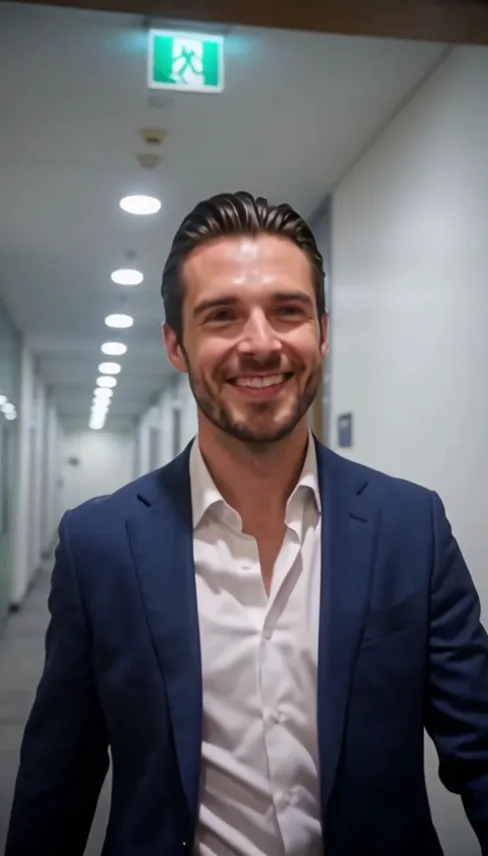
- AI Year in Review Video1 photo · 12 s · three scenes, then midnight fireworks
- Santa Naughty List Video1 room photo + a name · 12 s · on Santa’s nice list
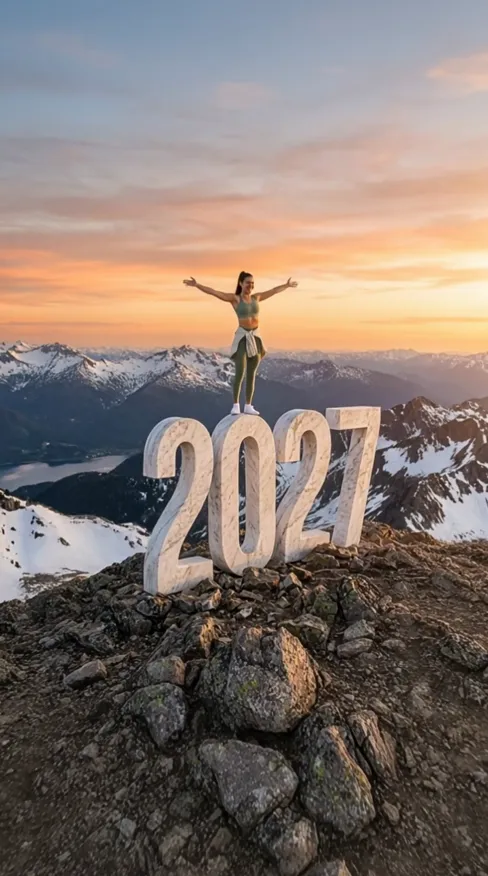
- 2027 New Year AI1 photo · 8 s · climb the 2027 at sunset
- Animated Christmas Card1 photo · 7 s · cocoa in hand by the Christmas tree
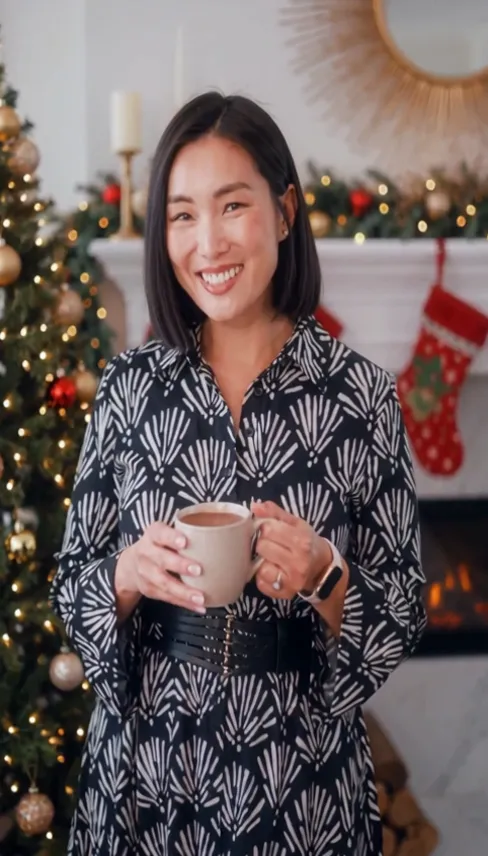
- AI New Year Video1 photo · 10 s · a rooftop toast under fireworks

- Santa Caught on Camera AI1 room photo · 10 s · Santa on your security camera at night
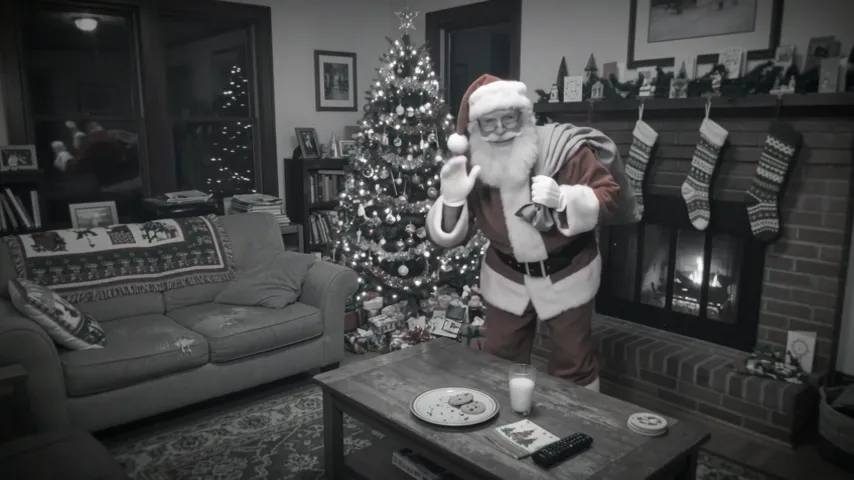
- Don't You Dare Christmas AI1 photo · 15 s · a snowball and a smile in a 90s Christmas scene
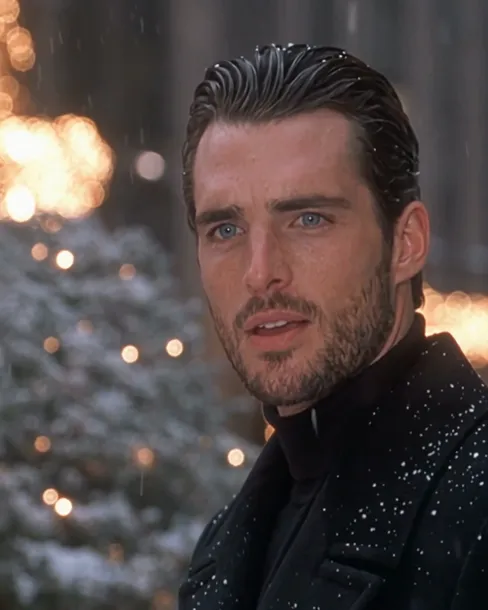
- I Need a GF Alvin AI1 photo · 12 s · bear ears, a plea, a goofy dance
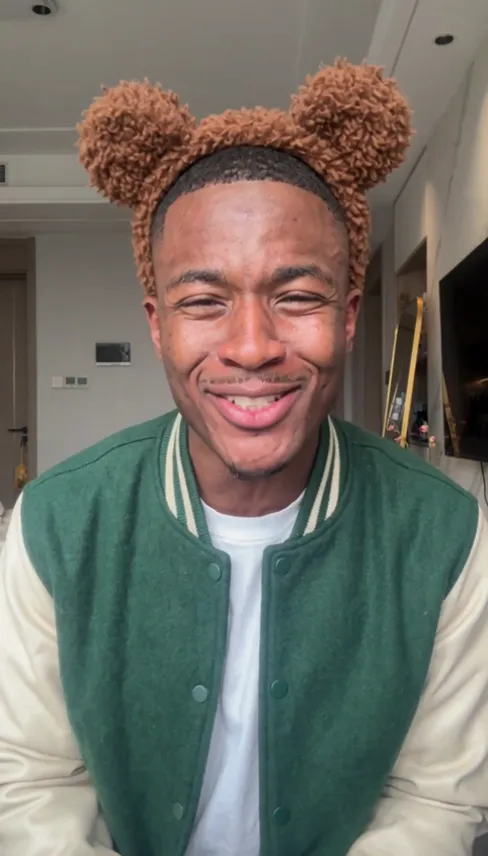
Let Santa say their name
One room photo, a name and a gift: your personalized Santa video in about five minutes.