Flux Kontext Image Generator Online
Edit images with words while keeping the subject.
Sample images
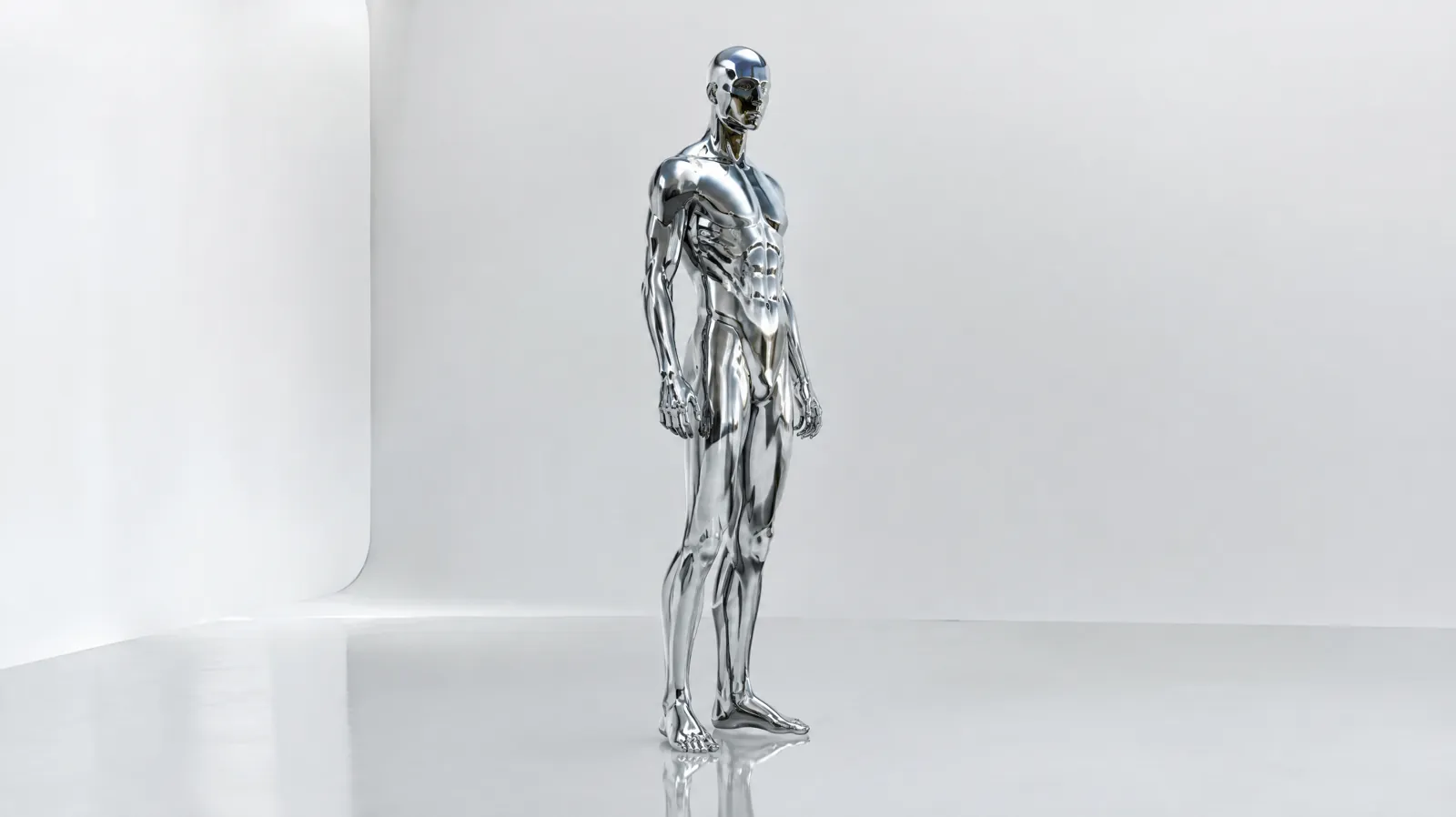
Flux Kontext is Black Forest Labs's image model, and you can use it here from text or your photo. It renders at Pro, Max. It costs from 30 credits per image (about $0.30), 100 free credits when you sign up. It is free on the Unlimited plan, within 30 free images a day. Results on paid plans download without a watermark, and failed runs are refunded automatically.
Updated
At a glance
- Made by
- Black Forest Labs
- Price
- From 30 credits per image
- Size
- Pro, Max
- Input
- Text or your photo
- Aspect ratio
- 21:9, 16:9, 4:3, 1:1, 3:4, 9:16
- Per run
- 1–4 images
- Available on
- Every account, free included
- Account
- Free account required, 100 credits on sign-up, no card
- Unlimited plan
- Free, 30 free images a day
How to make a Flux Kontext image
- 1
Describe the image
Write the subject, the style and the light. Or upload a photo to edit it instead.
- 2
Pick the settings
Choose the aspect ratio, Pro / Max and how many images (1–4). The credits update before you generate.
- 3
Generate and download
Download the images (no watermark on paid plans); if a run fails, its credits are refunded.
What it does well
Text to image
Write the subject, the style and the light, and get a finished image you can use right away.
Edit a photo
Upload a photo, say what to change in one sentence, and the rest of the picture stays as it was.
Pay for what you make
Billed per run, with the total on the button before you generate. Failed runs are refunded.
Settings and prices
Each image has a fixed price; the button always shows the exact total before you generate.
| Setting | Price | Example | Unlimited plan |
|---|---|---|---|
| Pro | 30 credits / image | 4 images = 120 credits | Free |
| Max | 40 credits / image | 4 images = 160 credits | Free |
Prompt tips for better images
Subject first, then style
Say what the picture is of, then add the style: watercolor, film photo, 3D render or flat illustration. Putting the style last keeps the subject from drifting.
Describe the light and the lens
Window light, soft studio light or a backlit silhouette; a 50mm portrait, a macro shot or a top-down view. Light and lens decide how real the image feels.
Use references for consistency
When one character or product appears in several images, upload references and say which features to keep. It is far steadier than words alone.
For edits, say what changes and what stays
For example: "replace the background with a beach, keep the person and the outfit". Change one or two things per run for the most control.
Generate a few, then refine
Ask for two to four images at once and keep the one closest to what you had in mind. Then reuse its prompt, change one detail at a time, and you will reach the final look in fewer runs.
Example prompt
A ceramic coffee cup on a linen tablecloth by a window, soft morning light, shallow depth of field, 85mm product photo.
Use this promptWhat people make with it
01
Product photos
Clean packshots, lifestyle scenes and model shots at e-commerce quality, without a studio.
02
Social posts
Covers, posters and post images rendered straight at each platform’s size.
03
Photo edits
Swap the background, the outfit or the text with one sentence instead of an hour in an editor.
04
Concept art
Explore characters, scenes and style directions in several versions at once and compare them side by side.
How it compares
How it lines up against similar image models on this site; every one uses the same credit balance.
| Model | Best for | Top quality | Per run | Edit photos | From |
|---|---|---|---|---|---|
| Flux Kontext | Edit images with words while keeping the subject. | 1–4 | Yes | 30 credits | |
| Nano Banana 2.1 | The everyday Nano Banana: fast edits at the lowest price. | 4K | 1–4 | Yes | 20 credits |
| Seedream 5 Flash | Fast, cheap Seedream for drafts and variations. | 2K | 1–4 | Yes | 14 credits |
| Qwen Image 3.0 | Strong at Chinese and English text inside images. | 2K | 1–4 | Yes | 20 credits |
Other models to try
All models Flux 2 ProUnlimitedBlack Forest Labs' sharp, style-faithful images.from 20 credits
 GPT Image 2.5 FlareUnlimitedOpenAI's GPT Image 2.5, balanced and fast: accurate text and precise edits.from 40 creditsGPT Image 2.5 SunburstUnlimitedThe high-precision GPT Image 2.5 for detailed commercial images.from 40 credits
 Nano Banana ProUp to 8 reference images for consistent characters.from 40 credits· Yearly plansNano Banana 2UnlimitedFlash speed with Pro-level consistency.from 50 credits
 Seedream 5 ProByteDance's photo-real images up to 2K.from 24 credits· Paid plans
Flux Kontext image FAQ
Is the Flux Kontext image generator free to try?
Yes. New accounts get 100 free credits, and the cheapest setting starts at 30 credits per image. No card is needed.
How much does a Flux Kontext image cost?
Pro: 30 credits per image; Max: 40 credits per image. The exact total is shown on the Generate button before you start.
What sizes can it make?
Pro, Max, in square, portrait or landscape. Each run makes 1–4 images.
Can I start from my own photo?
Yes. Upload a photo and describe the change; the rest of the picture stays as it was.
Can it put text in the image?
Yes, short headlines and labels work best. Put the words in quotes in your prompt and say where they should go.
How long does a generation take?
Usually 10–60 seconds per image. Every result is also saved in My creations.
Is it included in the Unlimited plan?
Yes. On Unlimited it costs no credits, within 30 free images a day.
Can I use the images commercially?
Yes, on yearly plans, which include a commercial license. Results from any paid plan or credit pack download without a watermark.
What happens if a generation fails?
The credits for a failed run go back to your balance automatically, and you can try again with a different prompt or setting.
Is this the official Flux Kontext website?
No. It is made by Black Forest Labs; we are an independent platform that runs it next to other video and image models with one credit balance.
Which aspect ratios are supported?
21:9, 16:9, 4:3, 1:1, 3:4, 9:16. Pick the one that matches where the result will be posted.
Make a Flux Kontext image
100 free credits when you sign up. Failed runs are refunded.