GPT Image 2.6 Sunburst AI Image Generator
GPT Image 2.6 Sunburst is the detail-first of OpenAI’s two GPT Image 2.6 models, released on November 4, 2026. Use it for final images and for a series of edits to one picture: write a prompt or upload up to 8 photos, at 1K, 2K, 4K, from 55 credits.
Part of the GPT Image familySample images
- 5,700+ videos made
- 14,300+ creators
Sunburst is the GPT Image 2.6 model OpenAI made for quality: in its words, higher-quality generation and more consistency across edits. That suits work where the same product or face has to survive several rounds of changes. It reads up to 8 reference images, renders at 1K, 2K, 4K and costs the same as Flare, from 55 credits; it is available on any plan or credit pack. Flare, the faster model, has its own page at 55 credits.
Updated
At a glance
- Made by
- OpenAI
- Price
- From 55 credits per image
- Size
- 1K, 2K, 4K
- Input
- Text, your photo or several references
- Aspect ratio
- 1:1, 3:2, 2:3, 16:9, 9:16, 4:3, 3:4, 21:9
- References
- Up to 8 images
- Per run
- 1–4 images
- Available on
- Any plan or credit pack
- Account
- Free account required, 100 credits on sign-up, no card
- Unlimited plan
- 40% off
Vidlark is an independent platform and isn't affiliated with OpenAI.
Which GPT Image model to pick
Sunburst and Flare are both GPT Image 2.6 at 55/80/110 credits. Use Flare (55 credits) for drafts and quick rounds, Sunburst for the final picture and for edits that must stay consistent. GPT Image 2.5 Flare is the version free accounts can run.
| Model | Best for | Top quality | Per run | Edit photos | From |
|---|---|---|---|---|---|
| GPT Image 2.6 SunburstThis page | The detail-first GPT Image 2.6, for finals and edit series. | 4K | 1–4 | Yes | 55 credits |
| GPT Image 2.6 Flare | The newest GPT Image, fast: drafts, layouts and edits. | 4K | 1–4 | Yes | 55 credits |
| GPT Image 2.5 Flare | Balanced and fast: text, layouts and everyday edits. | 4K | 1–4 | Yes | 40 credits |
| GPT Image 2.5 Sunburst | Detail-first commercial images, same price as Flare. | 4K | 1–4 | Yes | 40 credits |
| GPT Image 2 | The previous GPT Image look, with 8 references. | 4K | 1–4 | Yes | 30 credits |
How to use GPT Image 2.6 Sunburst
- 1
Describe the image
Type a prompt, or upload a photo to edit.
- 2
Pick the settings
1K / 2K / 4K; the price shows before you start.
- 3
Generate and download
Download the images when they are ready.
Related tutorials

What it does well
Consistent across edits
Change the light, then the backdrop, then the label: the parts you did not mention are meant to stay as they were.
Detail for the final
Textures, small print and reflections get more care, which shows at 2K and 4K.
The same price as Flare
55 credits at 1K for either model, so choosing Sunburst for the last round costs nothing extra.
Settings and prices
Each image has a fixed price; the button always shows the exact total before you generate.
| Setting | Price | Example | Unlimited plan |
|---|---|---|---|
| 1K | 55 credits / image | 4 images = 220 credits | Uses credits |
| 2K | 80 credits / image | 4 images = 320 credits | Uses credits |
| 4K | 110 credits / image | 4 images = 440 credits | Uses credits |
Prompt tips for better images
One change per run
For a series of edits, ask for a single change each time and feed the result back in.
Name the materials
“Brushed steel”, “linen”, “frosted glass”: naming the surface gives the extra detail something to work on.
Draft on Flare first
Find the layout on Flare, then run the same prompt on Sunburst for the final at 2K or 4K.
Example prompt
A ceramic coffee cup on a linen tablecloth by a window, soft morning light, shallow depth of field, 85mm product photo.
Use this promptWhat people make with it
01
Catalog sets
One product shown in several scenes that all keep the same shape, colour and label.
02
Retouching rounds
A portrait or a room edited step by step, one change per run, without drifting from the original.
03
Print-ready posters
Artwork at 4K with lettering sharp enough for print.
How it compares
How it lines up against similar image models on this site; every one uses the same credit balance.
| Model | Best for | Top quality | Per run | Edit photos | From |
|---|---|---|---|---|---|
| GPT Image 2.6 Sunburst | The detail-first GPT Image 2.6, for finals and edit series. | 4K | 1–4 | Yes | 55 credits |
| GPT Image 2.6 Flare | The newest GPT Image, fast: drafts, layouts and edits. | 4K | 1–4 | Yes | 55 credits |
| GPT Image 2.5 Flare | Balanced and fast: text, layouts and everyday edits. | 4K | 1–4 | Yes | 40 credits |
Other models to try
All models
 GPT Image 2.5 SunburstUnlimitedThe high-precision GPT Image 2.5 for detailed commercial images.from 40 credits
 GPT Image 2UnlimitedThe previous GPT Image: reliable text and edits with up to 8 references.from 30 credits
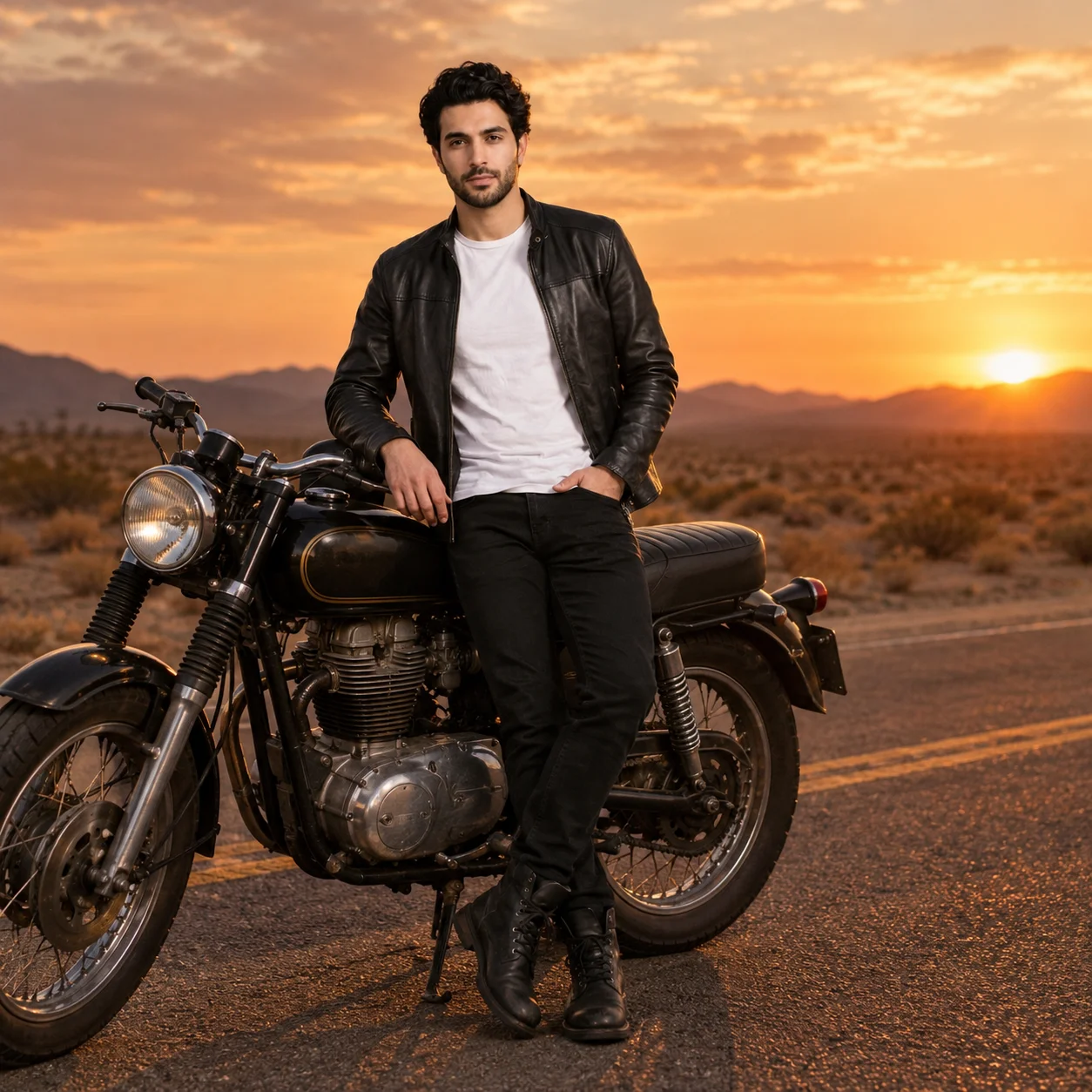 GPT-4o ImageUnlimitedThe GPT-4o image generator, square or 3:2.from 30 credits
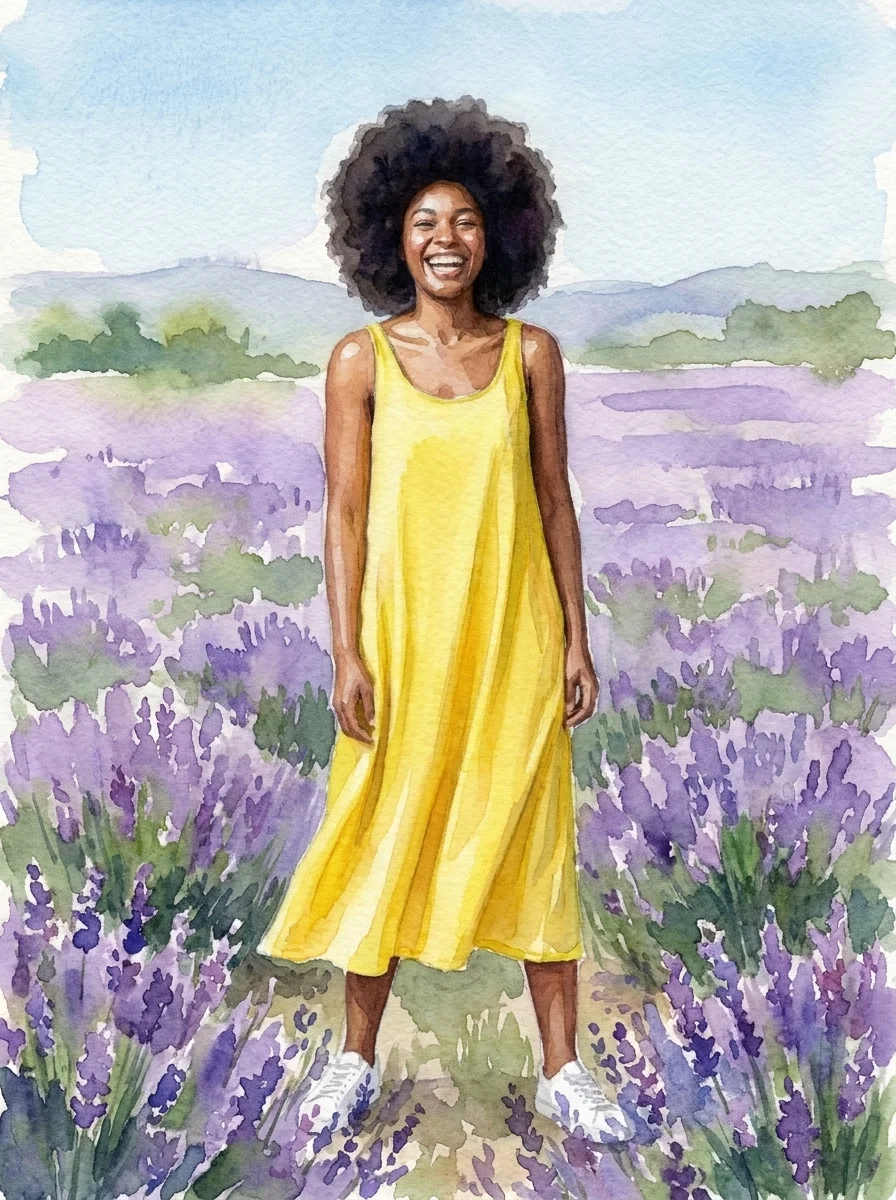
 Nano Banana ProUp to 8 reference images for consistent characters.from 55 credits· Paid plans
 Nano Banana 2UnlimitedFlash speed with Pro-level consistency.from 30 credits
 Nano Banana 2.1UnlimitedThe newest Nano Banana: sharper detail and text that comes out right.from 40 credits
GPT Image 2.6 Sunburst questions
What is the GPT Image 2.6 Sunburst release date?
OpenAI released GPT Image 2.6 Sunburst on November 4, 2026, together with Flare and ChatGPT Images 2.6. The GPT Image 2.6 Sunburst release date is the same day it reached the API.
GPT Image 2.6 Sunburst vs Flare: what is the difference?
In GPT Image 2.6 Sunburst vs Flare, OpenAI describes Sunburst as the quality model, with more consistency across edits, and Flare as the faster one. They cost the same here: 55 credits at 1K, 80 at 2K and 110 at 4K.
How is it different from GPT Image 2.5 Sunburst?
It is the next version: OpenAI says the 2.6 models make images up to 50% faster, and Sunburst keeps edits more consistent. Here both take up to 8 reference images at 1K, 2K, 4K; 2.6 Sunburst is 55 credits at 1K, 2.5 Sunburst 40.
Can Sunburst make a GIF or an SVG here?
No. OpenAI’s Images 2.6 brought GIFs to ChatGPT and SVG export to developers; this page makes still images only, saved as PNG.
Is there a GPT Image 2.6 Sunburst API?
Yes, the GPT Image 2.6 Sunburst API is one of OpenAI’s two 2.6 models. Here you run it in the browser instead: a prompt, up to 8 photos and the size, with no code.
Can free accounts use it?
No, it is available on any plan or credit pack. Free accounts can try GPT Image 2.5 Sunburst with the 100 sign-up credits instead.
What sizes can it make?
1K, 2K, 4K, in square, portrait or landscape. Each run makes 1–4 images.
Credits, refunds, watermarks and commercial use work the same on every model. See the pricing FAQ
Start creating images
Pick a plan or a credit pack and start. Failed runs are refunded.