Kling 4.0 AI Video Generator
Kling 4.0 online: Kuaishou's newest video model turns a photo or up to 8 reference images into a clip with sound, 5–10 seconds.
Sample videos
- 2,900+ videos made
- 7,000+ creators
Kling 4.0 is the newest model from Kuaishou's Kling, launched in October 2026. The model makes clips of 3 to 30 seconds with native sound, follows keyframes through the clip and mixes images, video, subjects and voices as references. On Vidlark it runs two ways for now: image to video from a start frame (an end frame optional) and reference to video from up to 8 images, at 720p, 1080p, 5–10 seconds, from 56 credits a second; it is available on any plan or credit pack.
Updated
At a glance
- Made by
- Kuaishou
- Price
- From 56 credits per second
- Quality
- 720p, 1080p
- Length
- 5s, 10s
- Input
- A photo or reference images
- End frame
- Yes, start and end image
- References
- Up to 8 images
- Sound
- Yes, generated with the video
- Per run
- One video
- Available on
- Any plan or credit pack
- Account
- Free account required, 100 credits on sign-up, no card
- Unlimited plan
- 40% off
Vidlark is an independent platform and isn't affiliated with Kuaishou.
How to use Kling 4.0
- 1
Describe the shot
Type a prompt, or upload a photo to animate.
- 2
Pick the settings
720p / 1080p, 5–10s; the price shows before you start.
- 3
Generate and download
Download the video when it is ready.
What it does well
Native sound in every clip
The model generates the audio with the picture: ambience, footsteps, a line of speech. There is no switch to forget; every run comes back with sound.
A start and an end frame
Give it the first frame and, if you like, the last one, and it fills in the motion between them while keeping the shape of your first image.
Up to 8 reference images
Upload up to 8 images of the people, the products and the place, and the model builds one scene where they stay recognisable from the first second to the last.
Settings and prices
Video is billed per second of output; the button always shows the exact total before you generate.
| Setting | Price | Example | Unlimited plan |
|---|---|---|---|
| 720p | 56 credits / second | 5-second clip = 280 credits | Uses credits |
| 1080p | 84 credits / second | 5-second clip = 420 credits | Uses credits |
Prompt tips for better videos
Draft at 720p
Settle the action at 56 credits a second, then render the keeper at 1080p for 84 a second.
Name your references
Refer to the images by their order in the prompt, “the woman in image 1 gives the cup from image 2 to the man in image 3”, so each one lands where you want it.
Describe the sound too
Sound is always on. Say what should be heard, rain on a window or a crowd cheering, or ask for a quiet scene.
Example prompt
A cyclist rides through a rainy neon street at night, puddles splashing under the wheels. Slow tracking shot from the side, 35mm, reflections on the wet asphalt. Sound: rain, tires on water, distant traffic.
Use this promptWhat people make with it
01
Product shots that hold together
Put the product, the presenter and the setting in as references for a short ad where the same pack and face appear throughout.
02
Bringing a still to life
Start from one photo, add a small action and a sound in the prompt, and keep the photo’s framing and light.
03
From one frame to another
Set a start frame and an end frame, such as a closed door and an open one, and let the model make the move between them.
How it compares
How it lines up against similar video models on this site; every one uses the same credit balance.
| Model | Best for | Top quality | Length | Sound | From |
|---|---|---|---|---|---|
| Kling 4.0 | Clips with sound from a photo or a set of references. | 1080p | 5–10s | Yes | 56 credits/s |
| Kling 3.0 | Realistic motion and camera moves, with sound when needed. | 1080p | 5–15s | Yes | 35 credits/s |
| Seedance 2.5 | Long scenes up to 30 s with sound and many references. | 1080p | 5–30s | Yes | 40 credits/s |
Other models to try
All models
 Kling 2.5 TurboFast, smooth Kling motion for everyday clips.from 100 credits· Paid plans
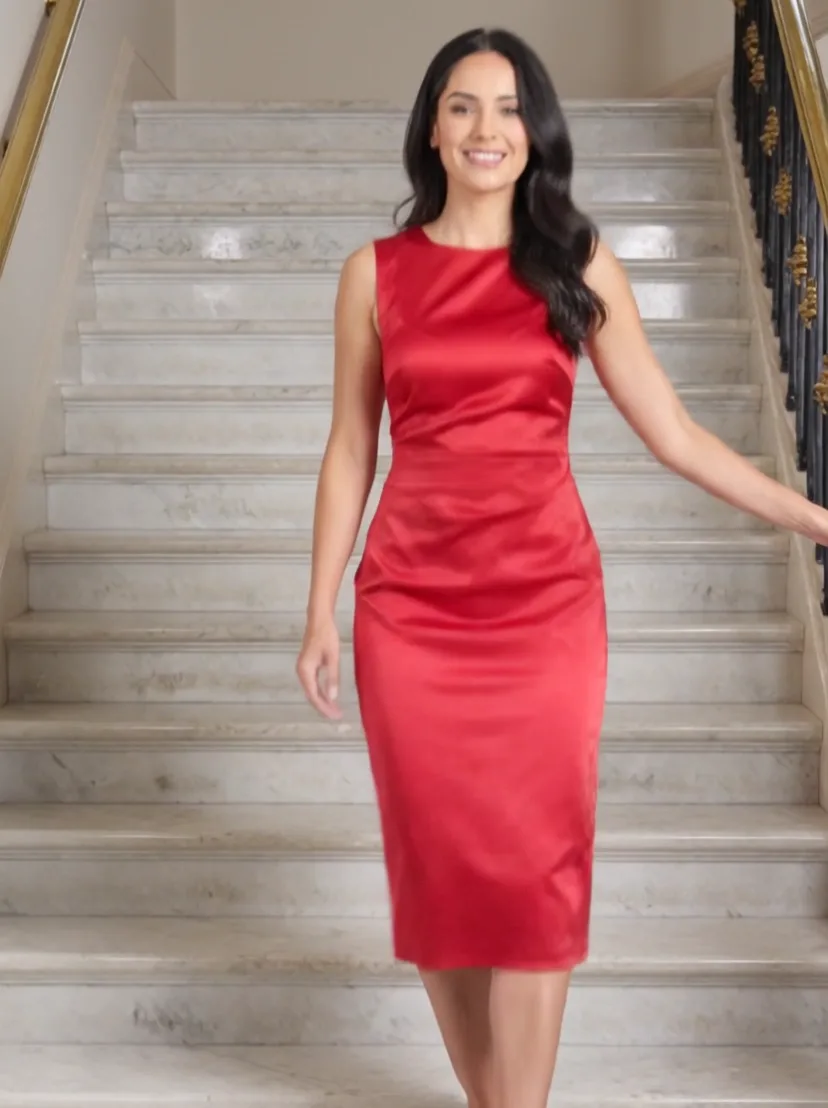 Kling 3.0 TurboFaster Kling 3.0 renders in 720p and 1080p.from 40 credits/s· Paid plans
 Kling 2.1 ProKling 2.1 image-to-video with an optional end frame.from 120 credits· Paid plans
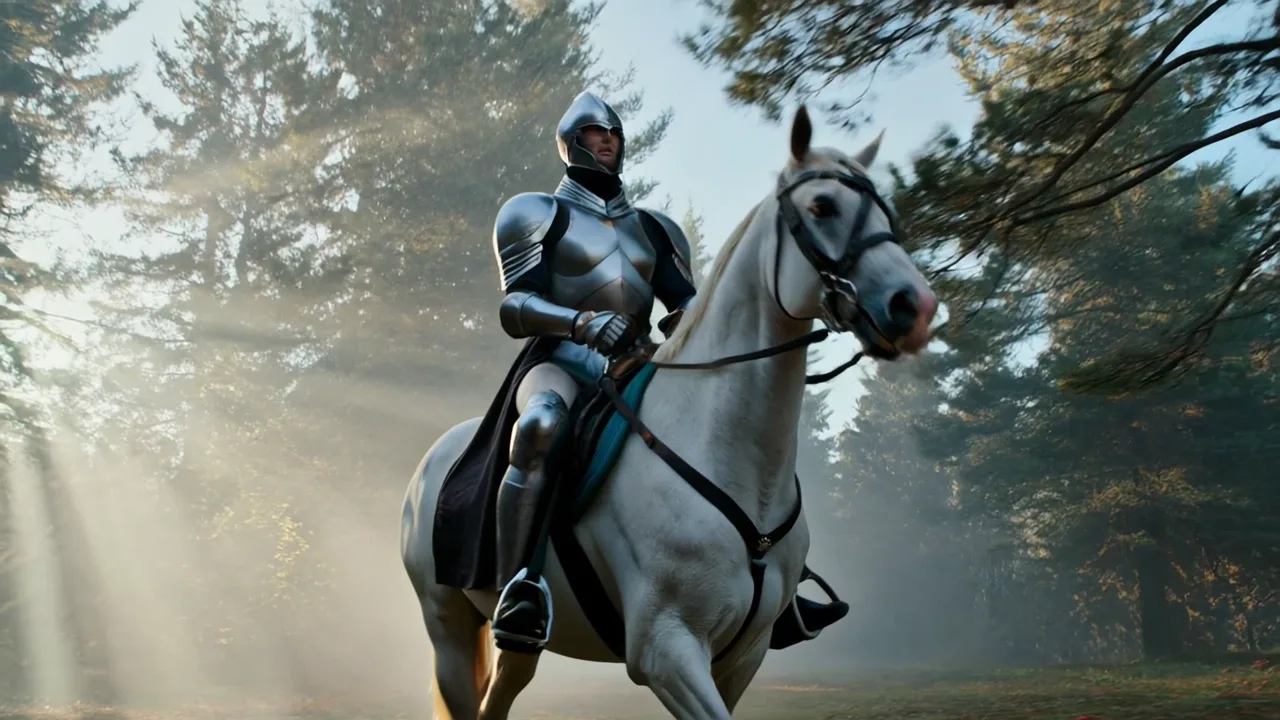 Kling 2.1 MasterThe top Kling 2.1 tier, tuned for smooth motion.from 200 credits· Paid plansKling 3.0 Motion ControlCopy the moves from any dance or action video onto your character.from 32 credits/s· Paid plans
 Wan 3.0Up to 30-second clips with up to 8 reference images.from 10 credits/s· Paid plans
Kling 4.0 questions
When was Kling 4.0 released?
Kuaishou launched Kling 4.0 in October 2026, after a lighter Kling 4.0 Flash opened in early access at the end of September. On Vidlark it is live now for image to video and reference to video.
Is there a website to use Kling 4.0 online?
Yes: this page. Upload a photo or up to 8 reference images, write what should happen and press Generate; nothing to install. It is available on any plan or credit pack, so the 100 sign-up credits do not cover a clip: the shortest, 5 seconds at 720p, is 280 credits.
How does Kling 4.0 compare with Seedance 2.5?
Both make clips with sound from a photo or references. Here it runs at 720p or 1080p from 56 credits a second and takes up to 8 reference images; Seedance 2.5 adds text to video and lengths up to 30 seconds, from 40 credits a second at 480p. The table below puts them side by side.
How much does it cost?
It is billed per second: 56 credits at 720p and 84 at 1080p. A 5-second 720p clip is 280 credits and a 10-second 1080p clip 840; the button shows the total before you start, and a failed run is refunded.
Is this Kling 4.0 Flash?
No, this is the full model. Flash is Kuaishou’s lighter, faster version of the same generation, opened in early access first; it is not on this site.
Is there a Kling 4.0 API?
Developers can call the model through an API. To use the model without writing code, this page runs it in the browser with the same inputs: a start frame, an optional end frame, or reference images.
How long can the videos be?
5, 10 seconds, at 720p, 1080p. Each run makes one video; for longer stories, generate several shots and edit them together.
Credits, refunds, watermarks and commercial use work the same on every model. See the pricing FAQ
Make a Kling 4.0 video
Pick a plan or a credit pack and start. Failed runs are refunded.