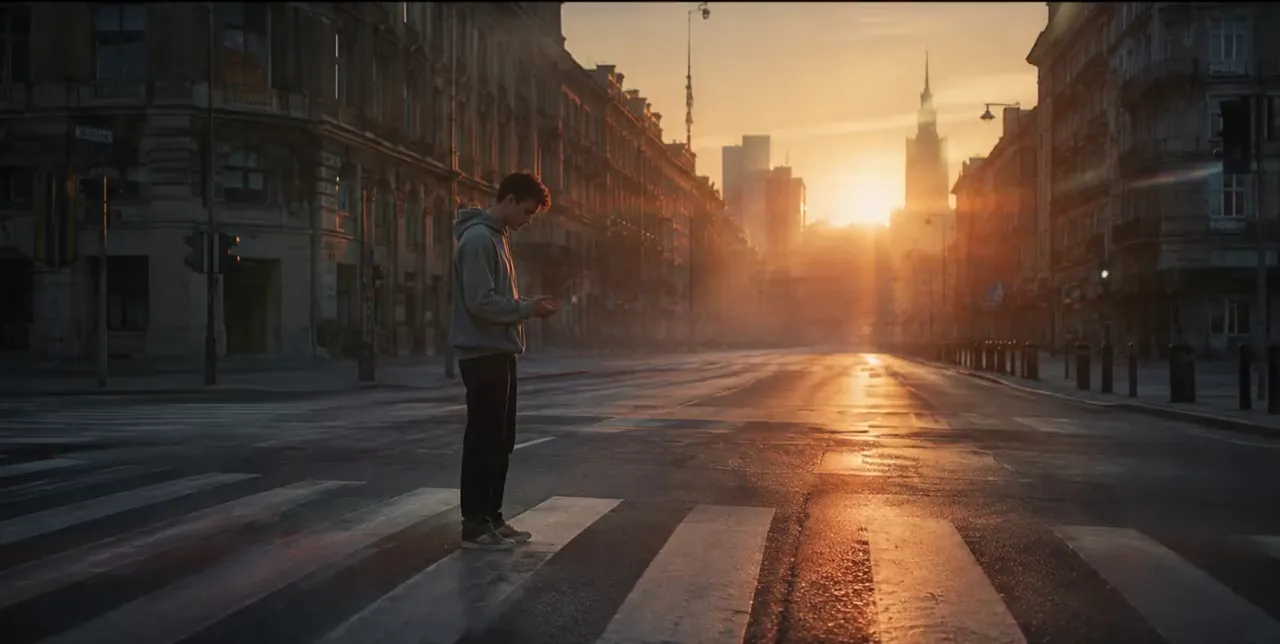

Dragon flyover
Kling 2.5 Turbo
The dragon sweeps low over the castle with powerful wingbeats, its shadow passing over the knight, clouds swirling, the camera tracks the dragon across the sunrise
Image to video
Yes, you can turn an image into a video for free. Upload a photo, write one line about how it should move, and get an MP4 in 1 to 5 minutes. A free account is required to generate; it comes with 100 credits and needs no card. Grok Image Video, Kling, Veo and Seedance all run here, and paid plans download without a watermark.
Updated
Sample videos
Six models picked for photo to video, from the cheapest to the most cinematic. Every one takes your photo as the first frame.

The cheapest way to animate a photo, with sound. Made for image to video only.
From 28 creditsUp to 15 sSound
Open Grok Image Video
Strong, stable motion for people, animals and action shots.
From 100 creditsUp to 10 s
Open Kling 2.5 Turbo
Keeps faces and products close to the photo, with dialogue and sound.
From 105 creditsUp to 15 sSound
Open Seedance 2.0 Fast
Cinematic camera moves and native audio from a single photo.
From 150 creditsUp to 8 sSound
Open Veo 3.1 FastSharper detail and longer clips, up to 15 seconds with sound.
From 110 creditsUp to 15 sSound
Open Kling 3.0
Good physics for water, cloth and hair at a fair price.
From 70 creditsUp to 10 s
Open Hailuo 0201
JPG, PNG or WebP. A sharp photo with one clear subject works best; it becomes the first frame.
02
One sentence on what moves and how the camera moves, for example "she turns and smiles, slow push-in".
03
Pick a model and length, see the credit cost, then download the MP4 when it is ready.
Each clip started as the still you see. Hover to play it, then reuse the prompt with your own photo.
Kling 2.5 Turbo
The dragon sweeps low over the castle with powerful wingbeats, its shadow passing over the knight, clouds swirling, the camera tracks the dragon across the sunrise
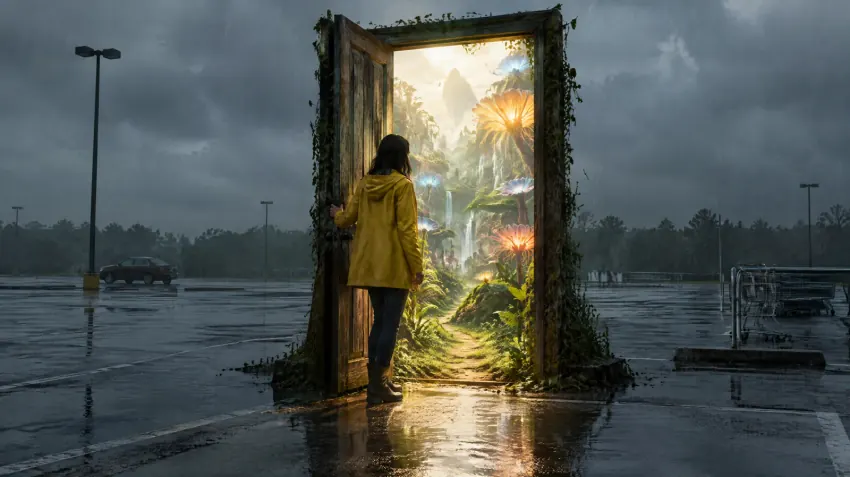
Kling 2.5 Turbo
The woman steps through the door into the glowing jungle, the camera follows her through the doorway as warm light floods out into the rainy parking lot

Kling 2.5 Turbo
The giant whale rises fully out of the water and crashes back down beside the city, sending a huge wall of spray over the waterfront, people step back in awe, the camera slowly pulls back

Kling 2.5 Turbo
The dancer twirls slowly in the water, her white dress billowing and floating around her, sun rays shimmering, bubbles rising, graceful slow motion

Kling 2.5 Turbo
The man slowly disintegrates into glowing dust and ash particles that blow away in the wind, starting from his hands and spreading over his whole body, the camera slowly pushes in, sunset backlight
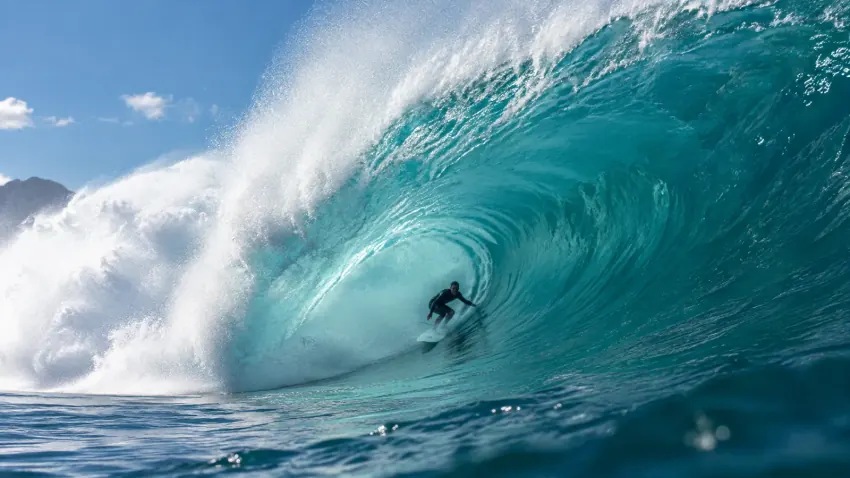
Kling 2.5 Turbo
The surfer rides through the barrel of the wave and shoots out into the sunlight as the wave crashes behind him, spray everywhere, the camera follows alongside
Yes, to start. A free account gets 100 credits with no card, enough for a short clip on Grok Image Video or several drafts on the cheaper models. Paid plans start at $8.33 a month billed yearly.
Yes. A free account is required to generate (email or Google), so your credits and videos are saved. You can look around and try the settings without one.
Usually 1 to 5 minutes depending on the model and length. You can leave the page open; the video appears when it is ready.
A sharp photo with one clear subject and some space around it. JPG, PNG and WebP are accepted. Avoid heavy filters, text overlays and very small images.
From 5 seconds up to 15 seconds per clip on the recommended models, and up to 30 seconds on Wan and Seedance 2.5. Each run makes one MP4 video.
On Grok Image Video, Seedance 2.0, Veo 3.1 and Kling 3.0, yes: the model adds ambience, effects or dialogue. Kling 2.5 Turbo and Hailuo 02 make silent video.
Results made with a paid plan or a credit pack download without a watermark. You download the original MP4.
They are processed on our cloud servers and saved to My Creations in your account, visible only to you. You can delete a result at any time.
The credits go back to your balance automatically, so you only pay for videos you get.
100 free credits when you sign up, no card needed. Plans from $8.33/mo.