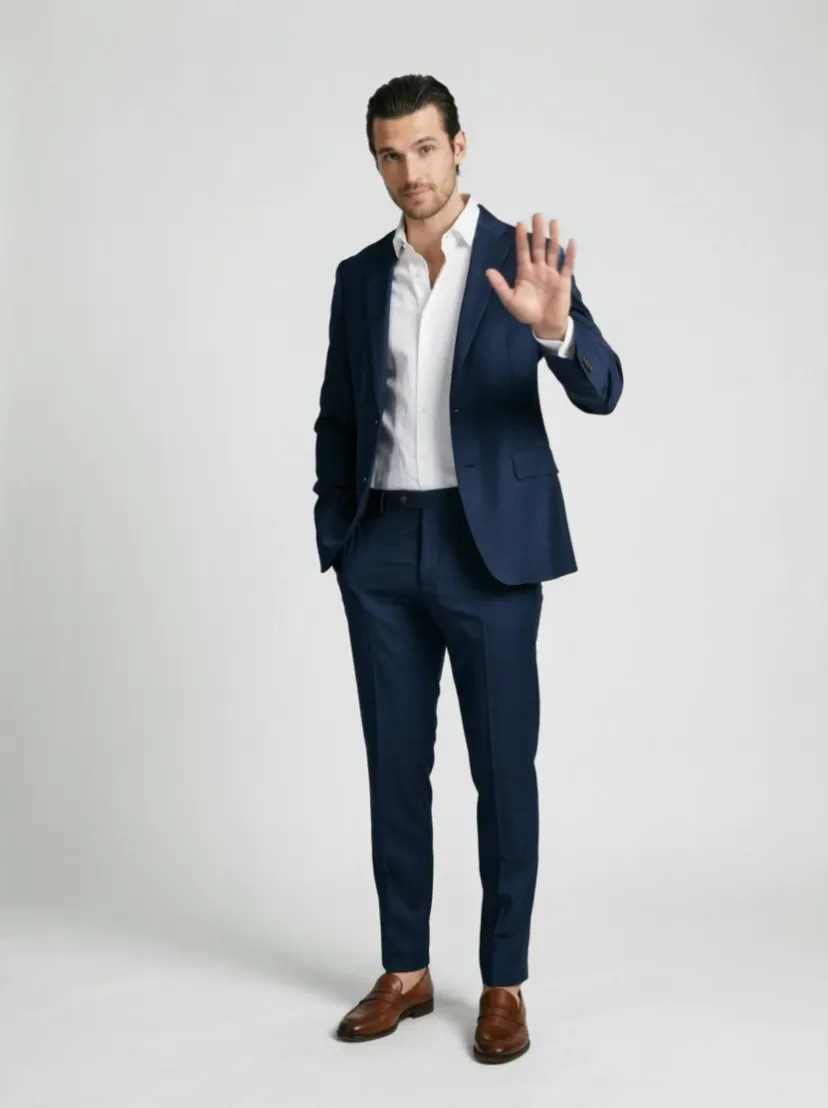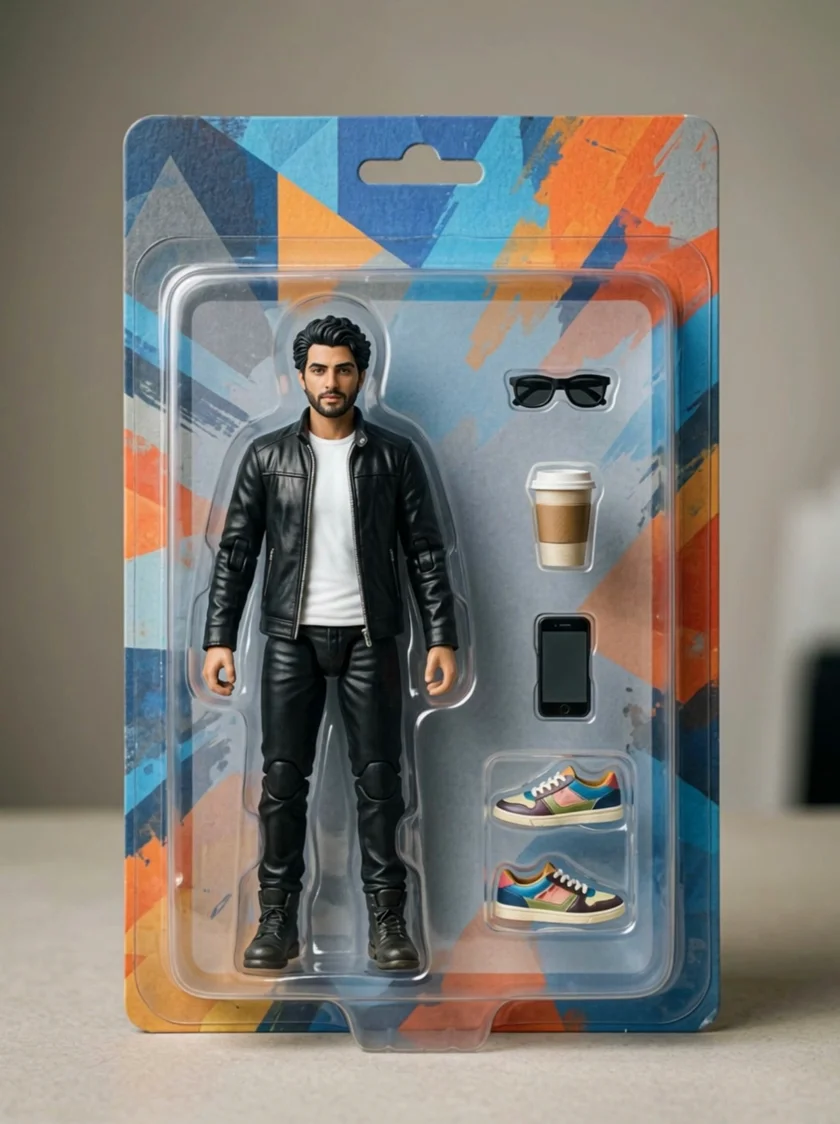
 Kling 4.0
Kling’s newest model: a photo or a set of references into a clip with sound.
- 5–10 s
- 1080p
- Sound: Yes
- from 56 credits/s
- Paid plans
Kling AI is Kuaishou’s family of video models: run 6 Kling versions here in one generator, from Kling 4.0 with sound to the lower-priced 2.x models.
Sample videos
Kling AI is Kuaishou’s family of video models, and Vidlark runs six of them. Kling 4.0 turns a photo or up to 8 reference images into a clip with sound; Kling 3.0 also works from a text prompt and runs up to 15 seconds; Kling 3.0 Turbo renders faster; and the 2.x models (2.5 Turbo, 2.1 and 2.1 Master) make 5- or 10-second 1080p clips for fewer credits.
Updated
At a glance
Vidlark is an independent platform and isn't affiliated with Kuaishou.
Every Kling version on this site, from the model catalog and the price table.
| Model | Best for | Top quality | Length | Sound | From |
|---|---|---|---|---|---|
| Kling 4.0 | Clips with sound from a photo or a set of references. | 1080p | 5–10s | Yes | 56 credits/s |
| Kling 3.0 | Realistic motion and camera moves, with sound when needed. | 1080p | 5–15s | Yes | 35 credits/s |
| Kling 3.0 Turbo | Kling 3.0 motion with shorter waits. | 1080p | 5–15s | Sometimes | 40 credits/s |
| Kling 2.5 Turbo | Cheap 1080p Kling clips. | 1080p | 5–10s | Sometimes | 100 credits |
| Kling 2.1 Pro | Image to video between a start and an end frame. | 1080p | 5–10s | No | 120 credits |
| Kling 2.1 Master | The smoothest Kling 2.1 motion, text or image. | 1080p | 5–10s | No | 200 credits |
What each Kling version is for, with a sample made on this site.
Kling 4.0Kling’s newest model: a photo or a set of references into a clip with sound.
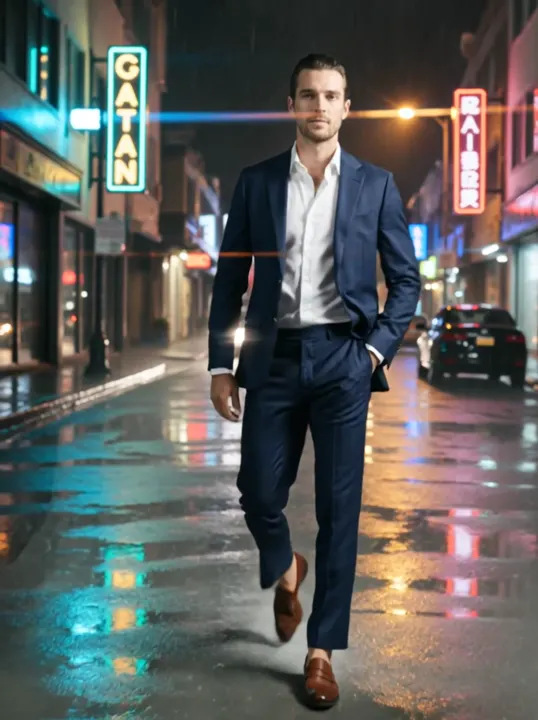 Kling 3.0
Strong motion and camera control, with optional native audio.
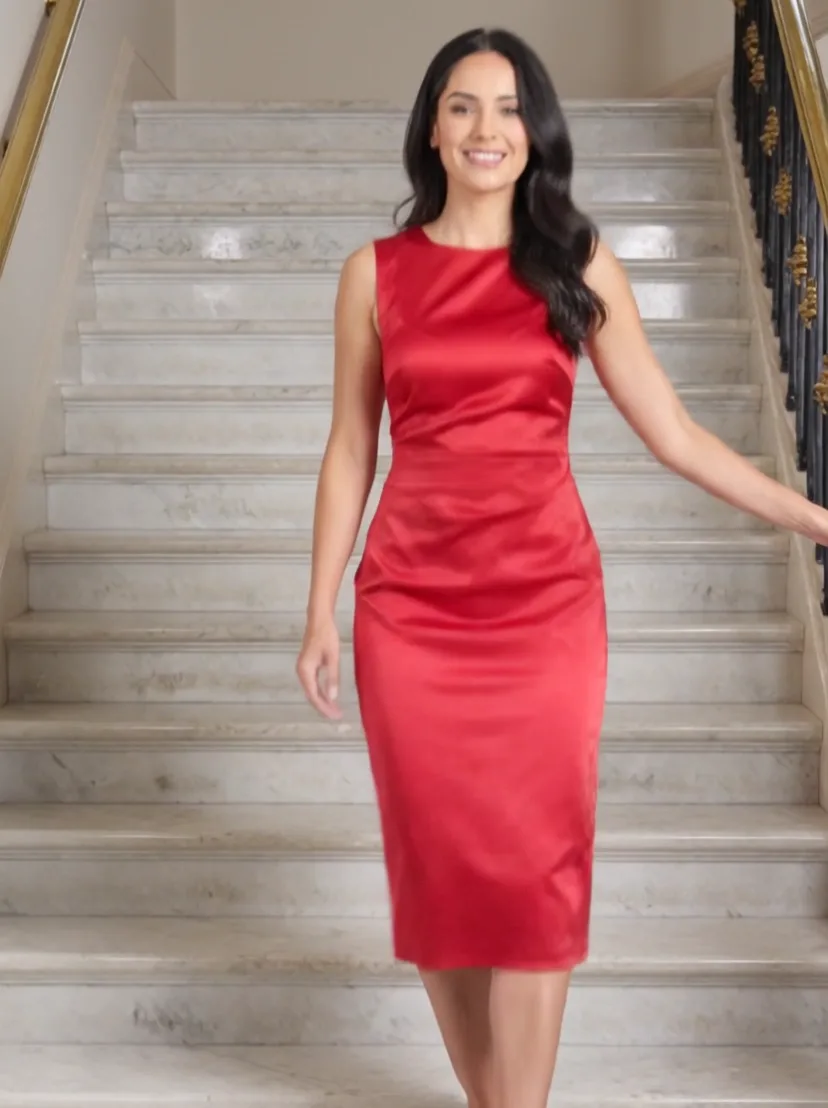 Kling 3.0 Turbo
Faster Kling 3.0 renders in 720p and 1080p.
 Kling 2.5 Turbo
Fast, smooth Kling motion for everyday clips.
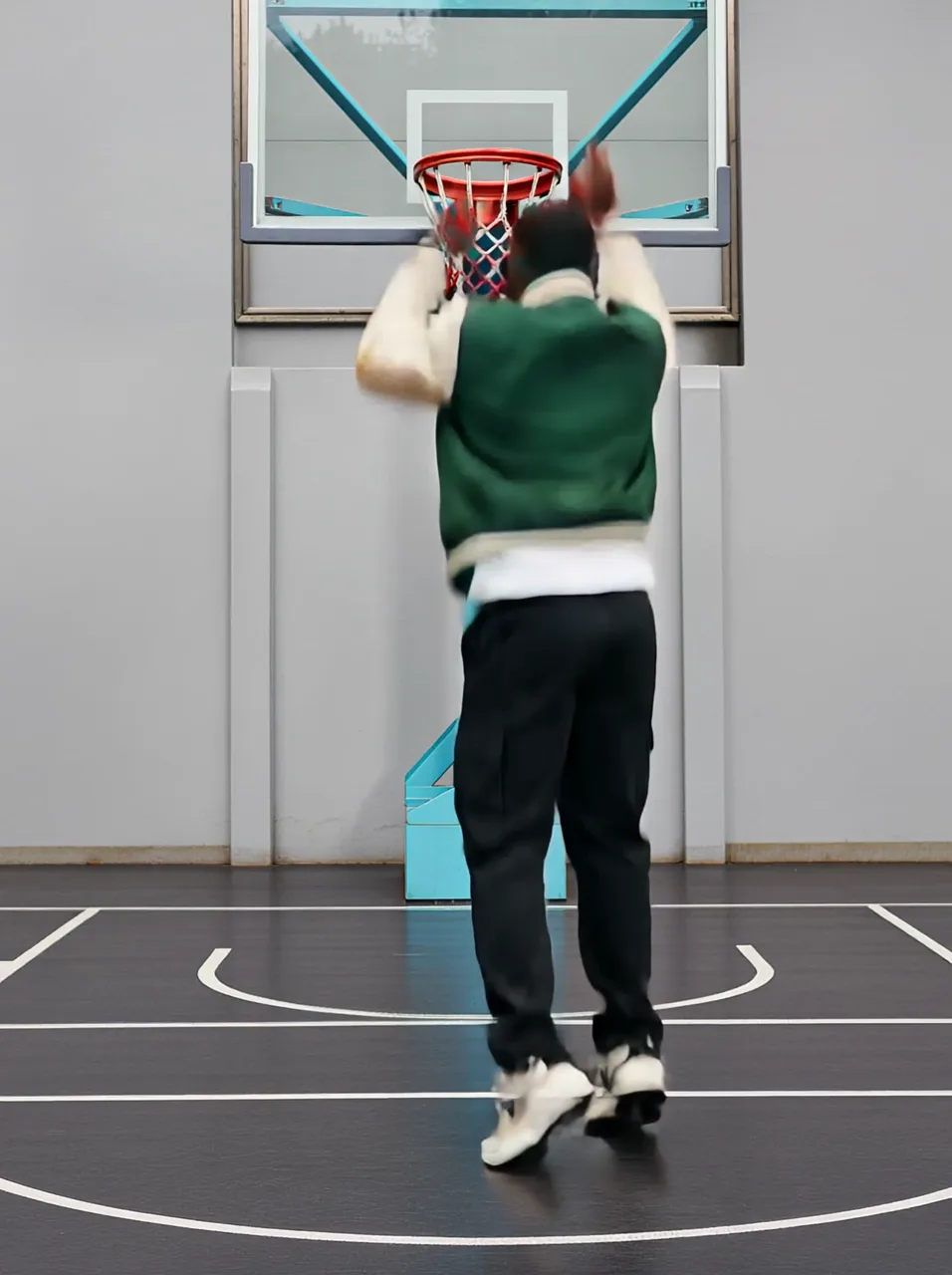 Kling 2.1 Pro
Kling 2.1 image-to-video with an optional end frame.
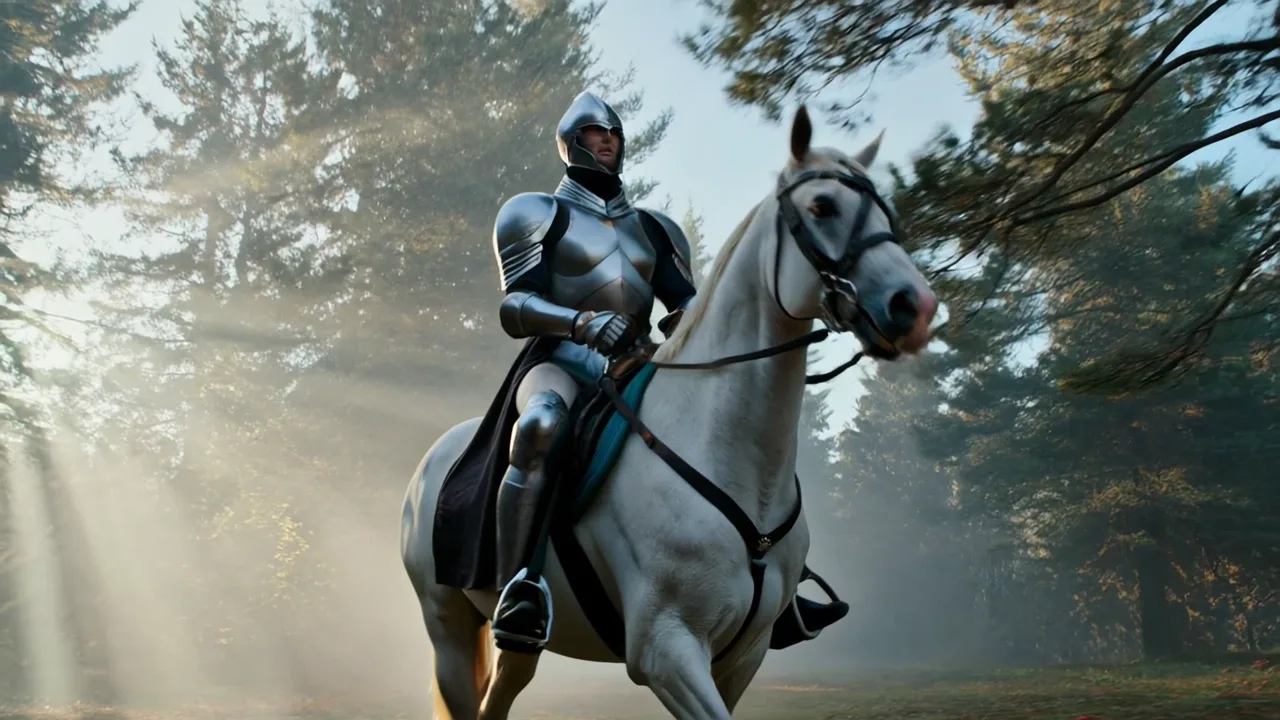 Kling 2.1 Master
The top Kling 2.1 tier, tuned for smooth motion.
Kling 4.0 takes one photo or up to 8 reference images and makes the clip with sound. It has no text-only tab, so start from a picture.
Kling 3.0 works from text or an image, runs up to 15 seconds and adds sound when you pick an audio option. Kling 3.0 Turbo is the quicker render.
Kling 2.5 Turbo is the lowest-priced 1080p Kling. Kling 2.1 moves between a start and an end frame; Kling 2.1 Master gives the smoothest 2.1 motion.
Kling 4.0 is the newer model: it starts from a photo or up to 8 reference images and makes clips with sound, 5 to 10 seconds long. Kling 3.0 also takes a text prompt, runs up to 15 seconds and adds sound only when you choose an audio option.
Kling 4.0: 5–10 s; Kling 3.0: 5–15 s; Kling 3.0 Turbo: 5–15 s; Kling 2.5 Turbo: 5–10 s; Kling 2.1 Pro: 5–10 s; Kling 2.1 Master: 5–10 s. You set the length in the generator before you run it, and a longer clip uses more credits.
Kling 4.0 and Kling 3.0 make sound with the video. Kling 3.0 Turbo and Kling 2.5 Turbo can add sound the model makes on its own, though not on every run. Kling 2.1 Pro and Kling 2.1 Master make clips without sound.
Kling 4.0 from 56 credits/s; Kling 3.0 from 35 credits/s; Kling 3.0 Turbo from 40 credits/s; Kling 2.5 Turbo from 100 credits; Kling 2.1 Pro from 120 credits; Kling 2.1 Master from 200 credits. The exact price of a run shows on the Generate button before you start; plans and credit packs are on the pricing page.
Kling runs on paid plans. With a free account you can try Grok Imagine Video and Runway Gen-4 Turbo instead.
No. Vidlark is an independent platform and isn't affiliated with Kuaishou. Kling is Kuaishou's model; here you run it next to other video models with one account and one credit balance.
Credits, refunds, watermarks and commercial use work the same on every model. See the pricing FAQ
Pick a version in the generator above, write a prompt or upload a photo.