Prompt library
AI Image Prompts
This AI prompt library collects 33 AI image prompts by model and occasion, each with a sample picture we made ourselves. Copy a prompt into the app you use, or tap a card, upload your photo and make it here with the prompt and the model already set. AI video prompts join as their categories open.
Updated By the Vidlark teamWorks in Google Gemini · ChatGPT
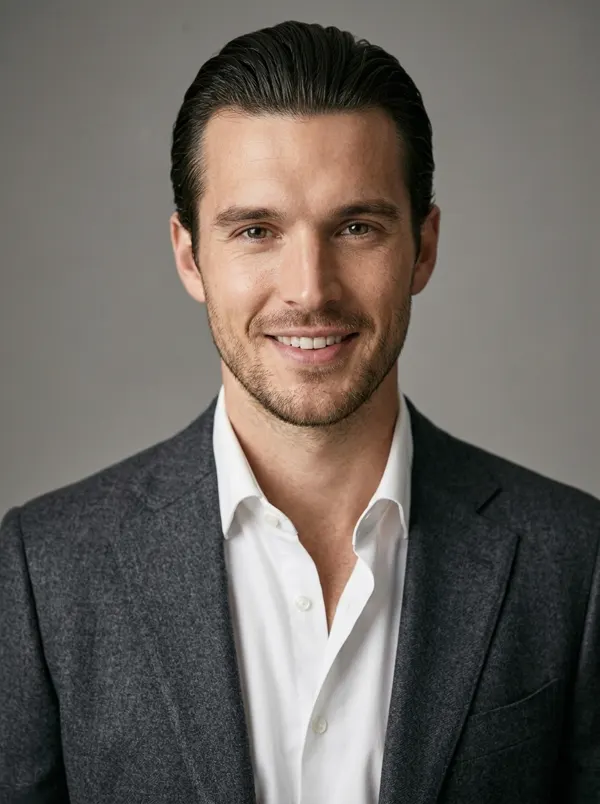
LinkedIn headshot, soft gray studio
1 photo · Nano Banana 2.1 · 40 credits
Nano Banana prompts
See all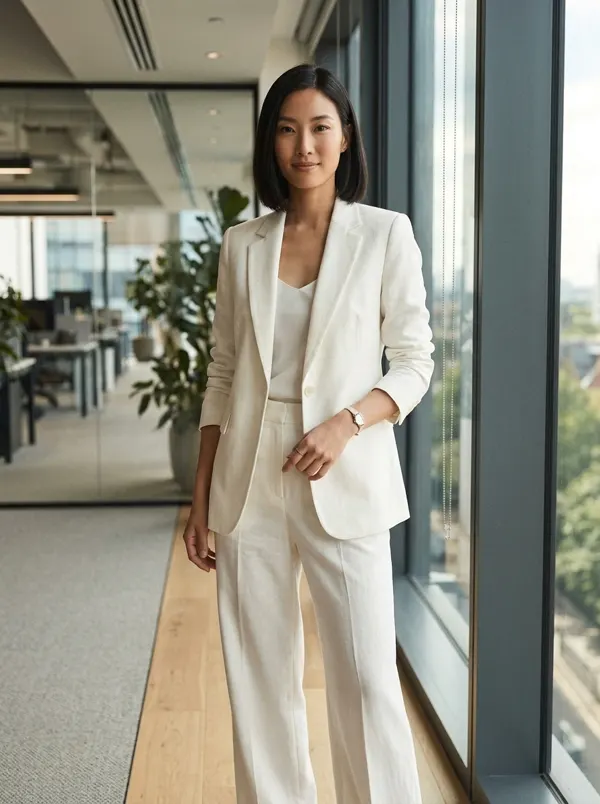
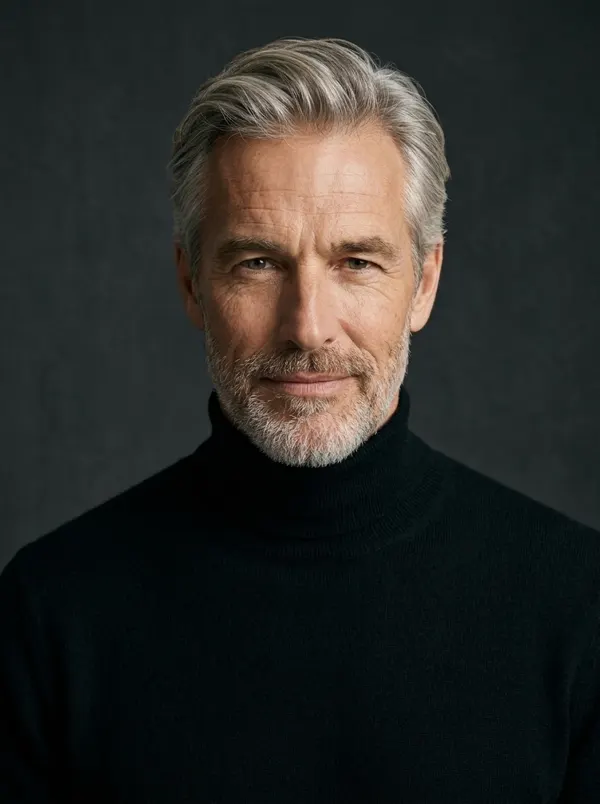
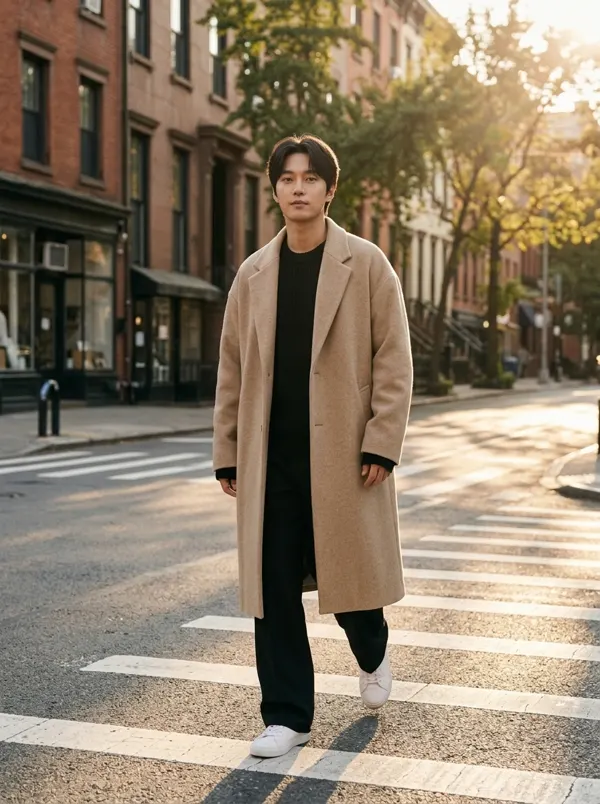
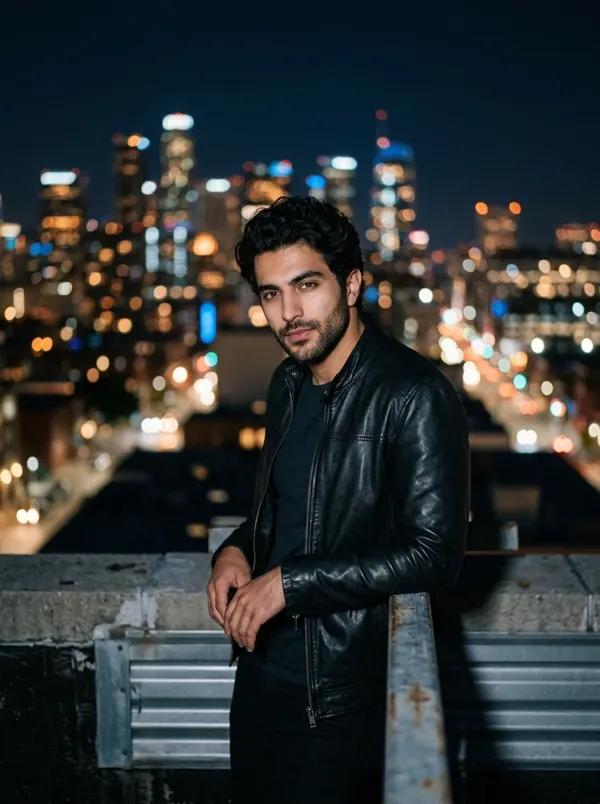
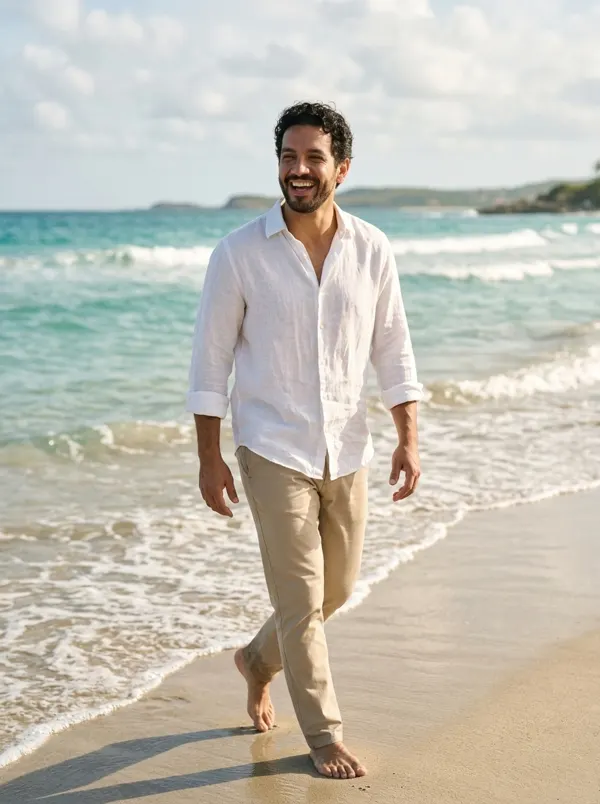
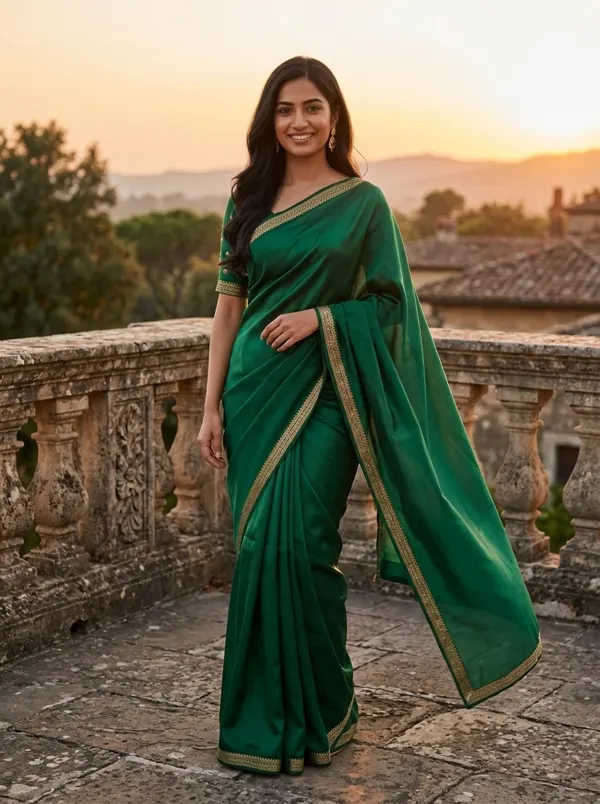
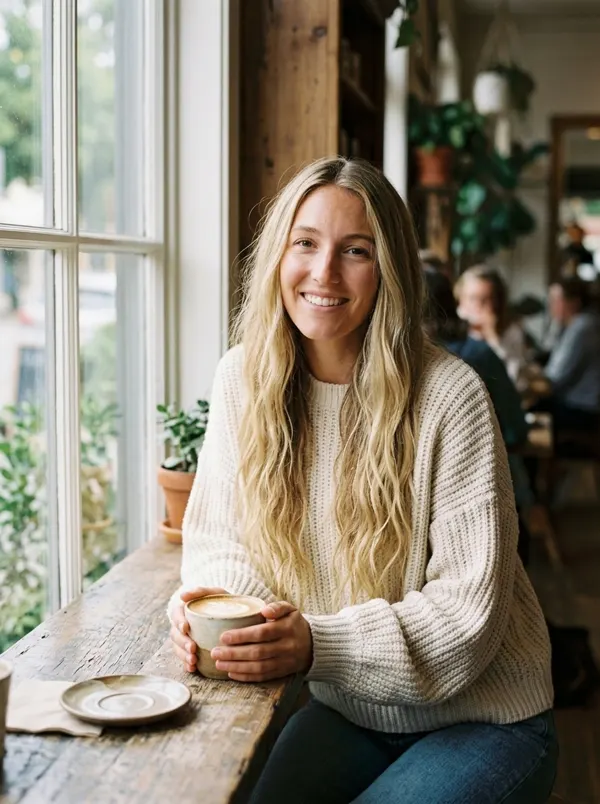
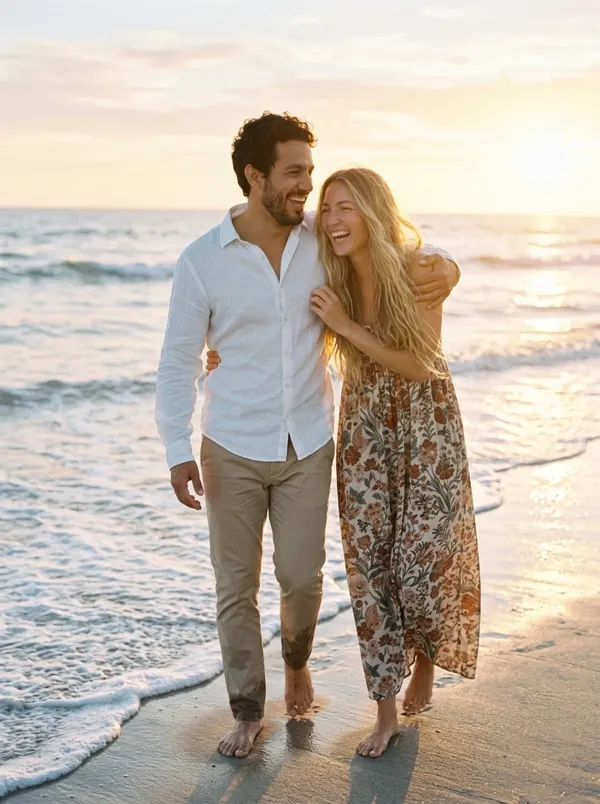
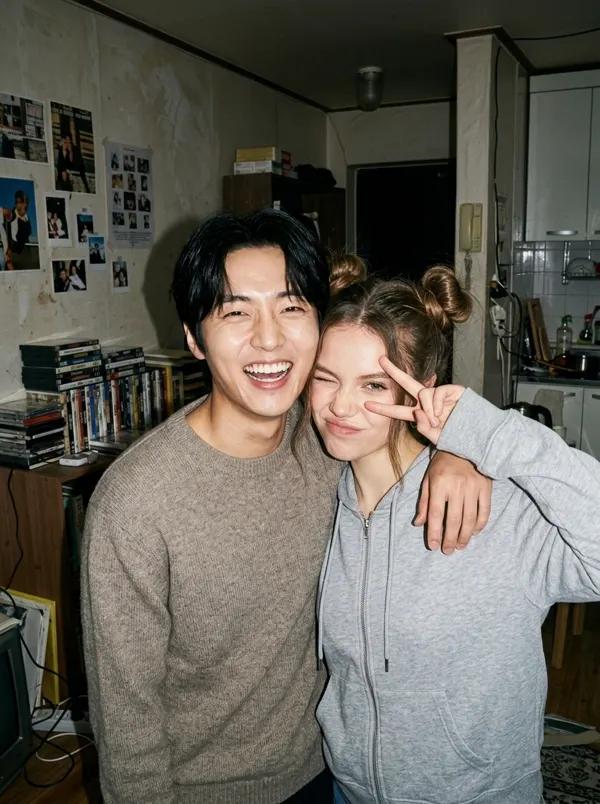
Couple photo prompts
See all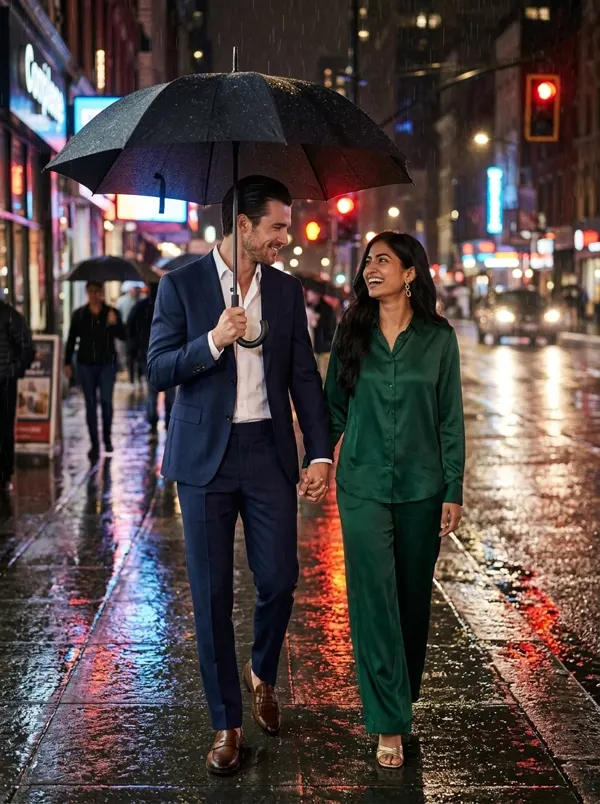
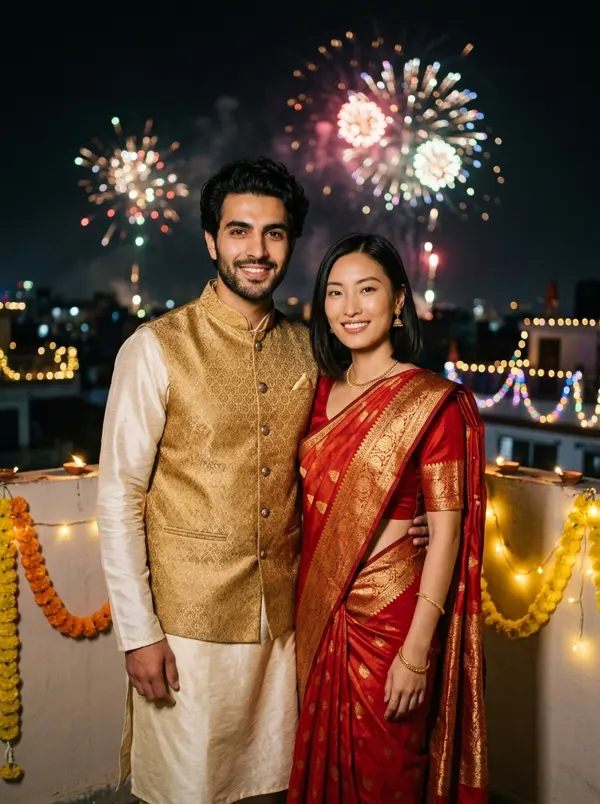
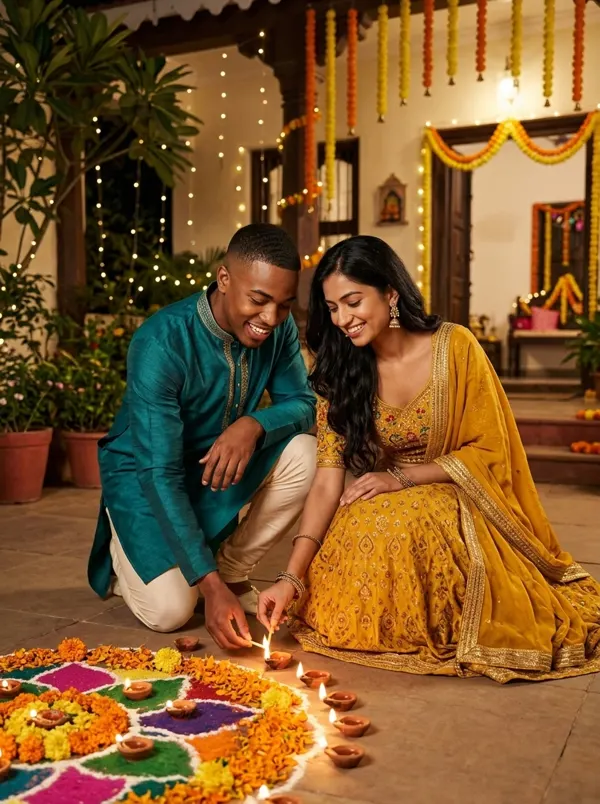

Diwali prompts
See all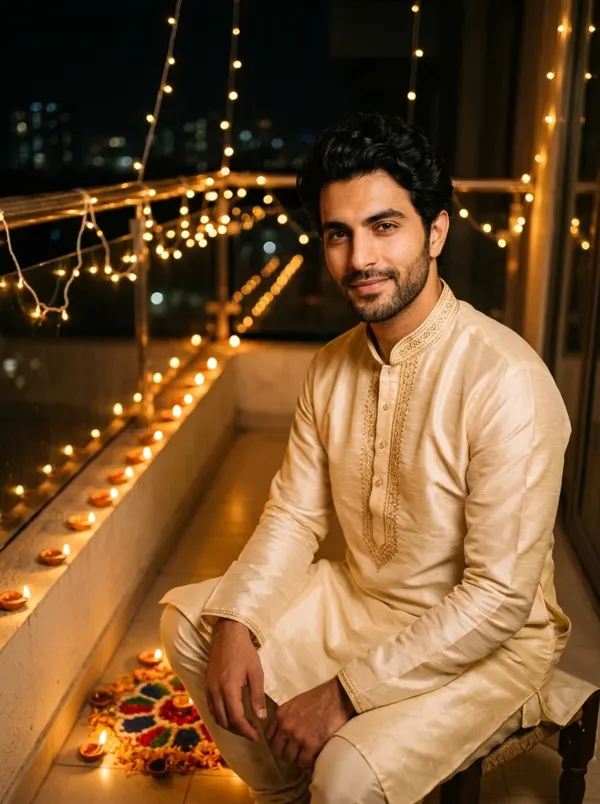
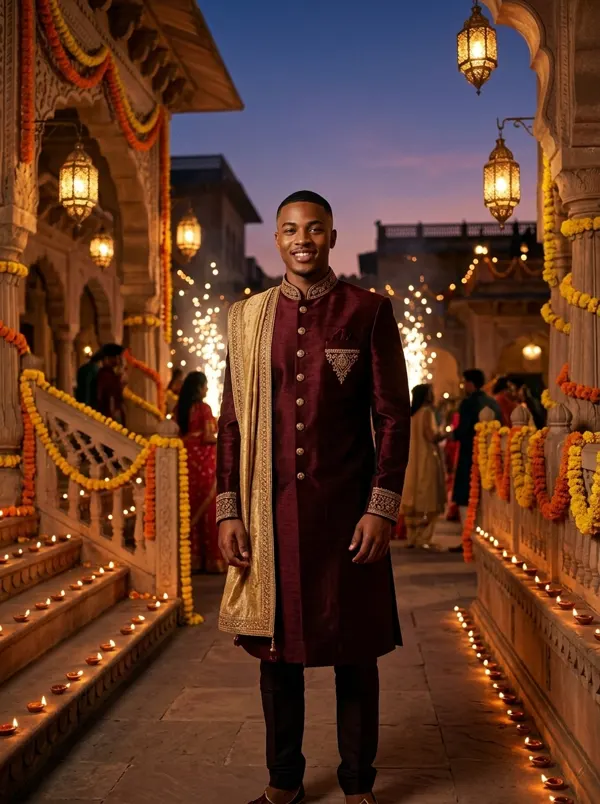

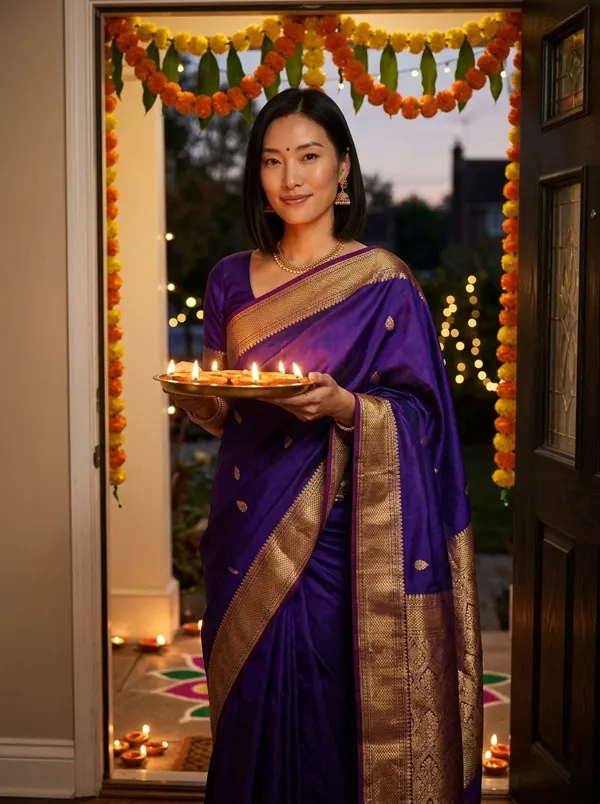
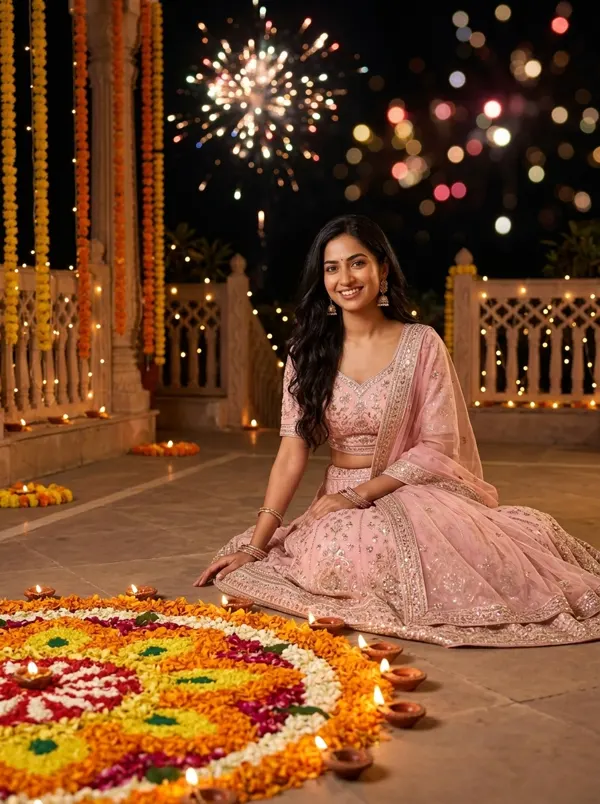
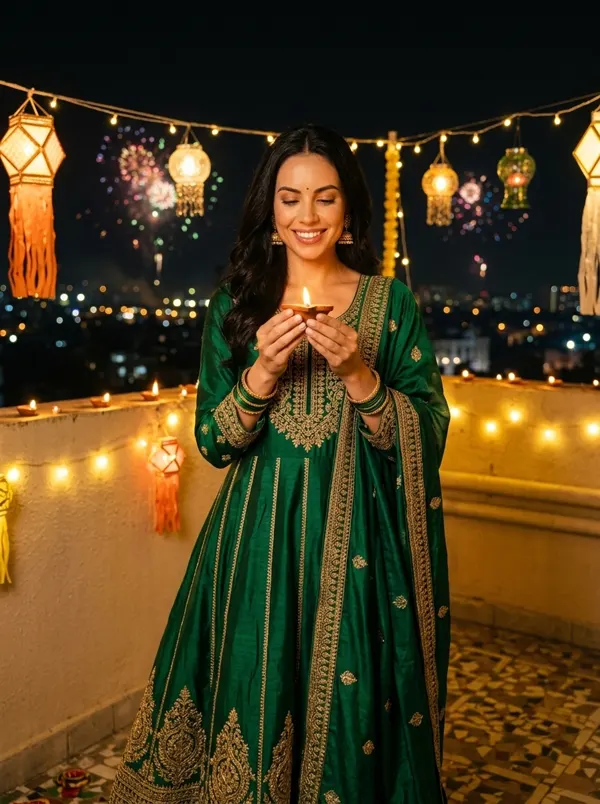
What are AI image prompts?
AI image prompts are the written instructions an image model turns into a picture: what is in it, where it happens, the light, the camera and the style. The AI image prompts on this page are written for real uses, a headshot, a couple photo, a festival portrait or a product shot, and each one was tested on the model it names before it went up.
Most of them start from your own photo and say what stays the same, your face, hairstyle and skin tone, and what changes. That line is why they work when you paste them into Gemini too. Change any word to make a prompt yours: the color of an outfit, the place, the time of day.
How it works
- 1
Pick one of the AI image prompts
Browse the AI image prompts by model or occasion and tap a card to see the full prompt and the sample.
- 2
Copy it, or add your photo
Copy the prompt, or tap the make button: the generator opens in the card with the prompt and the model set.
- 3
Press Generate
Upload your photo where the card asks for one and press Generate. Nothing is charged before that.
At a glance
- Price
- 40 credits a Nano Banana 2.1 image (1K)
- Sign-up
- No account needed to copy; an account is required to make it (free to create)
- Photos
- JPG, PNG or WebP, up to 10 MB
- Watermark
- On free credits; none on paid plans
- Uploads
- Private, deleted after 7 days, never used to train models
FAQ
Is it free to use these prompts?
Copying a prompt is free. Making it here uses 40 credits for one Nano Banana 2.1 image at 1K, so the 100 credits you get when you sign up make 2. On monthly plans Starter pays 32 credits an image and Pro 20. Unlimited makes Nano Banana 2.1 images without using credits.
Which models can I use?
Nano Banana 2.1 (40 credits), GPT Image 2.5 Flare (40 credits), Seedream 5 Pro (45 credits), Nano Banana Pro (60 credits), Qwen Image 2.1 (30 credits). Each runs at its default quality; Seedream 5 Pro, Nano Banana Pro need a paid plan.
Can I change a prompt?
Yes. Edit any word in the panel before you press Generate, or switch the model; the card’s own model is picked first.
Who made the sample pictures?
We did, on this site, with the model each card names and the prompt exactly as shown, on people from our own test library. No user uploads, no celebrities.
Can I use these AI image prompts in other apps?
Yes. They are plain English: the Nano Banana ones work in Gemini, and most of them in other image apps too.
Do I need an account?
Not to copy a prompt. To make one here you sign up; what you were doing stays open when you come back.