Santa Caught on Camera AI
1 room photo, 10 seconds: Santa tiptoes in, leaves the presents, takes a cookie and spots the camera.
AI video template
Santa Caught on Camera AI
A 10 s landscape night-vision clip of your own living room: Santa tiptoes in with his sack, sets presents under the tree, takes a cookie, spots the camera, puts a finger to his lips, waves and tiptoes out
750 credits · 225 on Unlimited
Santa Caught on Camera AI turns one photo of your living room into a Santa cam AI clip: from a high corner security camera in grainy black-and-white night vision, Santa tiptoes in with his sack, sets presents under the tree, bites a cookie, notices the camera, puts a finger to his lips, waves and tiptoes out. 10 seconds, landscape, with sound.
Updated
At a glance
- Length
- 10 seconds
- Format
- Landscape 16:9
- Photos
- Your living room photo
- Price
- 750 credits (HD 1,500)
- On plans
- Starter and Pro 375 · Unlimited 225
- Sound
- The trend’s sound, mixed in
- Sign-up
- An account is required (free to create)
- Watermark
- No watermark
Which room photos work best
A tree or a fireplace
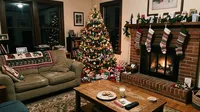
Santa sets the presents under the tree: a photo with a Christmas tree or a fireplace in it works best.
No people
Take the photo with nobody in the room: only Santa appears in the video.
The whole room
A wide photo of the room gives Santa space to walk in, leave the presents and tiptoe out.
What is a Santa caught on camera video?
It is Christmas "proof" that Santa came: footage of him in your own home, as if your security camera caught him at night. Apps that put Santa into a photo of your own living room existed by 2016, as still photos; now people want it moving, like real Santa on security camera footage.
Our santa caught on camera AI makes that clip from one photo of your living room. The AI films the scene from your photo: your own room stays as it is, seen from a high corner in night vision, and Santa is the only one who appears. Nobody else is in the photo or on screen.
Use the santa caught on camera template
More Christmas fun: AI Elf Dance Video
Or ring in the new year: AI New Year Video
How to make it
- 1
Upload a room photo
Your living room, no people in it; a tree or fireplace works best.
- 2
Generate
The Night Cam style is set: landscape, 10 seconds, Santa included.
- 3
Share it
Ready in two to three minutes, with sound.
AI video template or filming it yourself
Both end with the same clip on TikTok. The difference is what you need before you start.
| AI video template | Filming the trend | |
|---|---|---|
| You need | One photo of your living room | A Santa suit, someone to wear it and a camera in the corner |
| Time | Two to three minutes | A night of setting it up |
| Santa | Made by the AI, in your own room | A friend in a costume |
| Sound | Mixed in | Added on TikTok |
| Cost | 750 credits, less on a plan | The suit and your evening |
Questions
Is Santa Caught on Camera AI free?
No. A template video uses 750 credits at 480p (1,500 in HD), about $10 with a credit pack. Starter and Pro plans pay half (375) and Unlimited pays 30%: 225 credits a video, about $2.25. The 100 free credits you get when you sign up are not enough for one video.
What photo do I take?
A photo of your living room, best with a Christmas tree or a fireplace in it, and with no people in it. The video shows your own room, and only Santa appears.
Is it really my room in the video?
Yes: the santa caught on camera AI keeps your room as it is in the photo, then shows it from a high corner in grainy black-and-white night vision, the way a security camera sees it at night.
Can I be in the video?
No: take the photo with nobody in the room. Santa is the only one who appears, so the photo is just the room. Uploads go through an automatic safety check.
What does Santa do?
He tiptoes in with his sack, sets presents under the tree, takes a cookie and a bite, notices the camera, smiles, puts a finger to his lips and waves, then tiptoes out.
Can I post my santa caught on camera AI video?
Yes. It is a finished 10-second landscape video with sound, so you can post it to TikTok as it is.
Does the video have sound?
Yes: your video comes with sound already mixed in. If TikTok flags the sound for copyright, swap in a sound from TikTok’s sound library when you post.
How long does it take?
Two to three minutes. You can close the page: the video waits for you in My creations.
Made with this template
Examples made by the Vidlark team.
More trending AI videos
Trending on TikTok now: pick one and make it with your photo.
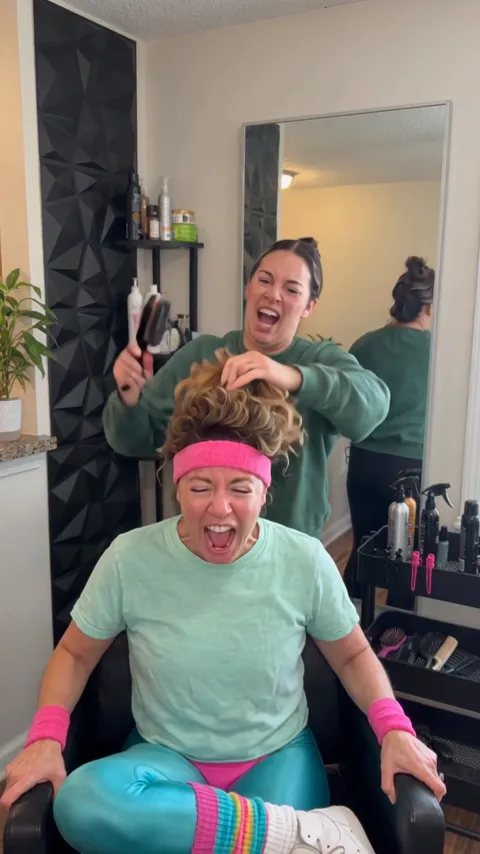
- Screaming Hair Funk AI1 photo · 8 s · a scream at every yank of the ponytail
- AI New Year Video1 photo · 10 s · a rooftop toast under fireworks

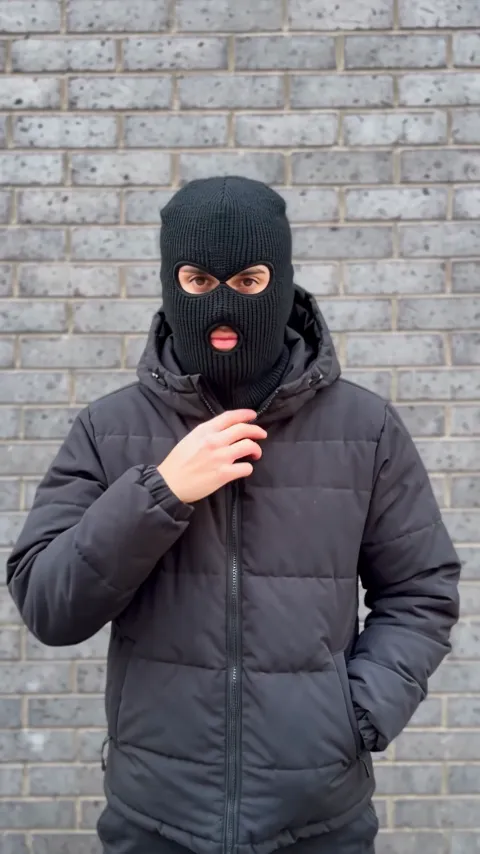
- Mandem in Disguise AI1 photo · 10 s · a smile, a flash, then a balaclava and a deadpan nod
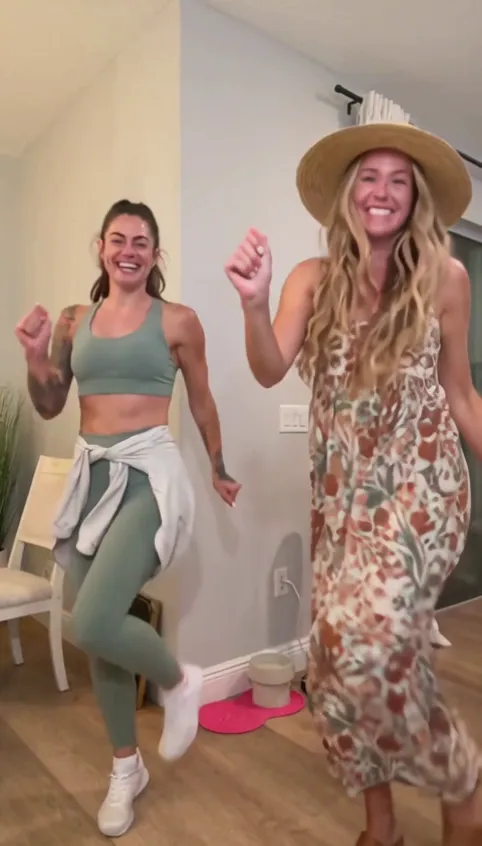
- Bing Bing Bing Kicking AI2 photos · 11–12 s · two take turns with big side kicks at the camera
- Argue Before Apocalypse AI2 photos · 15 s · an argument, the end of the world, a kiss
- Balcony Mixtape AI2 photos · 14 s · a DJ set for two on a sunny balcony
- Zoolander AI2 photos · 8 s · a slow turn and a dead-serious stare-down on the red carpet
- AI Moonwalk Dance1 photo · 7 s · a smooth moonwalk and a hat tip on an old street
Catch Santa in your living room
One room photo, a few minutes, and your santa caught on camera AI clip.