Kling 3.0 AI Video Generator
Kling 3.0 online: text or image to video with strong motion and optional native audio, in 720p or 1080p, up to 15 seconds.
Part of the Kling familyA newer version is out: Kling 4.0Sample videos
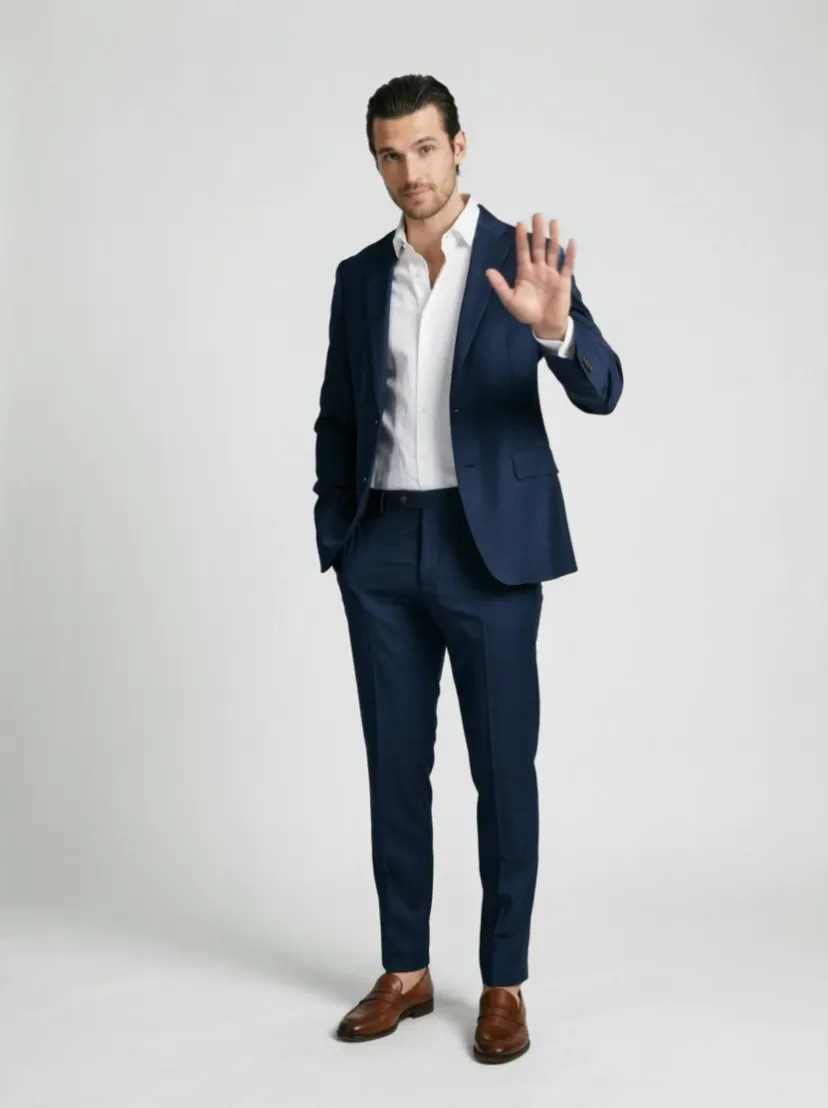
The person in the photo walks slowly through a rain-soaked neon street at night, the camera tracks backwards in front of them at eye level, shallow depth of field, anamorphic lens flares, teal shadows and warm highlights, cinematic film look.
- 4,400+ videos made
- 10,500+ creators
Kling 3.0 is Kuaishou's current video model, known for physical motion that looks right and for following camera directions. It makes 5–15 seconds clips at 720p, 1080p in 16:9, 9:16 or 1:1, from text or from a start image with an optional end frame. Sound is a choice per run: silent from 35 credits a second, or with native audio for a little more. It is available on any plan or credit pack.
Updated
At a glance
- Made by
- Kuaishou
- Price
- From 35 credits per second
- Quality
- 720p, 1080p
- Length
- 5s, 10s, 15s
- Input
- Text or a photo
- Aspect ratio
- 16:9, 9:16, 1:1
- End frame
- Yes, start and end image
- Sound
- Yes, generated with the video
- Per run
- One video
- Available on
- Any plan or credit pack
- Account
- Free account required, 100 credits on sign-up, no card
- Unlimited plan
- 40% off
Vidlark is an independent platform and isn't affiliated with Kuaishou.
Which Kling 3.0 model to pick
Each Kling 3.0 variant on this site, side by side.
| Model | Best for | Top quality | Length | Sound | From |
|---|---|---|---|---|---|
| Kling 3.0This page | Realistic motion and camera moves, with sound when needed. | 1080p | 5–15s | Yes | 35 credits/s |
| Kling 3.0 Turbo | Kling 3.0 motion with shorter waits. | 1080p | 5–15s | Sometimes | 40 credits/s |
| Kling 3.0 Motion Control | Copying dance and action moves onto a character. | 1080p | 5–30s | No | 32 credits/s |
How to use the Kling 3.0 AI video generator: text or image to video
- 1
Describe the shot
Type a prompt, or upload a photo to animate.
- 2
Pick the settings
720p / 1080p, 5–15s; the price shows before you start.
- 3
Generate and download
Download the video when it is ready.
Related tutorials
What it does well
Motion with weight
Jumps land, fabric swings and water splashes the way it should. Action, dance and sports prompts are where Kling pulls ahead.
Sound only when you want it
Pick the audio setting for dialogue and effects, or render silent and add your own track; you pay for sound only on the runs that use it.
Image to video with an end frame
Animate a photo and, if you like, give the frame it should finish on. Handy for product reveals and before-and-after shots.
Settings and prices
Video is billed per second of output; the button always shows the exact total before you generate.
| Setting | Price | Example | Unlimited plan |
|---|---|---|---|
| 720p | 35 credits / second | 5-second clip = 175 credits | Uses credits |
| 720p · audio | 50 credits / second | 5-second clip = 250 credits | Uses credits |
| 1080p | 45 credits / second | 5-second clip = 225 credits | Uses credits |
| 1080p · audio | 60 credits / second | 5-second clip = 300 credits | Uses credits |
Prompt tips for better videos
Name the camera, then the subject
Kling reacts strongly to camera language. Lead with "low tracking shot" or "slow dolly in", then describe who moves and how.
Describe speed
Words like "in slow motion", "sudden" or "steady pace" change the result more than adjectives about style.
Turn audio on only for the final
Draft silent at 35 credits a second, then render the keeper with sound at 50.
Example prompt
A cyclist rides through a rainy neon street at night, puddles splashing under the wheels. Slow tracking shot from the side, 35mm, reflections on the wet asphalt. Sound: rain, tires on water, distant traffic.
Use this promptWhat people make with it
01
Sports and action clips
Skate tricks, sprints and fight choreography with motion that does not melt.
02
Dance content
Vertical 9:16 dance loops for short-video feeds, with music added in the same pass.
03
Photo animation
Bring a portrait or a product still to life while keeping its composition.
How it compares
How it lines up against similar video models on this site; every one uses the same credit balance.
| Model | Best for | Top quality | Length | Sound | From |
|---|---|---|---|---|---|
| Kling 3.0 | Realistic motion and camera moves, with sound when needed. | 1080p | 5–15s | Yes | 35 credits/s |
| Vidu Q4 | Character scenes with voices from photos and references. | 1080p | 5–16s | Yes | 20 credits/s |
| Seedance 2.0 Fast | Seedance 2.0 drafts in about half the wait, up to 720p. | 720p | 5–15s | Yes | 21 credits/s |
| Seedance 2.0 | Multi-shot clips with steady characters, up to 1080p. | 1080p | 5–15s | Yes | 25 credits/s |
Other models to try
All models
 Kling 2.5 TurboFast, smooth Kling motion for everyday clips.from 100 credits· Paid plans
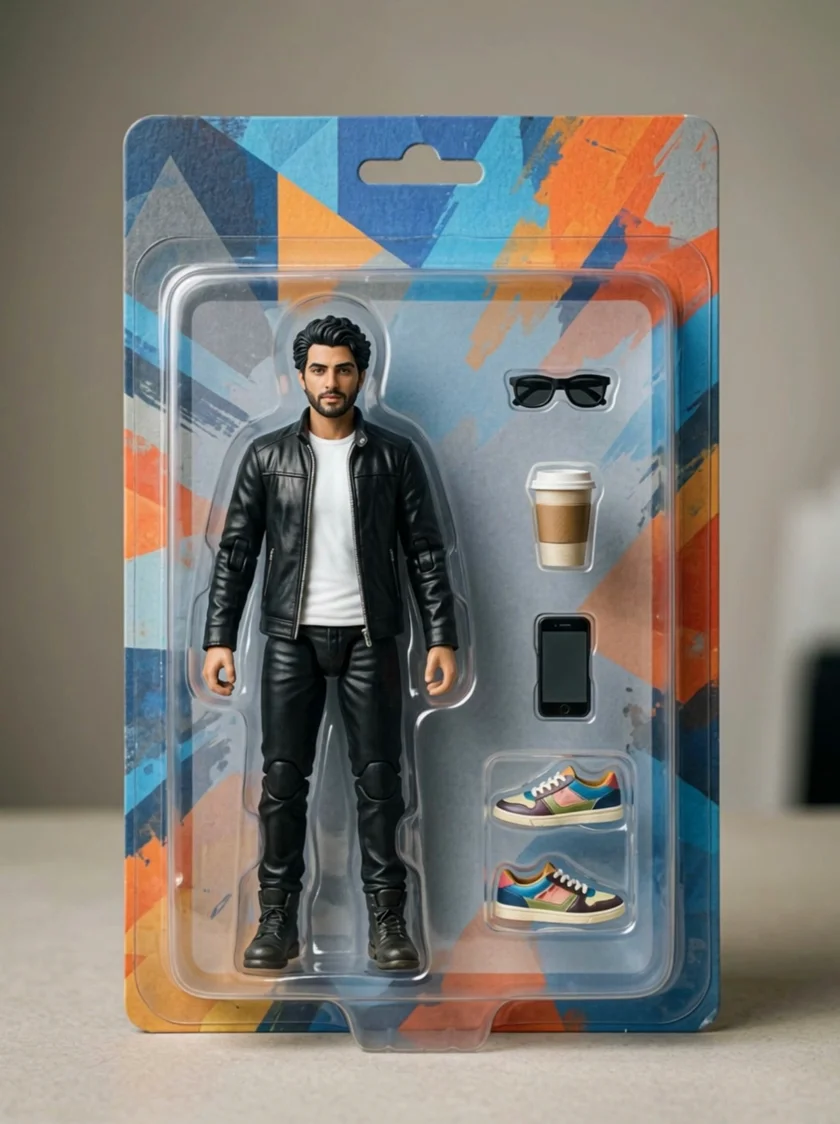 Kling 4.0Kling’s newest model: a photo or a set of references into a clip with sound.from 56 credits/s· Paid plans
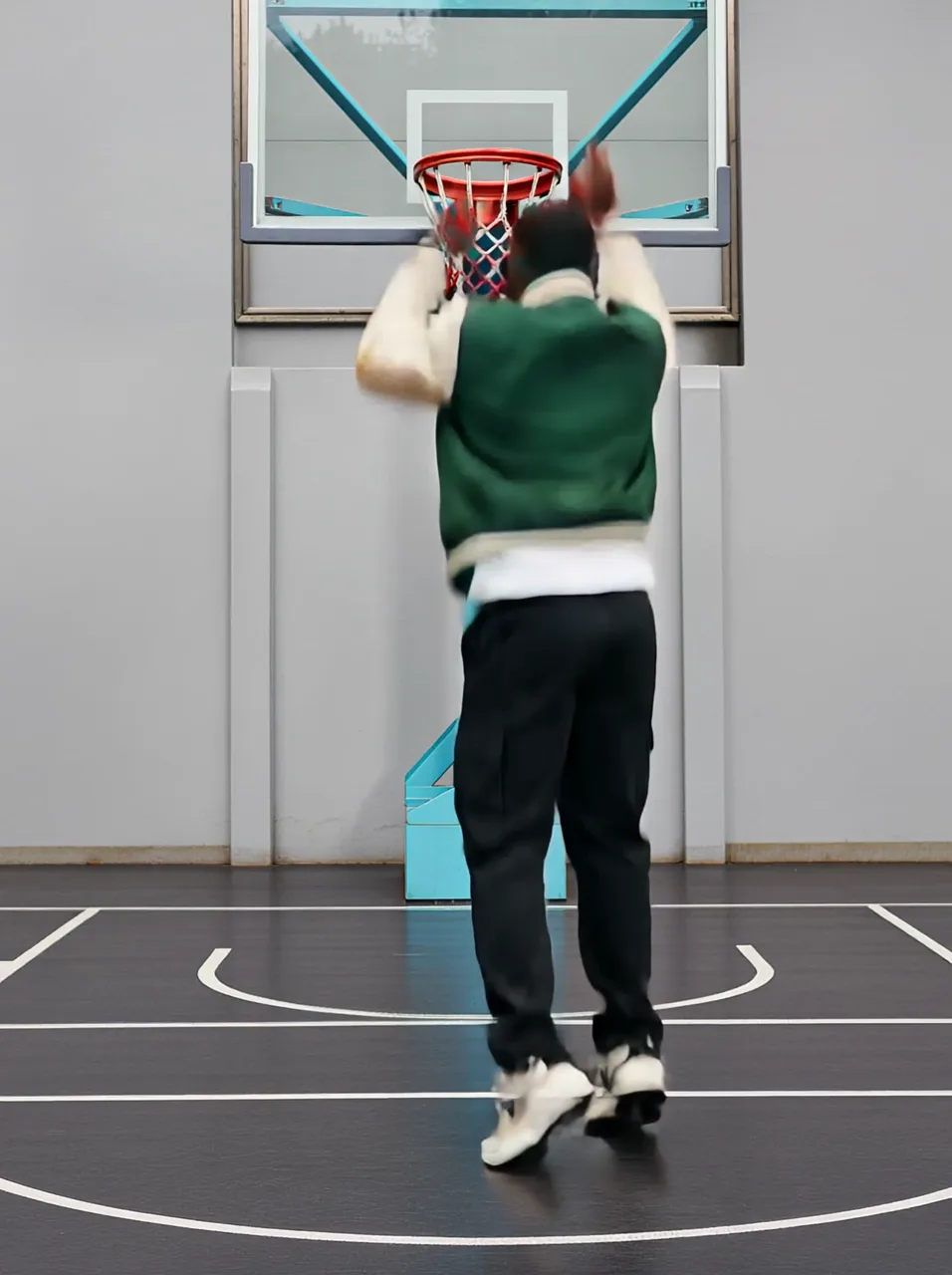 Kling 2.1 ProKling 2.1 image-to-video with an optional end frame.from 120 credits· Paid plans
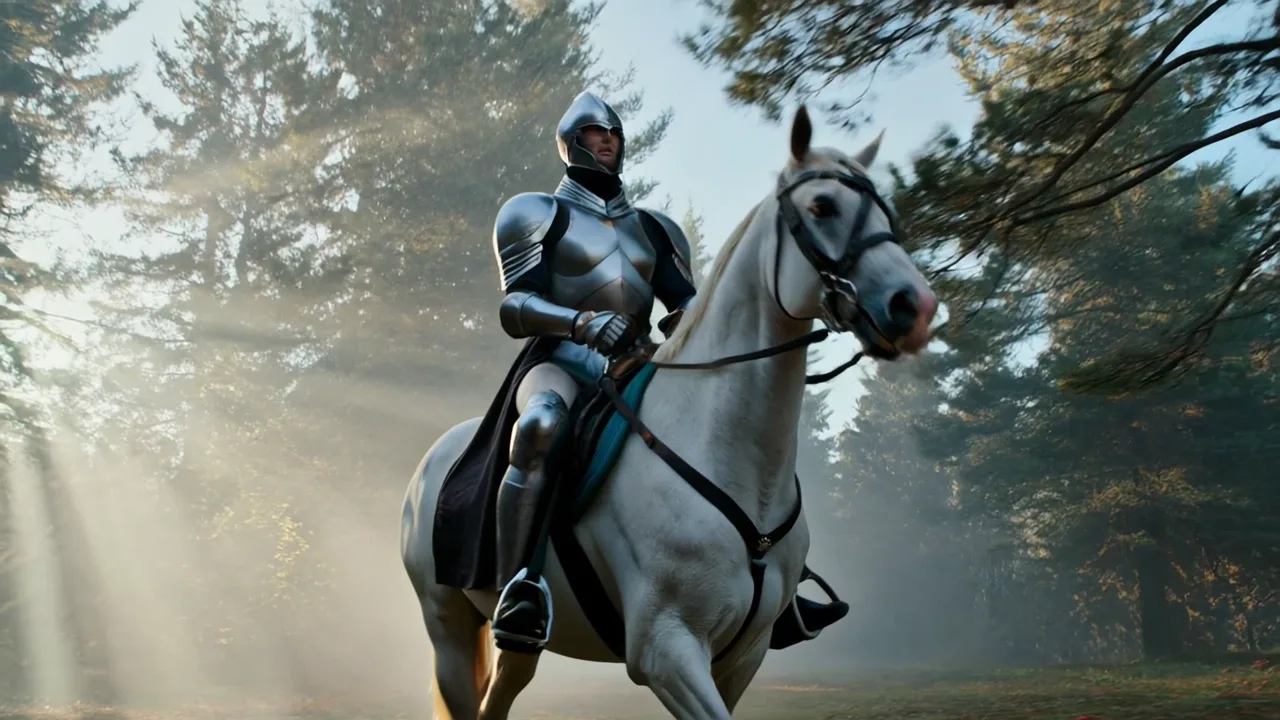 Kling 2.1 MasterThe top Kling 2.1 tier, tuned for smooth motion.from 200 credits· Paid plans
 Wan 3.0Up to 30-second clips with up to 8 reference images.from 10 credits/s· Paid plans
 Seedance 2.0 MiniUnlimitedThe cheapest Seedance, good for drafts and social clips.from 7 credits/s· Paid plans
Kling 3.0 video FAQ
How much does Kling 3.0 cost?
35 credits a second at 720p and 45 at 1080p; with native audio it is 50 and 60. A 5-second 1080p clip without sound is 225 credits.
Is Kling AI good for video generation?
It is one of the strongest at physical motion: running, dancing, cloth and hair move with believable weight, and camera moves you describe are followed closely. Faces in close-up are its weaker spot next to Veo.
How long can Kling 3.0 videos be?
5–15 seconds per run. For longer pieces, end one clip on a clean frame and use it as the start image of the next.
Can I use Kling 3.0 online for free?
It is available on any plan or credit pack, like every Kling model here. Kling 2.5 Turbo is the cheapest way into the Kling look, at 100 credits for 5 seconds.
How long can the videos be?
5, 10, 15 seconds, at 720p, 1080p. Each run makes one video; for longer stories, generate several shots and edit them together.
Credits, refunds, watermarks and commercial use work the same on every model. See the pricing FAQ
Make a Kling 3.0 video
Pick a plan or a credit pack and start. Failed runs are refunded.