GPT Image 2.5 AI Image Generator
GPT Image 2.5 online: accurate text, precise edits and up to 8 reference images, free to try with sign-up credits.
Part of the GPT Image familyA newer version is out: GPT Image 2.6 FlareSample images
Turn this photo into a warm vintage film portrait at a Paris street café, keep the face, hair and outfit, soft 35mm grain, no text, no letters, no film border anywhere.
- 5,700+ videos made
- 14,300+ creators
GPT Image 2.5 is OpenAI's latest image model, and Flare is its balanced, quicker setting. It follows long prompts closely, spells text correctly and edits photos without disturbing what you did not mention. Use up to 8 reference images; output at 1K, 2K, 4K in eight aspect ratios. Free accounts can use it, from 40 credits an image.
Updated
At a glance
- Made by
- OpenAI
- Price
- From 40 credits per image
- Size
- 1K, 2K, 4K
- Input
- Text, your photo or several references
- Aspect ratio
- 1:1, 3:2, 2:3, 16:9, 9:16, 4:3, 3:4, 21:9
- References
- Up to 8 images
- Per run
- 1–4 images
- Available on
- Every account, free included
- Account
- Free account required, 100 credits on sign-up, no card
- Unlimited plan
- Free at 1K
Vidlark is an independent platform and isn't affiliated with OpenAI.
Which GPT Image model to pick
Each GPT Image variant on this site, side by side.
| Model | Best for | Top quality | Per run | Edit photos | From |
|---|---|---|---|---|---|
| GPT Image 2.5 FlareThis page | Balanced and fast: text, layouts and everyday edits. | 4K | 1–4 | Yes | 40 credits |
| GPT Image 2.6 Flare | The newest GPT Image, fast: drafts, layouts and edits. | 4K | 1–4 | Yes | 55 credits |
| GPT Image 2.6 Sunburst | The detail-first GPT Image 2.6, for finals and edit series. | 4K | 1–4 | Yes | 55 credits |
| GPT Image 2.5 Sunburst | Detail-first commercial images, same price as Flare. | 4K | 1–4 | Yes | 40 credits |
| GPT Image 2 | The previous GPT Image look, with 8 references. | 4K | 1–4 | Yes | 30 credits |
How to use the GPT Image 2.5 AI image generator
- 1
Describe the image
Type a prompt, or upload a photo to edit.
- 2
Pick the settings
1K / 2K / 4K; the price shows before you start.
- 3
Generate and download
Download the images when they are ready.
Related tutorials
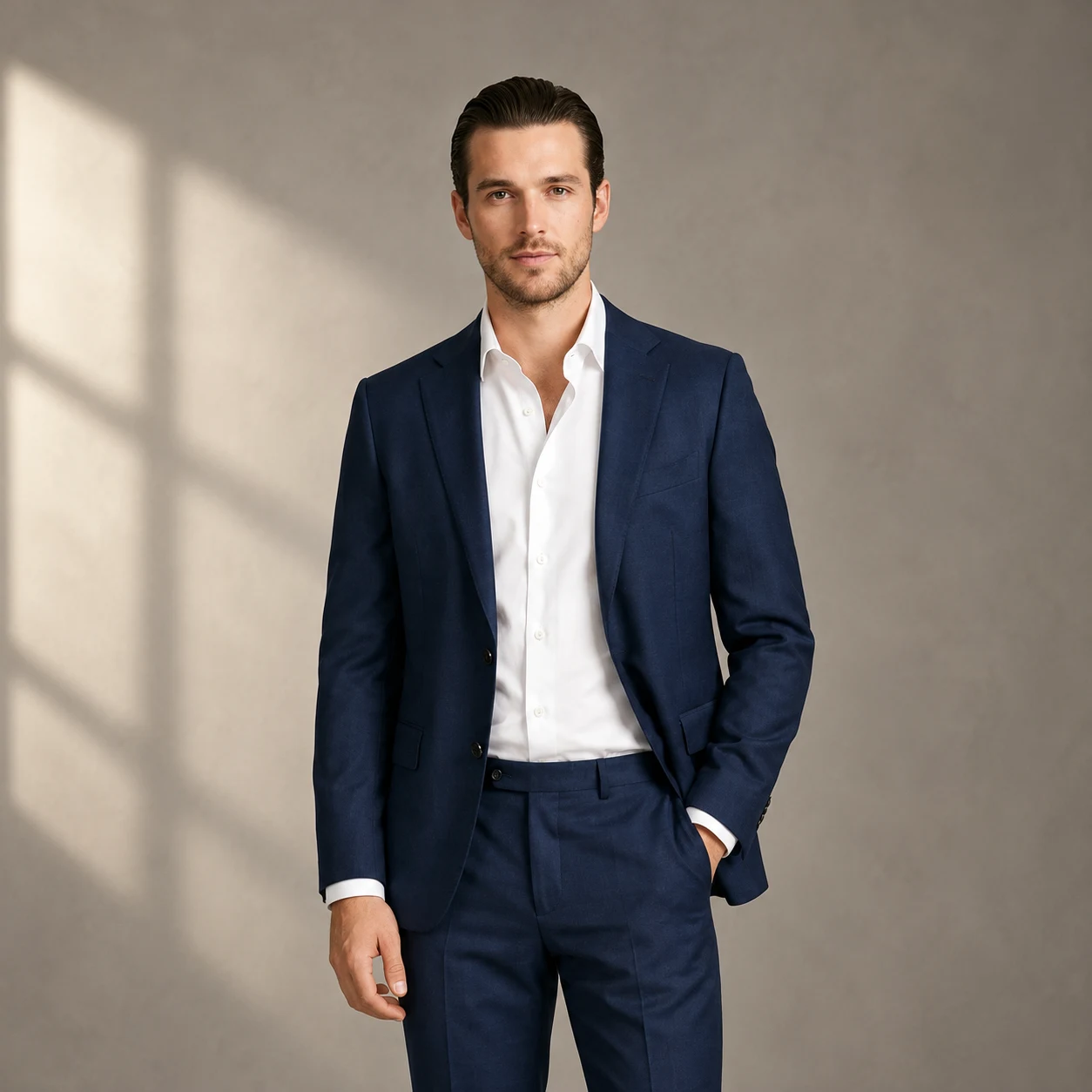
What it does well
Follows long prompts
Lists of objects, positions and colours come back the way you wrote them, which keeps layouts predictable.
Clean typography
Headlines, labels and UI text render with correct spelling, so mock-ups need fewer fixes.
8 references
Combine a brand kit, product photos and a style sample in one request.
Settings and prices
Each image has a fixed price; the button always shows the exact total before you generate.
| Setting | Price | Example | Unlimited plan |
|---|---|---|---|
| 1K | 40 credits / image | 4 images = 160 credits | Free |
| 2K | 45 credits / image | 4 images = 180 credits | Uses credits |
| 4K | 50 credits / image | 4 images = 200 credits | Uses credits |
GPT Image 2.5 prompts that work
Write it like a brief
Subject, layout, text, style, in that order, one line each. GPT Image reads structure better than a single run-on sentence.
Give text its own line
Put every piece of on-image copy in quotes on a separate line with its position, so nothing gets merged.
Switch to Sunburst for the final
Draft on Flare, then rerun the same prompt on Sunburst when you need the extra detail; the price is the same.
Example prompt
Fashion week photo, a model in a dramatic structured red coat walking down a glossy black runway toward the camera, audience and photographers on both sides with flashes, spotlight, editorial look, photorealistic, wide shot
Use this promptWhat people make with it
01
Ad creatives
Banner layouts with a headline, product and call to action in place.
02
UI and app mock-ups
Screens with readable interface text for pitches and prototypes.
03
Illustrated explainers
Step-by-step diagrams with labelled parts.
How it compares
How it lines up against similar image models on this site; every one uses the same credit balance.
| Model | Best for | Top quality | Per run | Edit photos | From |
|---|---|---|---|---|---|
| GPT Image 2.5 Flare | Balanced and fast: text, layouts and everyday edits. | 4K | 1–4 | Yes | 40 credits |
| Nano Banana 2 | Fast edits and series with up to 8 references. | 4K | 1–4 | Yes | 30 credits |
| Nano Banana 2.1 | Images with readable text and detailed edits, up to 4K. | 4K | 1–4 | Yes | 40 credits |
| Seedream 5 Pro | The most photo-real Seedream, up to 2K. | 2K | 1–4 | Yes | 45 credits |
Other models to try
All models GPT Image 2.6 FlareOpenAI's GPT Image 2.6, the faster one: new images and edits of your photos.from 55 credits· Paid plansGPT Image 2.6 SunburstThe detail-first GPT Image 2.6, with tighter consistency across edits.from 55 credits· Paid plans
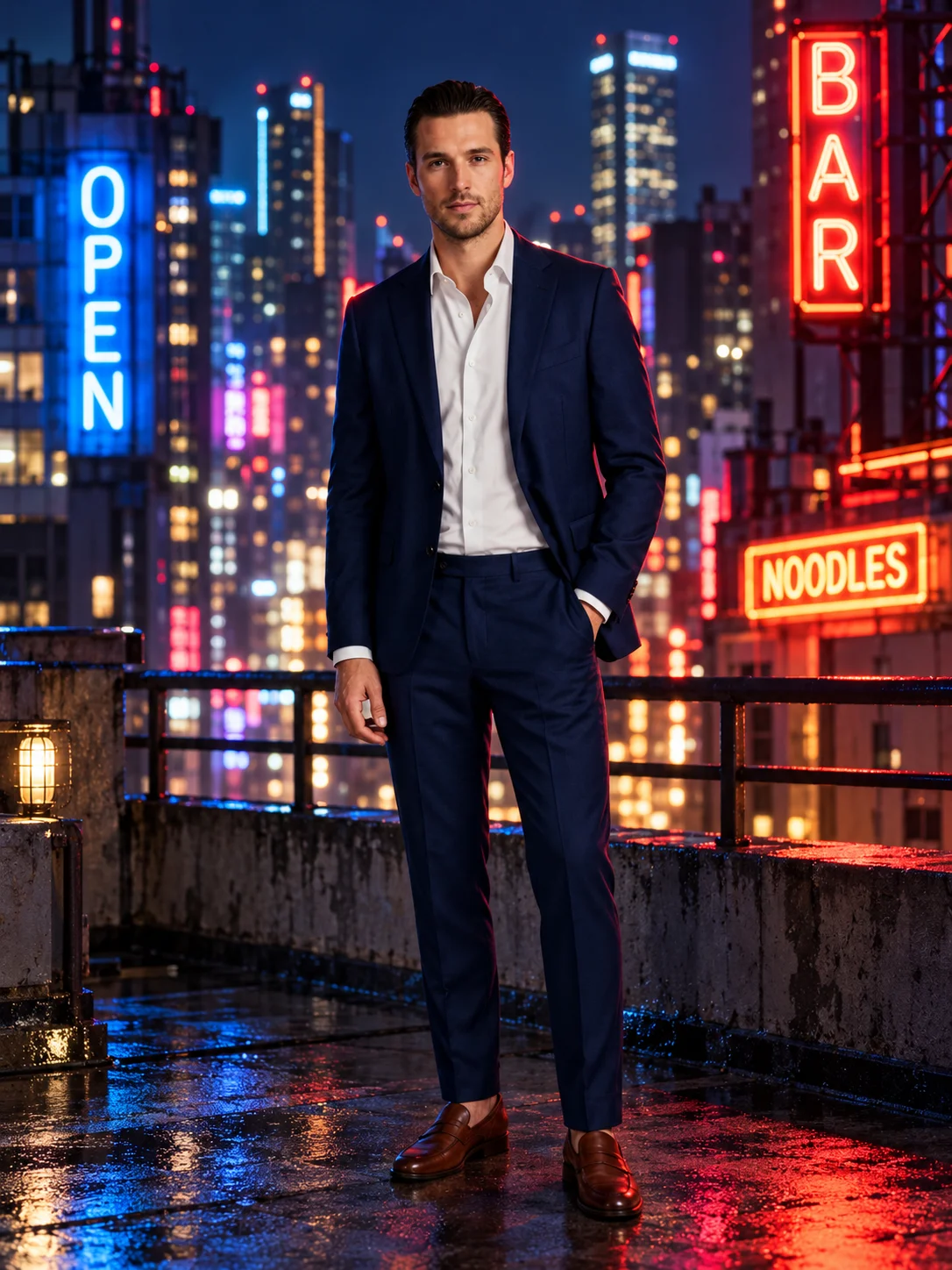 GPT Image 2.5 SunburstUnlimitedThe high-precision GPT Image 2.5 for detailed commercial images.from 40 credits
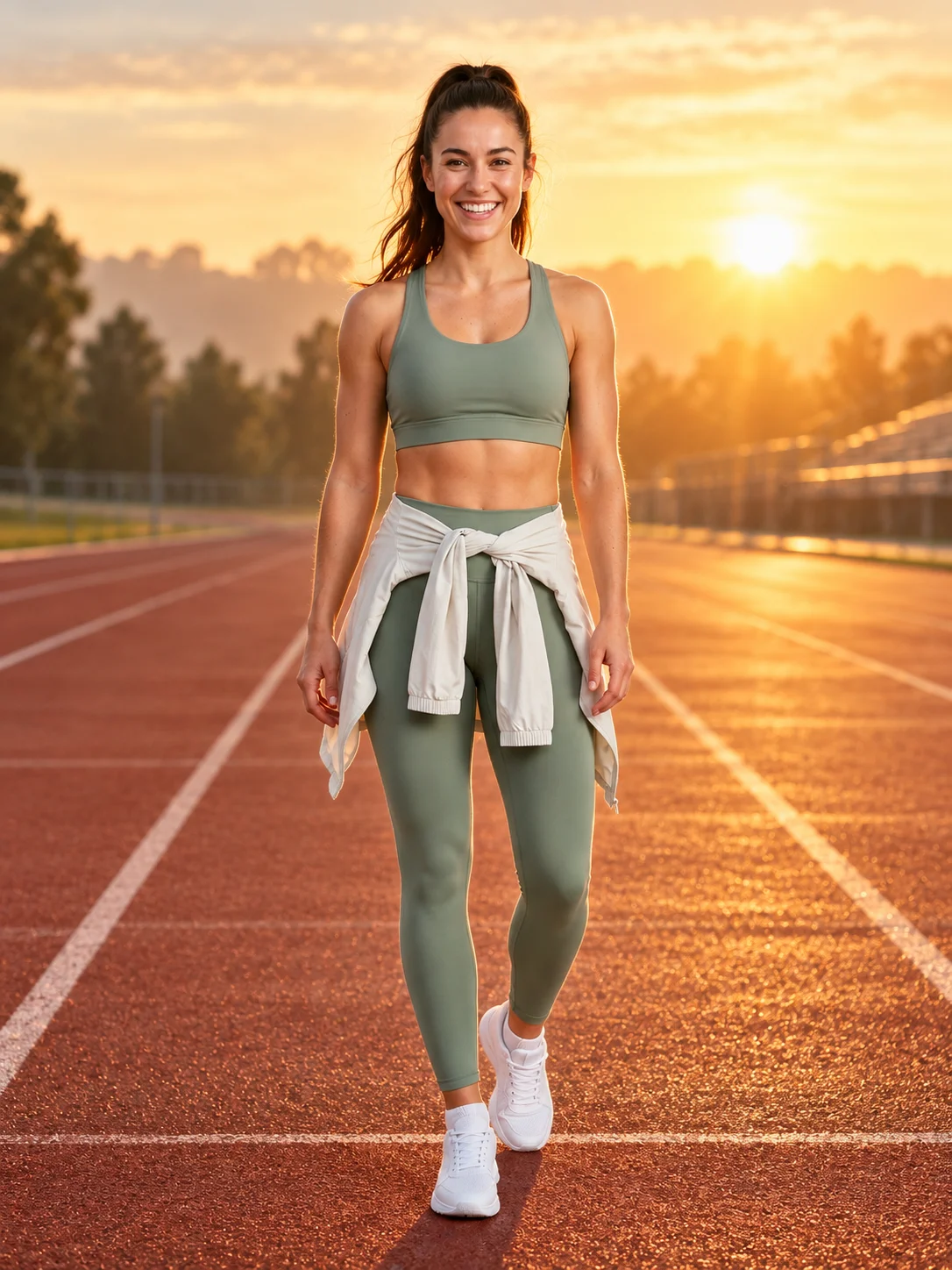 GPT Image 2UnlimitedThe previous GPT Image: reliable text and edits with up to 8 references.from 30 credits
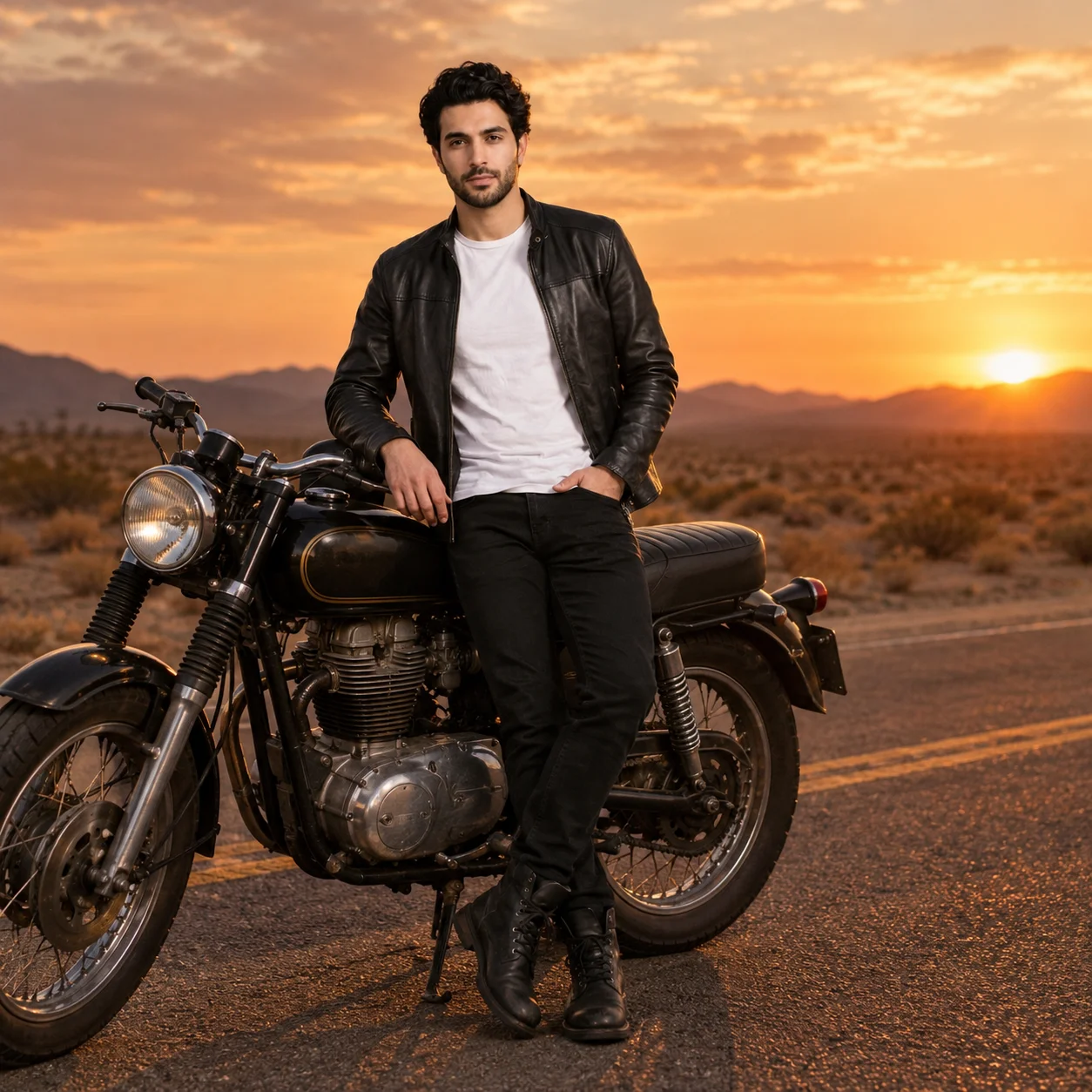 GPT-4o ImageUnlimitedThe GPT-4o image generator, square or 3:2.from 30 credits
 Nano Banana ProUp to 8 reference images for consistent characters.from 55 credits· Paid plans
Frequently asked questions
Is GPT Image 2.5 free to use here?
Free accounts can run it with their 100 sign-up credits, at 40 credits an image at 1K. No ChatGPT subscription is involved.
What is the difference between Flare and Sunburst?
Both are GPT Image 2.5 at the same price. Flare is the balanced, faster setting for everyday images and edits; Sunburst spends longer on fine detail for commercial work such as product shots and posters.
How much does GPT Image 2.5 cost?
40 credits at 1K, 45 at 2K and 50 at 4K.
What sizes can it make?
1K, 2K, 4K, in square, portrait or landscape. Each run makes 1–4 images.
Credits, refunds, watermarks and commercial use work the same on every model. See the pricing FAQ
Start creating images
100 free credits when you sign up. Failed runs are refunded.