Quiet on the Creek Dance AI turns one photo into the shush dance TikTok clip: a close selfie in front of a white wall where you hold a finger to your lips, smile, bounce to the beat, rest your chin on your hand, touch your hair, blow a kiss and end on a peace sign. A 14-second vertical video with the clip’s sound.
Updated
At a glance
- Length
- 14 seconds
- Format
- Vertical 9:16
- Photos
- Your photo (adults only)
- Price
- 750 credits (HD 1,500)
- On plans
- Starter and Pro 375 · Unlimited 225
- Sound
- The trend’s sound, mixed in
- Sign-up
- An account is required (free to create)
- Watermark
- No watermark
Which photos work best
Face and shoulders
The clip is a close selfie: a clear photo of your face and shoulders works best.
A clear face
A sharp, front-facing photo: the camera gets close.
Your outfit stays
You appear in what you wear in the photo, so pick one you like.
What is the Quiet on the Creek dance?
Quiet on the Creek is a single by the rapper Saucy Santana, released in July 2026. It grew out of a catchphrase of his about keeping quiet on the creek while fishing, and the Quiet on the Creek trend is people shushing, tiptoeing and bouncing to it.
Our template is the selfie version: a close shot in front of a plain white wall. From one photo the dancer is you, with your own face, hair and the clothes from your photo; the shush, the moves and the timing come with the template.
Use the Quiet on the Creek dance template
Or a slow sway: AI Sway Dance
Or a dance in a living room: Abracadabra Dance AI
Or a sweet little dance: My Sweetie Dance AI
How to make it
- 1
Upload a photo
One adult, face clear, the whole body if you can.
- 2
Generate
The quiet on the creek dance template is set: vertical, 14 seconds.
- 3
Post it
Ready in about five minutes, with the clip’s sound.
AI video template or filming it yourself
Both end with the same clip on TikTok. The difference is what you need before you start.
| AI video template | Filming the trend | |
|---|---|---|
| You need | One photo of you | A phone, a white wall and the moves down |
| Time | About five minutes | A few takes to hit every beat |
| The setting | A plain white wall, drawn by the AI | Any wall at home |
| Sound | The clip’s sound, mixed in | Added on TikTok |
| Cost | 750 credits, less on a plan | Free, plus your time |
Questions
Is Quiet on the Creek Dance AI free?
No. A template video uses 750 credits at 480p (1,500 in HD), about $10 with a credit pack. Starter and Pro plans pay half (375) and Unlimited pays 30%: 225 credits a video, about $2.25. The 100 free credits you get when you sign up are not enough for one video.
How long is the Quiet on the Creek dance clip?
14 seconds: the shush, the bounce, the chin on the hand, the hair, the kiss and the peace sign.
Whose song is Quiet on the Creek?
It is a single by the rapper Saucy Santana, released in July 2026.
Do I need to know the moves?
No. Only your photo is needed: the shush, the bounce and every move come with the template.
Whose photo can I use?
Adults only: photos of children are not supported. Your own, or a friend’s who agreed to it. No famous people. Uploads go through an automatic safety check.
Can I post my quiet on the creek dance video?
Yes. It is a finished 14-second vertical video with the sound mixed in, so you can post it to TikTok as it is.
Does the video have sound?
Yes: your video comes with the clip’s sound, mixed in. If TikTok flags the sound for copyright, swap in a sound from TikTok’s sound library when you post.
How long does it take?
About five minutes, sometimes longer. You can close the page: the video waits for you in My creations.
Will I keep my own clothes?
Yes. The prompt asks to keep the clothes from your photo. In a close selfie mostly your top shows.
Can I do it with a friend?
Not on this page: it is a one-person selfie. For two, the couple and friend templates take two photos.
Made with this template
Examples made by the Vidlark team.

More trending AI videos
Trending on TikTok now: pick one and make it with your photo.
- Jisoo Addicted Dance AI2 photos · 8 s · a K-pop duo challenge
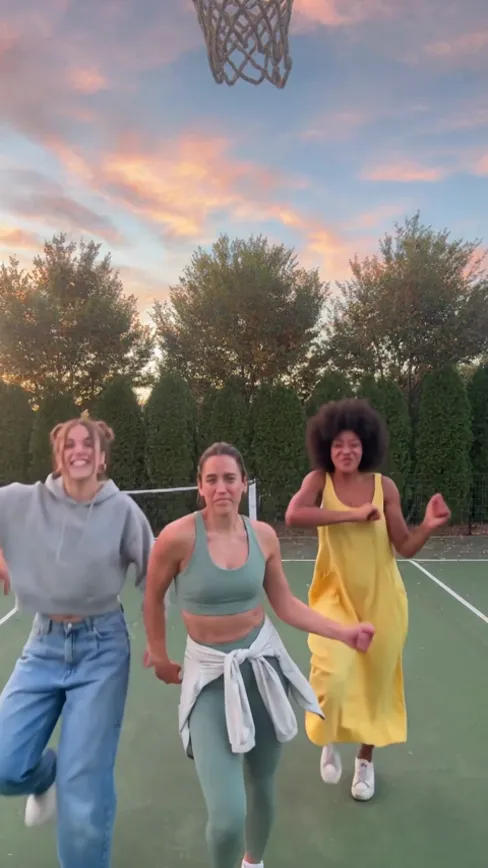
- Chipmunks Dance AI3 photos · 15 s · three friends on a sunset court
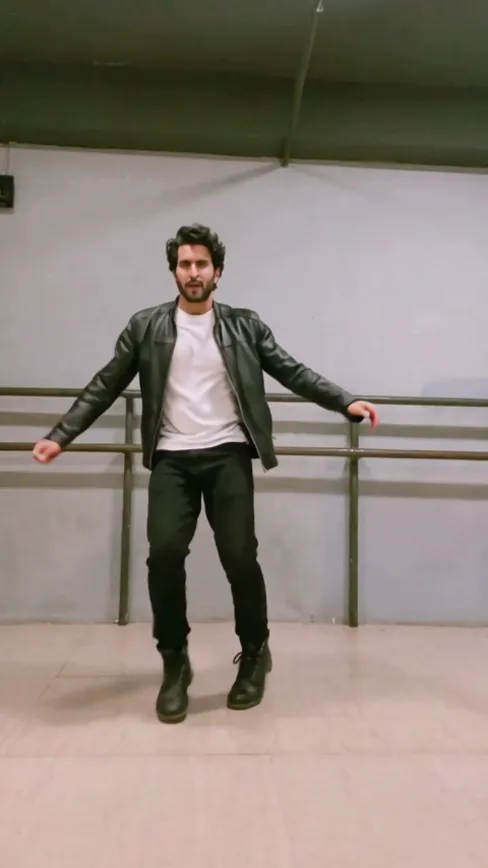
- Smooth Criminal Dance Challenge AI1 photo · 14 s · the hat tilt, the glide, the kicks
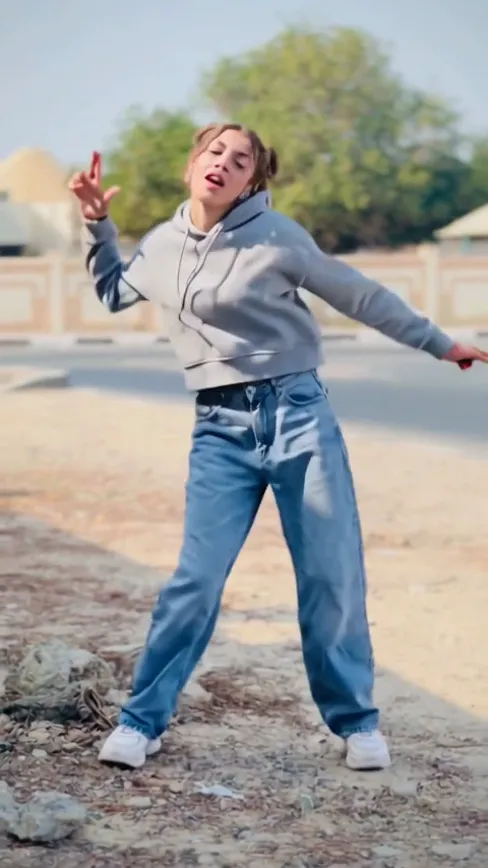
- LISA Tarantino Dance AI1 photo · 14 s · a K-pop routine in the sun
- Toosie Slide AI1 photo · 15 s · slide right, slide left, crisscross
- Not Like Us Dance AI1 photo · 13 s · lead the crew on a stadium pitch
- Michael Jackson Dangerous Dance AI1 photo · 15 s · lead the trio
- Hearts2Hearts Next Chapter Dance1 photo · 14 s · the K-pop steps, solo
Do the shush dance
One photo, a few minutes, one peace sign.
Vidlark is not affiliated with or endorsed by Saucy Santana or his labels.