The Halloween Makeup Filter is a Halloween makeup transformation AI clip from one photo of you: against a dark background you look into the camera in natural makeup, flip your head down and back up, and come up in professional special-effects scary clown makeup, white face paint, a red smeared clown smile and red streaks over the eyes, then smirk at the camera. A 7-second vertical video with the clip’s sound, in a plain black high-neck top; your face shape, hair and body stay yours. It is a Halloween transformation video in one take: plain face first, then the full look.
Updated
At a glance
- Length
- 7 seconds
- Format
- Vertical 9:16
- Photos
- Your photo (adults only)
- Price
- 750 credits (HD 1,500)
- On plans
- Starter and Pro 375 · Unlimited 225
- Sound
- The trend’s sound, mixed in
- Sign-up
- An account is required (free to create)
- Watermark
- No watermark
Which photos work best
Face clear
The filter works on a close-up of your face: a clear, front-facing photo with your hair off your face works best.
A clear face
A sharp, front-facing photo: the camera gets close.
Your outfit stays
You appear in what you wear in the photo, so pick one you like.
What is the clown makeup filter trend?
The clown makeup filter trend is a Halloween reveal: an everyday face, one quick head flip, and a full special-effects clown look that would take an artist hours to paint. It is one of the Halloween transformation trend clips: a plain face, one move, and a full Halloween look.
Our Halloween Makeup Filter template is theatrical makeup only, painted on, not wounds: the white base, the red grin and the eye streaks. From one photo you are the one in the makeup, still recognisable underneath; the dark background, the black top, the head flip and the camera come with the template.
Use the Halloween makeup filter template
Or wave bye bye and turn clown in a pink room: Bye Bye Trend AI
Or a ghostly bride in a moonlit cemetery: Corpse Bride Makeup AI
Or button eyes and a stitched smile: Coraline Makeup AI
How to make it
- 1
Upload a photo
One adult, face clear, the whole body if you can.
- 2
Generate
The halloween makeup filter template is set: vertical, 7 seconds.
- 3
Post it
Ready in about five minutes, with the clip’s sound.
AI video template or filming it yourself
Both end with the same clip on TikTok. The difference is what you need before you start.
| AI video template | Filming the trend | |
|---|---|---|
| You need | One photo of you | Halloween face paint, an SFX artist, a few hours in the chair and a dark backdrop |
| Time | About five minutes | Two to three hours of Halloween face painting |
| The setting | A dark studio backdrop, drawn by the AI filter | Your bathroom mirror on Halloween night |
| Sound | The clip’s sound, mixed in | Added on TikTok |
| Cost | 750 credits, less on a plan | Free, plus your time |
Questions
Is the Halloween Makeup Filter free?
No. A template video uses 750 credits at 480p (1,500 in HD), about $10 with a credit pack. Starter and Pro plans pay half (375) and Unlimited pays 30%: 225 credits a video, about $2.25. The 100 free credits you get when you sign up are not enough for one video.
How long is a Halloween Makeup Filter clip?
The Halloween makeup filter clip is 7 seconds: natural makeup, the head flip, the clown makeup and the smirk to the camera.
Is the Halloween clown makeup gory?
The makeup filter is made as theatrical special-effects makeup, not injury: the prompt asks for painted clown makeup with no real wounds and no blood dripping.
What do I wear in the filter video?
A plain black high-neck top: the top is part of the Halloween look, the same for everyone. Your face shape, hair and body stay as in your photo.
Whose photo can I use?
Adults only: photos of children are not supported. Your own, or a friend’s who agreed to it. No famous people. Uploads go through an automatic safety check.
Can I post my halloween makeup filter video?
Yes. It is a finished 7-second vertical video with the sound mixed in, so you can post it to TikTok as it is.
Does the video have sound?
Yes: your video comes with the clip’s sound, mixed in. If TikTok flags the sound for copyright, swap in a sound from TikTok’s sound library when you post.
How long does it take?
About five minutes, sometimes longer. You can close the page: the video waits for you in My creations.
Is it an SFX makeup filter AI or a real filter?
It is an SFX makeup filter AI video, not a live camera filter: you upload one photo and the AI filter makes the whole 7-second clip with the makeup on.
Is this the Halloween transformation video from TikTok?
It is the same idea: a Halloween transformation AI clip where a plain face turns into a full Halloween look after one move. Ours is the scary clown, made from one photo; the TikTok versions use other looks too.
Which makeup looks does the filter have?
This Halloween makeup filter is the scary clown. For other Halloween looks, see the Corpse Bride and Coraline makeup pages linked below.
Made with this template
Examples made by the Vidlark team.

More trending AI videos
Trending on TikTok now: pick one and make it with your photo.
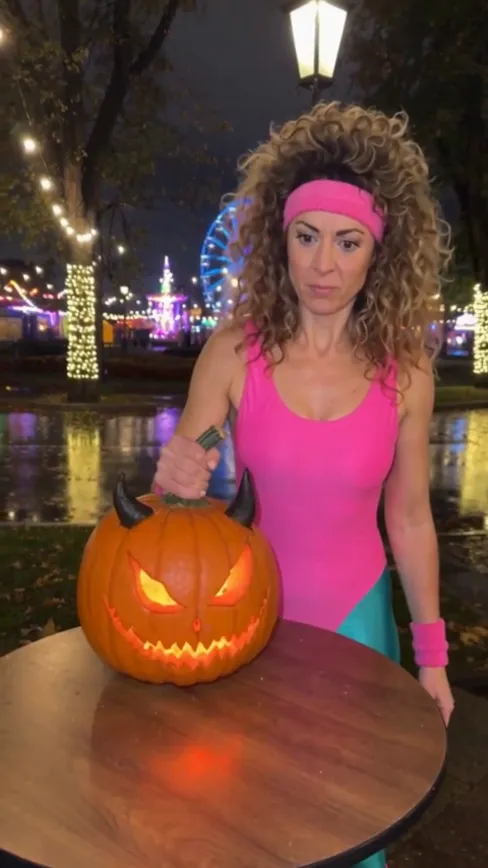
- Pumpkin Kick AI1 photo · 10 s · a jack-o’-lantern, a kick, a black-and-white freeze
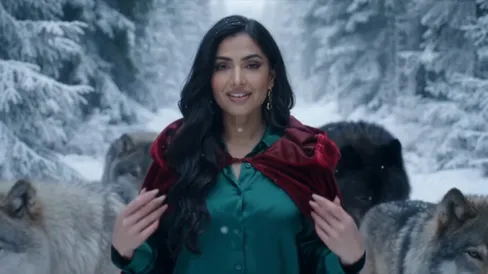
- AI Red Riding Hood1 photo · 14 s · landscape · a red cloak, wolves, snow
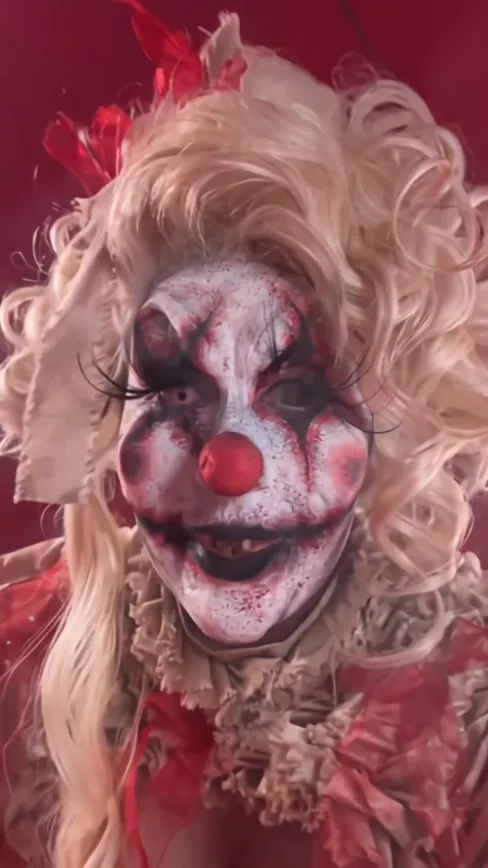
- Bye Bye Trend AI1 photo · 10 s · wave bye bye, turn clown
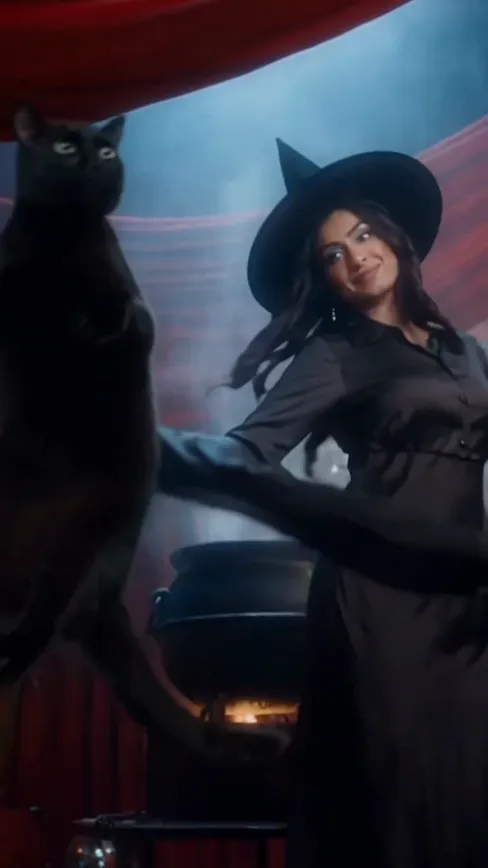
- AI Witch Video1 photo · 8 s · a cauldron and a black cat
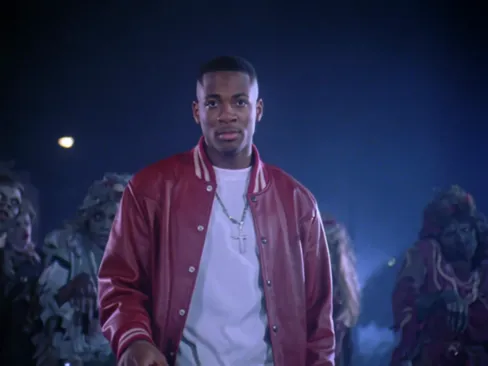
- Thriller Dance AI1 photo · 14 s · you lead the zombies
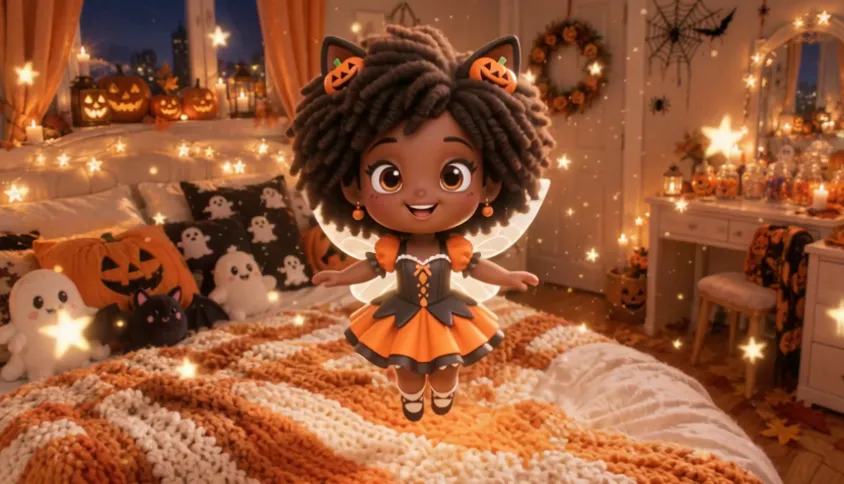
- Shrinking Sprite AI1 photo · 6 s · a candy, a glowing pumpkin and a tiny fairy you
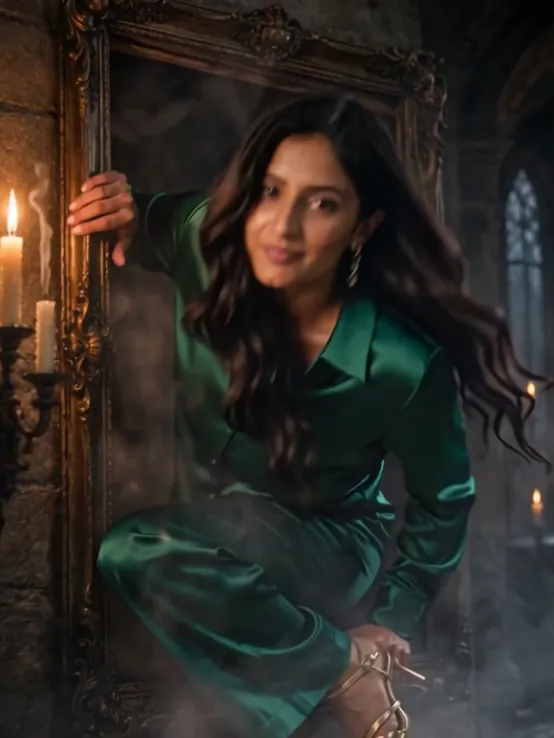
- Haunted Portrait AI1 photo · 5 s · your haunted portrait steps out of its gilded frame
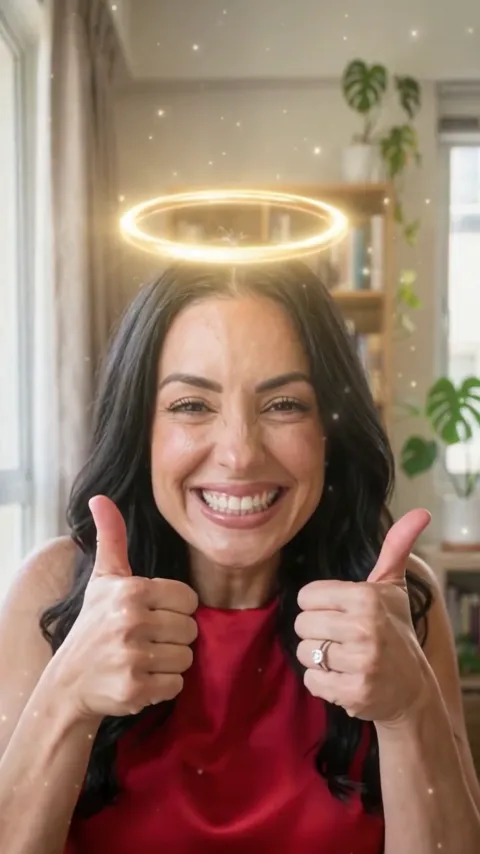
- Angel or Devil AI Filter1 photo · 10 s · a halo or devil horns when the meter decides
Make your Halloween makeup video
One photo, a few minutes, no Halloween face paint to wash off.