Grease Trend AI turns two photos into the Grease finale: at a fun-fair at dusk the two of you dance it as Danny and Sandy, pointing, spinning and hand-jiving together, each in the outfit from your own photo. A grease ai dance in a 10-second vertical video with the clip’s sound.
Updated
At a glance
- Length
- 10 seconds
- Format
- Vertical 9:16
- Photos
- Photo 1 (adults only) · Photo 2 (adults only)
- Price
- 750 credits (HD 1,500)
- On plans
- Starter and Pro 375 · Unlimited 225
- Sound
- The trend’s sound, mixed in
- Sign-up
- An account is required (free to create)
- Watermark
- No watermark
Which photos work best
Two full-body photos
The clip shows you both head to toe: a full-body photo of each works best.
A clear face
A sharp, front-facing photo: the camera gets close.
Your outfit stays
You appear in what you wear in the photo, so pick one you like.
What is the Grease trend?
Grease is the 1978 musical film about Danny and Sandy. It ends at the school carnival, where the two dance “You’re the One That I Want” by John Travolta and Olivia Newton-John, and Sandy and Danny have been a favourite Halloween couples costume ever since. The trend is that finale, danced by a couple.
Our template is a sandy and danny ai dance on an AI-made clip: a fun-fair at dusk, bunting and a carousel, and a couple dancing the 1950s greaser moves. From two photos the two of you take their places, photo 1 as Danny on the right and photo 2 as Sandy on the left, in your own clothes: there is no costume change.
Or another couple dance: Raindance AI Video
Or the dance in a crowd: Alors on Danse AI
How to make it
- 1
Upload two photos
One adult in each, faces clear, both agreeing to it.
- 2
Generate
The grease trend ai template is set: vertical, 10 seconds.
- 3
Post it
Ready in about five minutes, with the clip’s sound.
AI video template or filming it yourself
Both end with the same clip on TikTok. The difference is what you need before you start.
| AI video template | Filming the trend | |
|---|---|---|
| You need | Two photos | A partner, the moves learnt, a fun-fair or a costume |
| Time | About five minutes | An evening of practice |
| The setting | A fun-fair at dusk, drawn by the AI | Wherever you dance |
| Sound | The clip’s sound, mixed in | Added on TikTok |
| Cost | 750 credits, less on a plan | Free, plus your time |
Questions
Is Grease Trend AI free?
No. A template video uses 750 credits at 480p (1,500 in HD), about $10 with a credit pack. Starter and Pro plans pay half (375) and Unlimited pays 30%: 225 credits a video, about $2.25. The 100 free credits you get when you sign up are not enough for one video.
Do we wear the Grease costumes?
No: each of you dances in the outfit from your own photo, the same clothes in every frame. For the full look, take your photos in a leather jacket or the outfit you like.
Which photo is Danny and which is Sandy?
Photo 1 takes Danny’s place on the right, photo 2 Sandy’s on the left. Swap the photos to swap the places; anyone can take either part.
Is this the grease dance trend from the film?
It is the trend’s finale dance on an AI-made clip of a fun-fair at dusk, not footage from the film. Nobody from the film appears in it.
Whose photos can I use?
Adults only: photos of children are not supported. Yours and a friend’s, with their agreement. No famous people. Uploads go through an automatic safety check.
Can I post my grease trend ai video?
Yes. It is a finished 10-second vertical video with the sound mixed in, so you can post it to TikTok as it is.
Does the video have sound?
Yes: your video comes with the clip’s sound, mixed in. If TikTok flags the sound for copyright, swap in a sound from TikTok’s sound library when you post.
How long does it take?
About five minutes, sometimes longer. You can close the page: the video waits for you in My creations.
Made with this template
Examples made by the Vidlark team.


More trending AI videos
Trending on TikTok now: pick one and make it with your photo.
- Hop Hop Hop Dance AI2 photos · 8 s · one cues, one hops, then swap
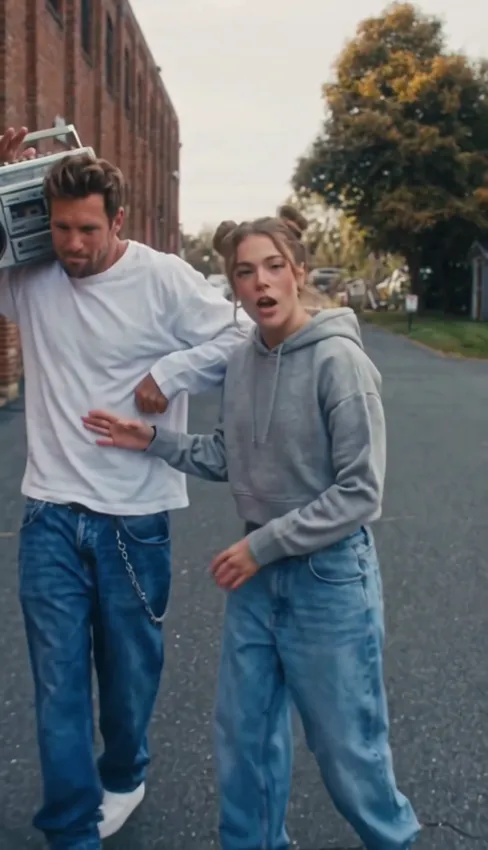
- Transmission 5 Dance AI2 photos · 14 s · a duo dance with a boombox
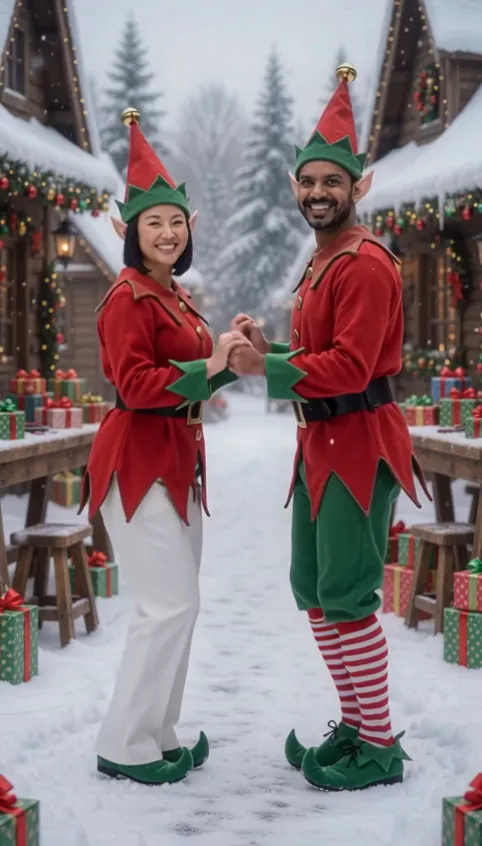
- AI Elf Dance Video2 photos · 12 s · elf costumes and a dance in the snow
- Jisoo Addicted Dance AI2 photos · 8 s · a K-pop duo challenge
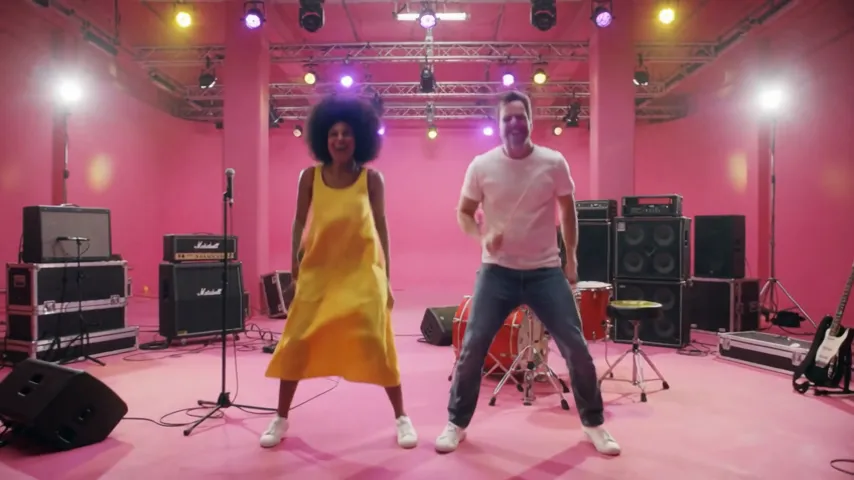
- Ela Peida Funk AI Dance2 photos · 10 s · a funk duo in a studio
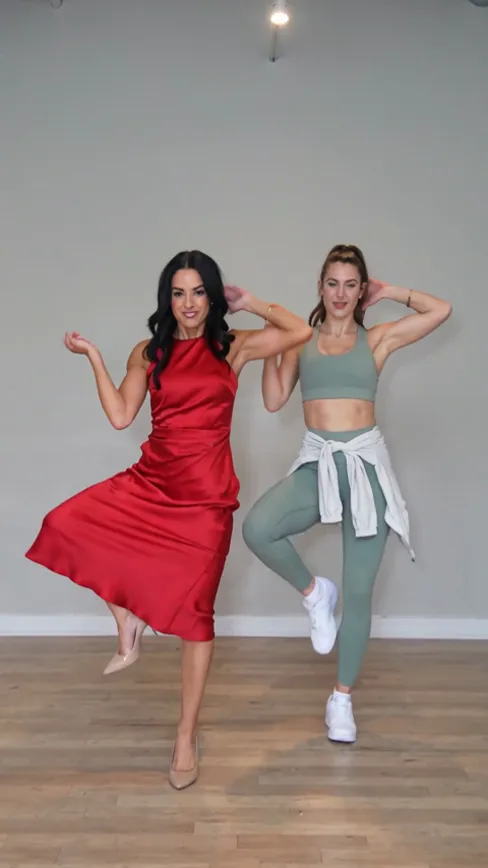
- Puerto Rican Mami AI Dance2 photos · 15 s · a duo dance in sync with a place swap
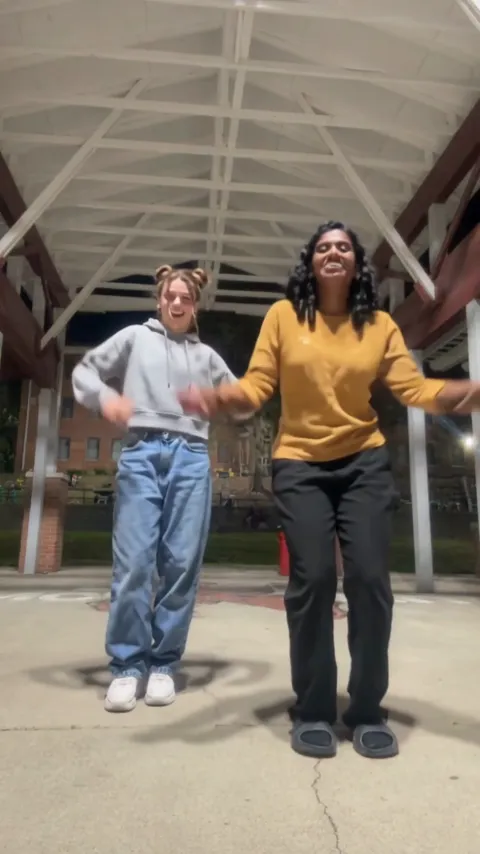
- APT AI Video2 photos · 8 s · one sings, one drums, then you dance to the chorus
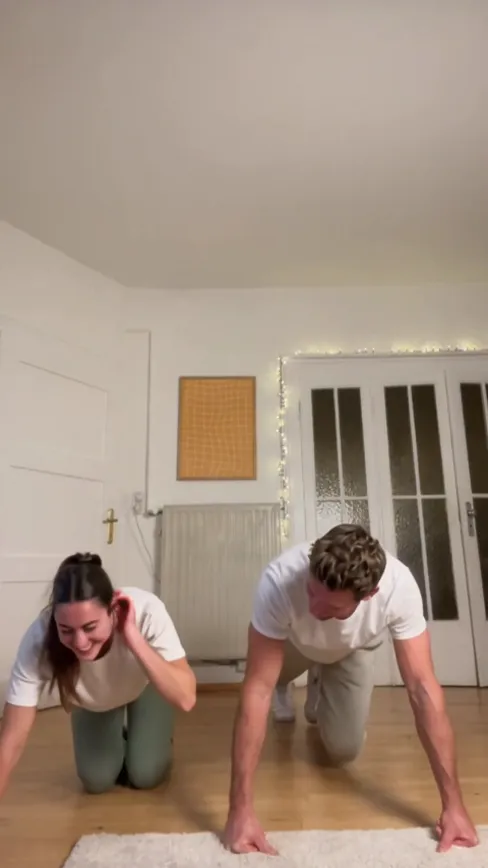
- ATEEZ BAD Challenge AI2 photos · 14 s · push-ups in sync on the beat, for two
Make your Grease trend clip
Two photos, a few minutes, one finale.
Not affiliated with or endorsed by Paramount Pictures or the makers of Grease.