AI Giant Effect turns one photo into a 6-second landscape ai giant video: you stand as a giant over a city viaduct at sunset, reach down, pick up a tiny car between two fingers and smile at it, in your own outfit. The clip’s sound comes mixed in.
Updated
At a glance
- Length
- 6 seconds
- Format
- Landscape 16:9
- Photos
- Your photo (adults only)
- Price
- 750 credits (HD 1,500)
- On plans
- Starter and Pro 375 · Unlimited 225
- Sound
- The trend’s sound, mixed in
- Sign-up
- An account is required (free to create)
- Watermark
- No watermark
Which photos work best
Full body
You stand over the city from head to toe: a full-body photo works best.
A clear face
The last shot is close on you smiling at the car: a sharp, front-facing photo.
Your outfit stays
You are a giant in the clothes from your photo, so pick an outfit you like.
What is the ai giant effect?
The ai giant effect makes you huge: the camera looks up at you standing over a city viaduct at sunset, the traffic tiny below. You reach down, pick up a car between two fingers and smile at it. Some people search for it as giant on viaduct ai.
Our template makes it from one photo, with your own face, hair and outfit. The viaduct, the city, the sunset, the camera and the sound come with it.
Use the ai giant effect template
The opposite, you tiny: Mini Figure Squeeze AI
Another camera trick: AI 360 Rotation
How to make it
- 1
Upload a photo
One adult, full body works best, face clear.
- 2
Generate
The City Viaduct template is set: landscape, 6 seconds.
- 3
Post it
Ready in two to three minutes, with the clip’s sound.
AI video template or filming it yourself
Both end with the same clip on TikTok. The difference is what you need before you start.
| AI video template | Filming the trend | |
|---|---|---|
| You need | One photo | A toy car, a green screen and editing skills |
| Time | Two to three minutes | An evening of compositing |
| The city | A viaduct at sunset, drawn by the AI | Footage you find or film |
| Sound | The clip’s sound, mixed in | Added on TikTok |
| Cost | 750 credits, less on a plan | Free, plus your time |
Questions
Is the ai giant effect free?
No. A template video uses 750 credits at 480p (1,500 in HD), about $10 with a credit pack. Starter and Pro plans pay half (375) and Unlimited pays 30%: 225 credits a video, about $2.25. The 100 free credits you get when you sign up are not enough for one video.
What happens in the video?
You stand as a giant over a city viaduct at sunset, reach down, pick up a tiny car between two fingers and smile at it. Six seconds, landscape.
Can I be the tiny one instead?
Yes, on another page: Mini Figure Squeeze AI makes the opposite, a tiny figure of you on an open palm. The ai giant effect always makes you the giant.
Whose photo can I use?
Adults only: photos of children are not supported. Your own, or a friend’s who agreed to it. No famous people. Uploads go through an automatic safety check.
Does the video have sound?
Yes: your video comes with the clip’s sound, so you can post it to TikTok as it is.
Can I post it?
Yes. Your ai giant effect clip is a finished 6-second landscape video, so you can post it to TikTok as it is.
How long does it take?
Two to three minutes. You can close the page: the video waits for you in My creations.
Made with this template
Examples made by the Vidlark team.

More trending AI videos
Trending on TikTok now: pick one and make it with your photo.
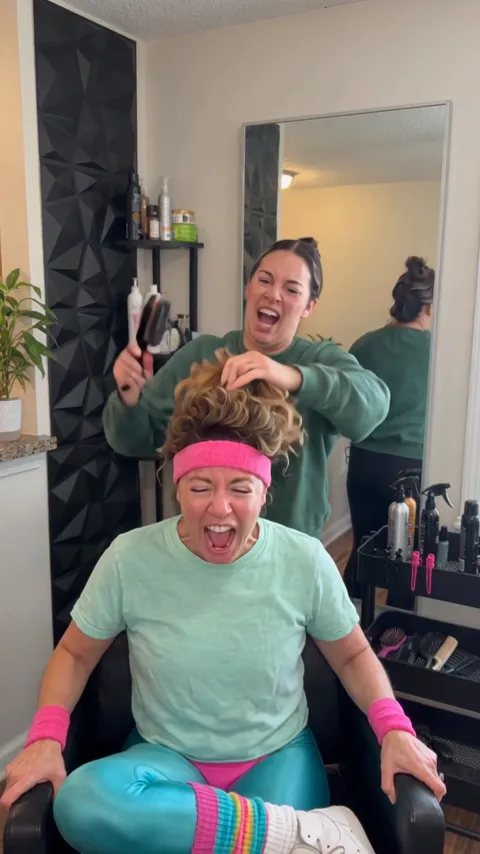
- Screaming Hair Funk AI1 photo · 8 s · a scream at every yank of the ponytail
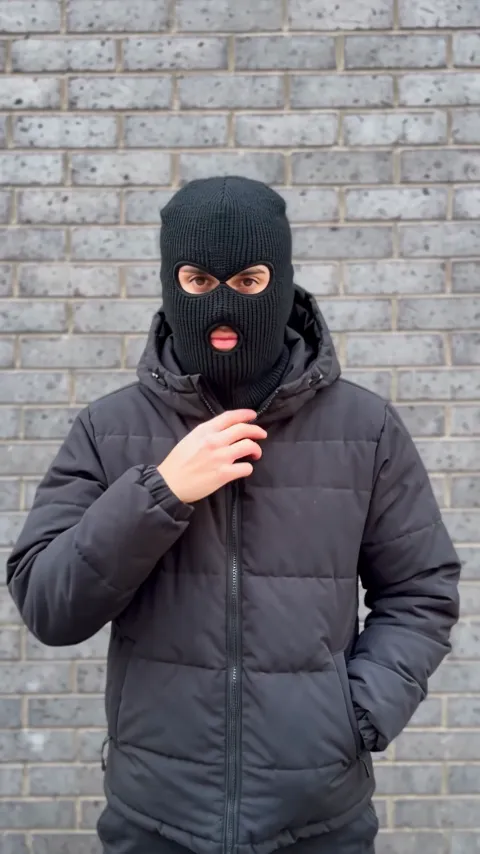
- Mandem in Disguise AI1 photo · 10 s · a smile, a flash, then a balaclava and a deadpan nod
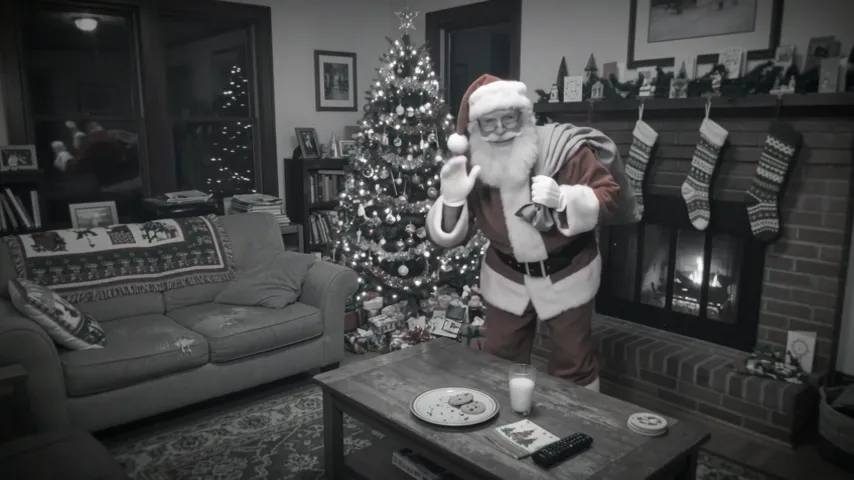
- Santa Caught on Camera AI1 room photo · 10 s · Santa on your security camera at night
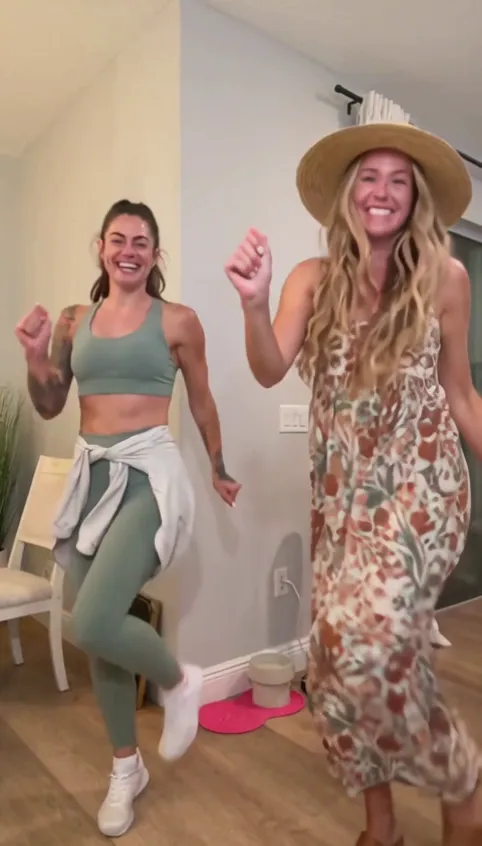
- Bing Bing Bing Kicking AI2 photos · 11–12 s · two take turns with big side kicks at the camera
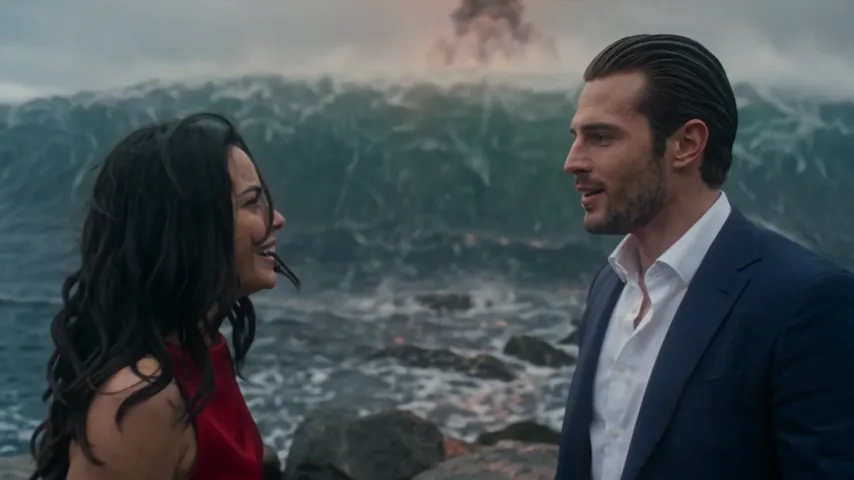
- Argue Before Apocalypse AI2 photos · 15 s · an argument, the end of the world, a kiss
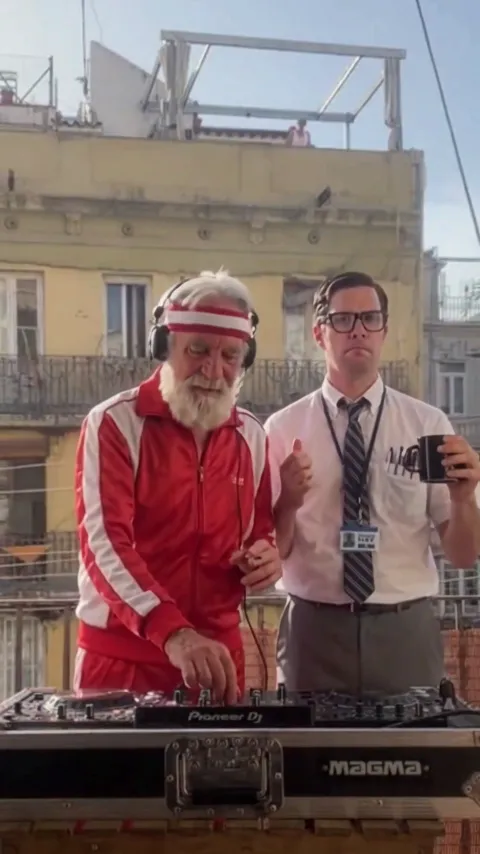
- Balcony Mixtape AI2 photos · 14 s · a DJ set for two on a sunny balcony
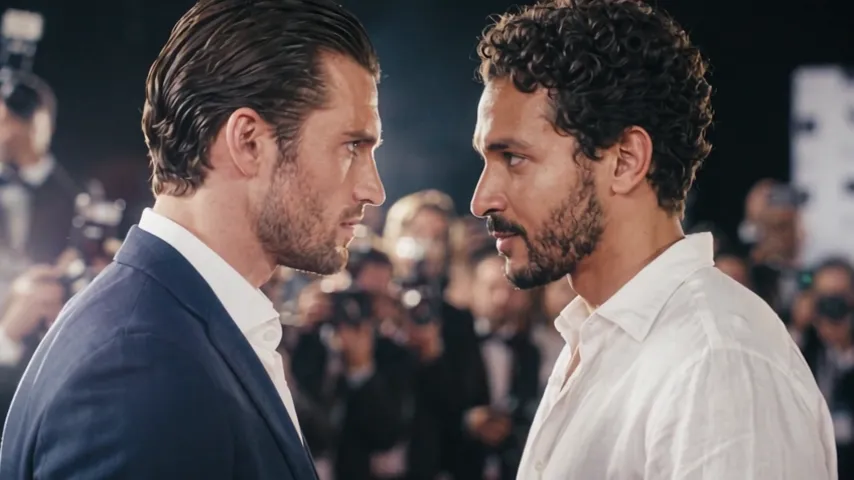
- Zoolander AI2 photos · 8 s · a slow turn and a dead-serious stare-down on the red carpet
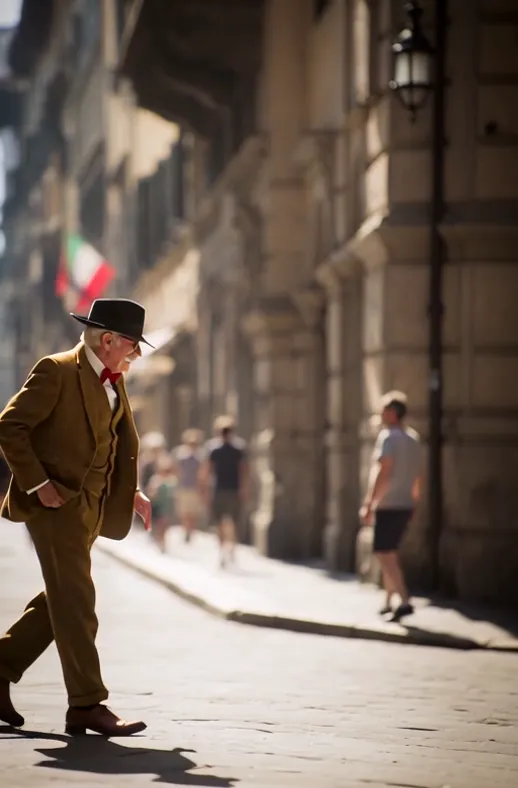
- AI Moonwalk Dance1 photo · 7 s · a smooth moonwalk and a hat tip on an old street
Make your ai giant effect
One photo, a few minutes, and the city is at your feet.