AI 360 Rotation
1 photo, 6 seconds: the camera circles all the way around you.
AI video template
AI 360 Rotation
A 6 s landscape 360 clip: the camera makes one smooth 360-degree orbit around you standing on a sunny lawn, showing you from every side in your own outfit, with the clip’s sound
750 credits · 225 on Unlimited
AI 360 Rotation is a 360 degree photo to video ai: from one photo, the camera makes one smooth 360-degree orbit around you standing on a sunny lawn, showing you from every side, in your own outfit. A 6-second landscape video with the clip’s sound mixed in.
Updated
At a glance
- Length
- 6 seconds
- Format
- Landscape 4:3
- Photos
- Your photo (adults only)
- Price
- 750 credits (HD 1,500)
- On plans
- Starter and Pro 375 · Unlimited 225
- Sound
- The trend’s sound, mixed in
- Sign-up
- An account is required (free to create)
- Watermark
- No watermark
Which photos work best
Full body
The camera circles you from head to toe: a full-body photo works best.
Just you
One adult in the photo, face clear; crop out anyone else.
Your outfit stays
Every side of your outfit is on show, so pick one you like.
What is the ai 360 rotation?
The ai 360 rotation shows you from every side: the camera makes one full, smooth turn around you while you stand on a sunny lawn, trees and blue sky behind you. People also call it an ai 360 spin video.
Our template makes it from one photo. You keep your face, hair and outfit; the sides and back your photo does not show are drawn by the AI. The lawn, the camera move and the sound come with it.
Use the 360 rotation video template
Another way to show off: AI Run Fast
Or turn into a statue first: Sculpted Self AI
How to make it
- 1
Upload a photo
One adult, full body works best, face clear.
- 2
Generate
The Lawn Orbit template is set: landscape, 6 seconds.
- 3
Post it
Ready in two to three minutes, with the clip’s sound.
AI video template or filming it yourself
Both end with the same clip on TikTok. The difference is what you need before you start.
| AI video template | Filming the trend | |
|---|---|---|
| You need | One photo | A friend with a camera walking a full circle |
| Time | Two to three minutes | Many takes for a smooth circle |
| The camera | One smooth 360-degree orbit | Steady hands or a gimbal |
| Sound | The clip’s sound, mixed in | Added on TikTok |
| Cost | 750 credits, less on a plan | Free, plus your time |
Questions
Is the ai 360 rotation free?
No. A template video uses 750 credits at 480p (1,500 in HD), about $10 with a credit pack. Starter and Pro plans pay half (375) and Unlimited pays 30%: 225 credits a video, about $2.25. The 100 free credits you get when you sign up are not enough for one video.
What kind of photo works best?
A full-body photo of one adult, face clear. The camera goes all the way around you, so the more of you the photo shows, the better.
Who draws my back and sides?
The AI, from your photo: it keeps your face, hair and outfit and fills in the parts the photo does not show.
Whose photo can I use?
Adults only: photos of children are not supported. Your own, or a friend’s who agreed to it. No famous people. Uploads go through an automatic safety check.
Does the video have sound?
Yes: your video comes with the clip’s sound, so you can post it to TikTok as it is.
Can I post it?
Yes. Your ai 360 rotation is a finished 6-second landscape video, so you can post it to TikTok as it is.
How long does it take?
Two to three minutes. You can close the page: the video waits for you in My creations.
Made with this template
Examples made by the Vidlark team.

More trending AI videos
Trending on TikTok now: pick one and make it with your photo.
- Wassup in a Minute AI1 photo · 10 s · drawn as a 2D anime streetwear character, then animated

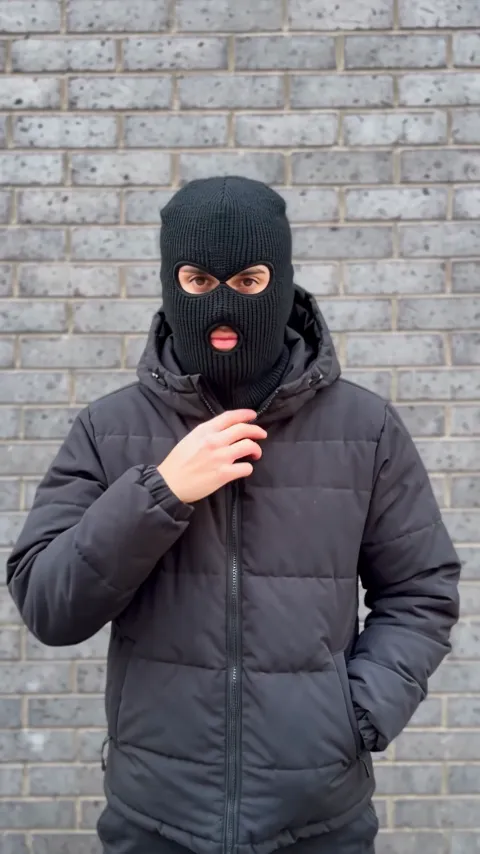
- Mandem in Disguise AI1 photo · 10 s · a smile, a flash, then a balaclava and a deadpan nod
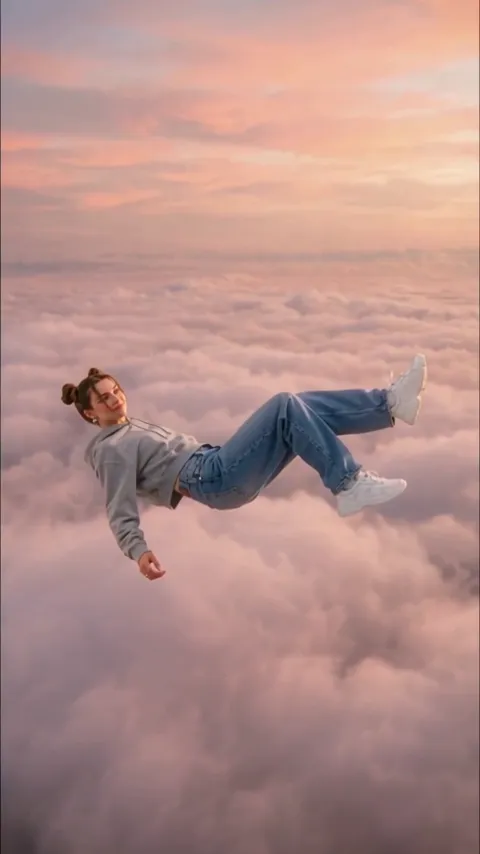
- Skyfall AI Trend1 photo · 5 s · a calm fall through a rose sunset sky
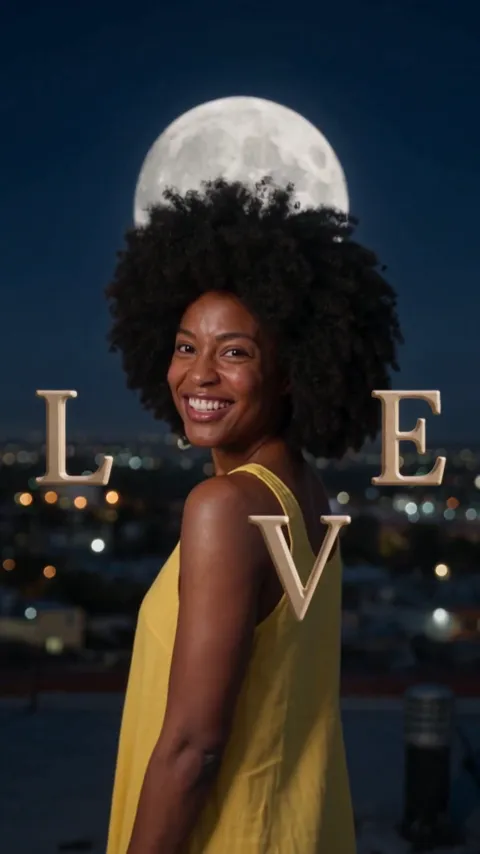
- Love Me Trend AI1 photo · 10 s · giant LOVE letters around you in every scene
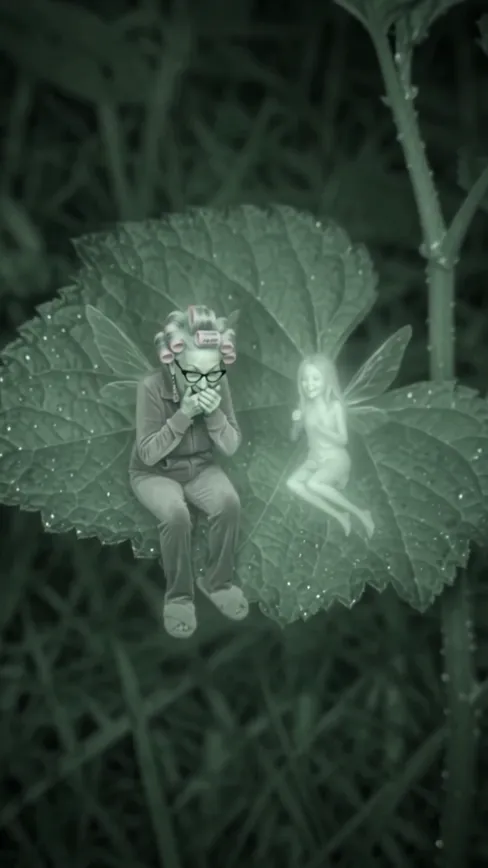
- Laughing Fairy AI1 photo · 10 s · you as a giggling fairy on a night camera
- Facebook Marketplace Husband Meme1 photo · 9 s · you now, then you on the farm porch in shock

- Perdon AI Trend1 photo · 15 s · the perfect photo, then the truth
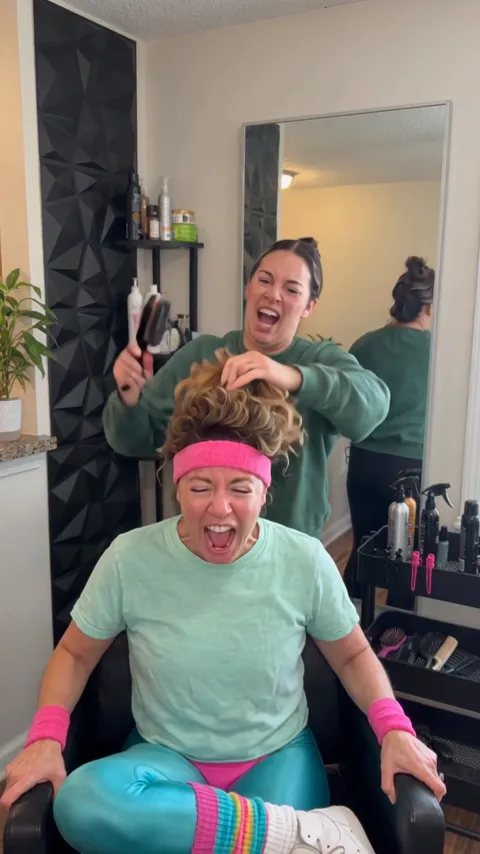
- Screaming Hair Funk AI1 photo · 8 s · a scream at every yank of the ponytail
Make your ai 360 rotation
One photo, a few minutes, and every side of you.