Laughing Fairy AI
1 photo, 10 seconds: a tiny fairy with your face, caught laughing.
AI video template
Laughing Fairy AI
A 10 s vertical laughing fairy clip: on a grainy night-vision camera in a dark garden, a tiny glowing fairy with your face sits on a leaf and giggles uncontrollably, covering its mouth
750 credits · 225 on Unlimited
Laughing Fairy AI turns one photo into the laughing fairy caught on camera clip: on a grainy night-vision trail camera in a dark garden, a tiny pale glowing fairy with delicate wings and your face sits on a leaf and giggles uncontrollably, covering its mouth, while a second fairy laughs beside it. A 10-second vertical video, eerie but funny.
Updated
At a glance
- Length
- 10 seconds
- Format
- Vertical 9:16
- Photos
- Your photo (adults only)
- Price
- 750 credits (HD 1,500)
- On plans
- Starter and Pro 375 · Unlimited 225
- Sound
- The trend’s sound, mixed in
- Sign-up
- An account is required (free to create)
- Watermark
- No watermark
Which photos work best
A clear face
The fairy is tiny: a sharp, close photo of the face reads best.
A big smile
A laughing photo helps the giggle look like you.
Hair and glasses
The fairy keeps your hair colour, curls and glasses from the photo.
What is the laughing fairy trend?
It is a fake found-footage trend: a night camera in someone’s garden seems to catch tiny fairies laughing on a leaf, and the clip is posted as if it were real. The fun is the face: people put their own, or a friend’s, on the fairy.
Our laughing fairy caught on camera AI template makes it from one photo: the fairy keeps your face, hair colour and way of laughing, and the night-vision look, the garden and the wings come with it.
Use the laughing fairy template
Another Halloween effect: Shrinking Sprite AI
How to make it
- 1
Upload a photo
One adult, face clear; half body is fine.
- 2
Generate
The night camera template is set: vertical, 10 seconds.
- 3
Post it
Ready in two or three minutes, with the trend’s sound.
AI video template or filming it yourself
Both end with the same clip on TikTok. The difference is what you need before you start.
| AI video template | Filming the trend | |
|---|---|---|
| You need | One photo | A trail camera, a garden and effects work |
| Time | Two or three minutes | Days of editing |
| The fairy | Your face, glowing | A costume will not shrink you |
| Sound | The trend’s sound, mixed in | Added on TikTok |
| Cost | 750 credits, less on a plan | Camera and software |
Questions
Is Laughing Fairy AI free?
No. A template video uses 750 credits at 480p (1,500 in HD), about $10 with a credit pack. Starter and Pro plans pay half (375) and Unlimited pays 30%: 225 credits a video, about $2.25. The 100 free credits you get when you sign up are not enough for one video.
Is the fairy real?
No. The whole clip, the night camera, the garden and the fairies, is made by AI from your photo. If you post it, say so, so nobody takes it for real footage.
Who is the second fairy?
A fairy that is part of the scene. Only the first fairy takes your face.
Why does it look grainy?
That is the trail-camera look of the trend: black and green night vision, a little noise, like a real garden camera.
Whose photos can I use?
Adults only: photos of children are not supported. Use your own photo or one of a friend who agreed to it. No famous people. Uploads go through an automatic safety check.
Does the video have sound?
Yes: your video comes with the trend’s sound, so you can post it to TikTok as it is. If TikTok flags the sound for copyright, swap in the same song from TikTok’s sound library when you post.
Can I make one of a friend?
Yes, with their photo and their OK. A friend as a laughing fairy is a sweet birthday or group-chat surprise.
How long does it take?
Two to three minutes. You can close the page: the video waits for you in My creations.
More trending AI videos
Trending on TikTok now: pick one and make it with your photo.
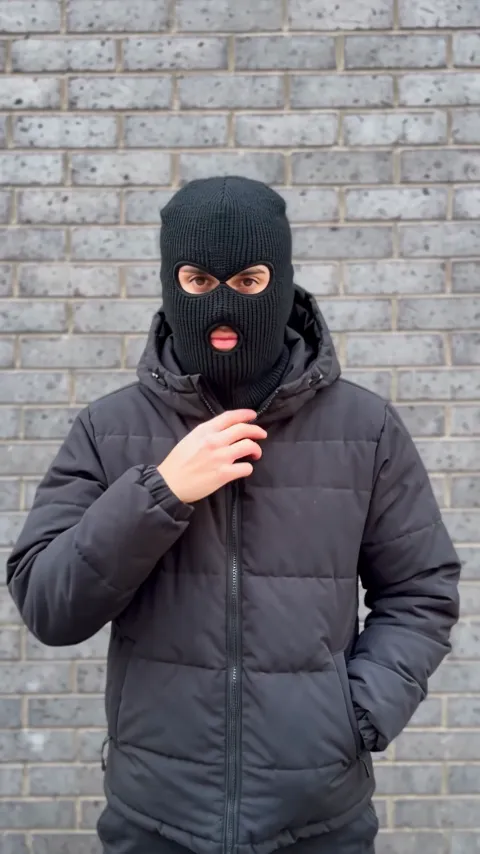
- Mandem in Disguise AI1 photo · 10 s · a smile, a flash, then a balaclava and a deadpan nod
- Perdon AI Trend1 photo · 15 s · the perfect photo, then the truth

- Wassup in a Minute AI1 photo · 10 s · drawn as a 2D anime streetwear character, then animated

- Spiderman Mom and Son Trend AI2 photos · 12 s · a shoulder lift, then hero suits on a rooftop

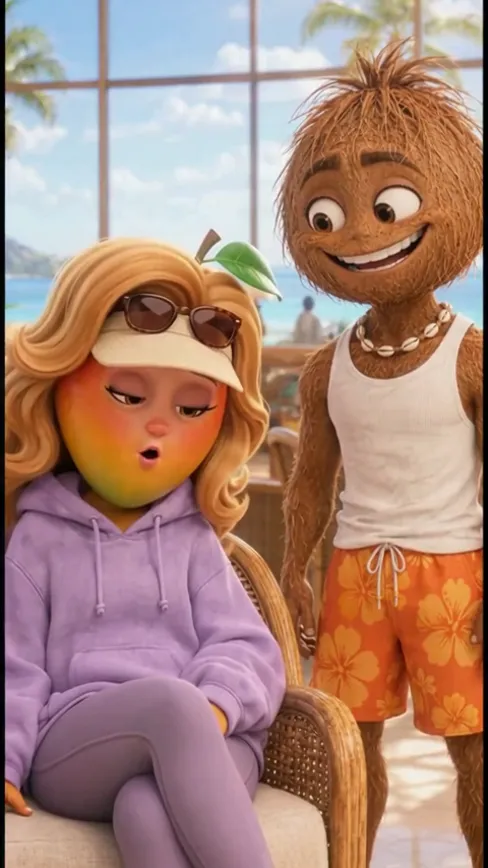
- AI Fruit Story1 photo · 12 s · you as a 3D mango person in a fruit soap opera
- Facebook Marketplace Husband Meme1 photo · 9 s · you now, then you on the farm porch in shock

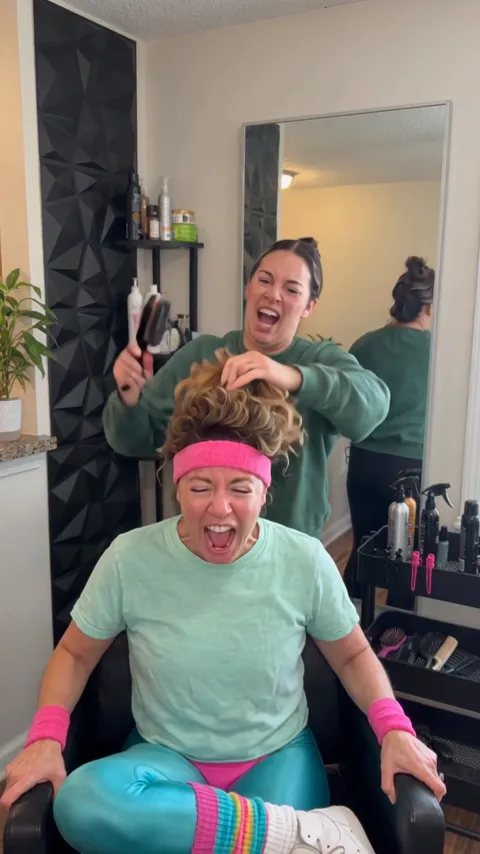
- Screaming Hair Funk AI1 photo · 8 s · a scream at every yank of the ponytail
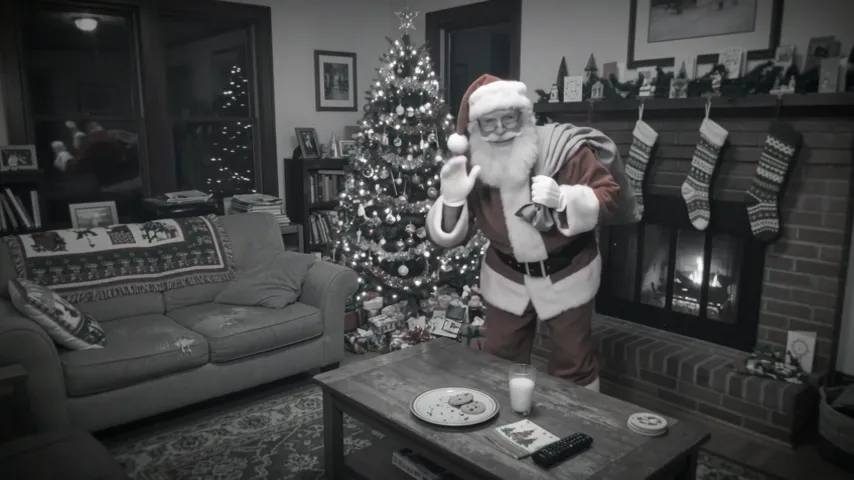
- Santa Caught on Camera AI1 room photo · 10 s · Santa on your security camera at night
Make your laughing fairy
One photo, a few minutes, and a fairy with your laugh on a night camera.