This anniversary video maker turns two photos into an ai anniversary video: in front of a dark patterned wall, behind a chocolate cake with a fizzing sparkler and a gold Happy Anniversary topper, one of you claps and laughs, the other laughs along, then you cut the cake together. A 12-second vertical video with the clip’s sound.
Updated
At a glance
- Length
- 12 seconds
- Format
- Vertical 9:16
- Photos
- Photo 1 (adults only) · Photo 2 (adults only)
- Price
- 750 credits (HD 1,500)
- On plans
- Starter and Pro 375 · Unlimited 225
- Sound
- The trend’s sound, mixed in
- Sign-up
- An account is required (free to create)
- Watermark
- No watermark
Which photos work best
Two clear faces
You stand side by side behind the table, from the waist up: one clear, well-lit photo of each of you works best.
A clear face
A sharp, front-facing photo: the camera gets close.
Your outfit stays
You appear in what you wear in the photo, so pick one you like.
What is an anniversary video for a couple?
An anniversary video for a couple is a short clip to post or send on the day: the two of you, a cake and a little celebration. It works for a wedding anniversary or for the day you started dating.
Our template keeps the patterned wall, the white table, the cake with its sparkler and gold topper, and the camera. Photo 1 claps first and photo 2 laughs along, each with their own face, hair and clothes; the laughing and the cake cutting come with the template.
Use the anniversary video template
Or a kiss for the two of you: AI Kissing Video
Or the kiss cam: Kiss Cam AI
Or share big news: AI Pregnancy Announcement Video
How to make it
- 1
Upload two photos
Photo 1: who claps first. Photo 2: who laughs along. One adult in each, faces clear, both agreeing to it.
- 2
Generate
The anniversary video maker template is set: vertical, 12 seconds.
- 3
Post it
Ready in about five minutes, with the clip’s sound.
AI video template or filming it yourself
Both end with the same clip on TikTok. The difference is what you need before you start.
| AI video template | Filming the trend | |
|---|---|---|
| You need | Two photos, one of each of you | A cake, a sparkler, a tripod and good timing |
| Time | About five minutes | A cake to buy and a few takes |
| The setting | A table with a sparkler cake, drawn by the AI | Your own table and cake |
| Sound | The clip’s sound, mixed in | Added on TikTok |
| Cost | 750 credits, less on a plan | Free, plus your time |
Questions
Is the AI Anniversary Video Maker free?
No. A template video uses 750 credits at 480p (1,500 in HD), about $10 with a credit pack. Starter and Pro plans pay half (375) and Unlimited pays 30%: 225 credits a video, about $2.25. The 100 free credits you get when you sign up are not enough for one video.
How long is the anniversary video?
12 seconds: the sparkler fizzing, the clapping and laughing, then the cake cut together.
Does it work for a dating anniversary?
Yes. It suits a wedding anniversary or the anniversary of the day you got together: the cake’s gold topper says Happy Anniversary.
Who plays who?
Photo 1 claps first and photo 2 laughs along; then you both cut the cake. Upload them in that order.
Whose photos can I use?
Adults only: photos of children are not supported. Yours and a friend’s, with their agreement. No famous people. Uploads go through an automatic safety check.
Can I post my anniversary video maker video?
Yes. It is a finished 12-second vertical video with the sound mixed in, so you can post it to TikTok as it is.
Does the video have sound?
Yes: your video comes with the clip’s sound, mixed in. If TikTok flags the sound for copyright, swap in a sound from TikTok’s sound library when you post.
How long does it take?
About five minutes, sometimes longer. You can close the page: the video waits for you in My creations.
Can I change the text on the cake?
No. The gold topper is part of the template; the prompt asks for no other text, no watermark and no logos.
Can I use one photo of the two of us?
No. Upload two photos, one adult in each, so each of you is placed in your own spot.
Made with this template
Examples made by the Vidlark team.


More trending AI videos
Trending on TikTok now: pick one and make it with your photo.
- Two Legends Make Coffee AI2 photos · 12 s · one glass, milk and coffee everywhere
- Cardo Dinner AI2 photos · 14 s · one feeds, one gets fed
- Hop Hop Hop Dance AI2 photos · 8 s · one cues, one hops, then swap
- Shaving Cream Trend AI2 photos · 7 s · a dab of foam, then the reveal
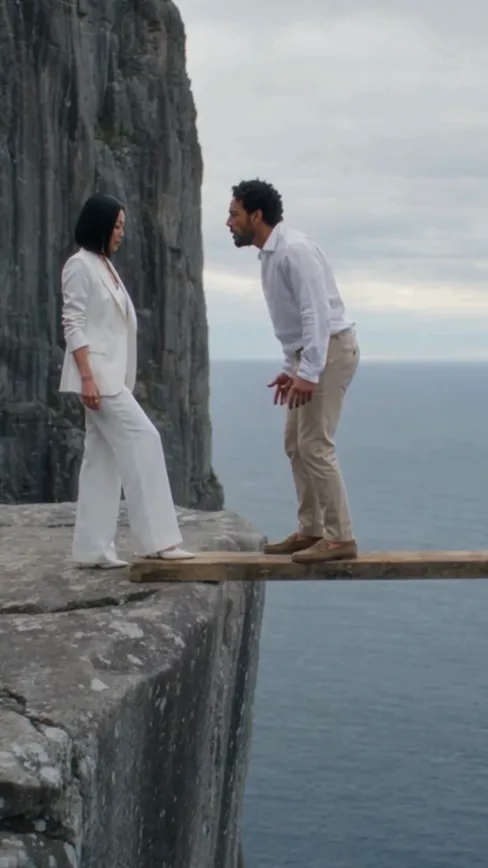
- Couple Cliff Prank AI2 photos · 15 s · one shouts, one steps off
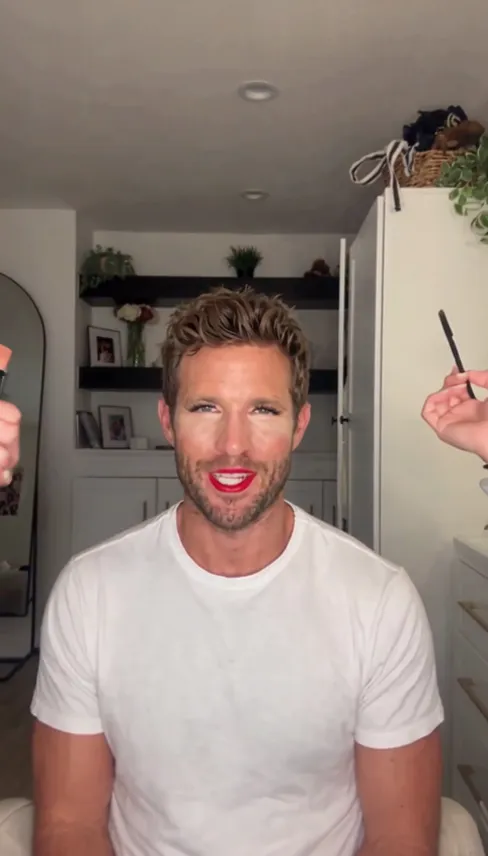
- Boyfriend Makeup Prank Filter1 photo of him · 10 s · bare face to full glam
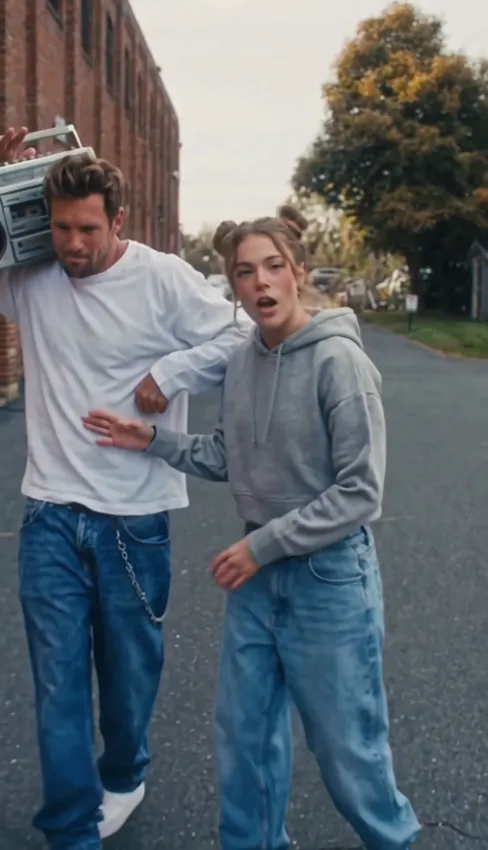
- Transmission 5 Dance AI2 photos · 14 s · a duo dance with a boombox
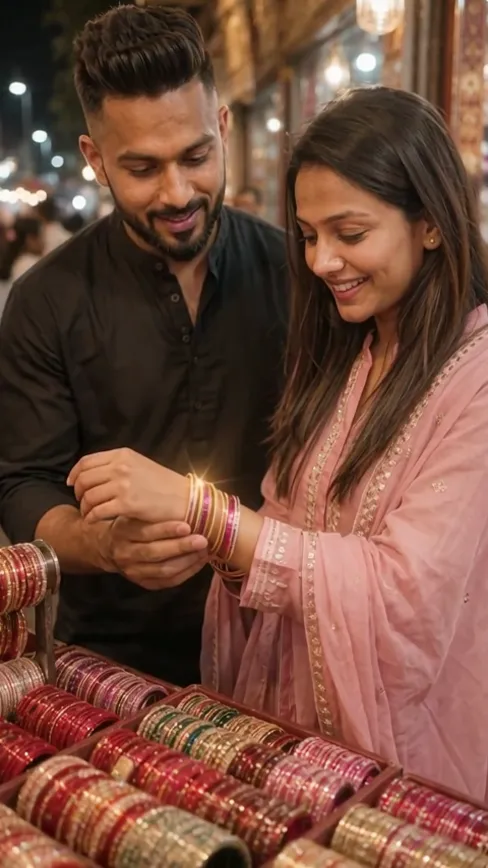
- Bangle Shop AI Video2 photos · 5 s · he puts the bangles on
Make your anniversary video
Two photos, a few minutes, one cake to cut.