AI Pregnancy Announcement Video
2 photos, 10 seconds: a walk on the beach, the scan to the lens, a hug.
AI video template
AI Pregnancy Announcement Video
A 10 s vertical pregnancy announcement video: on a calm lake beach the two of you walk toward the camera hand in hand, one holds a small ultrasound printout up to the lens, the other hugs from behind, and you hug, laugh and wave, with the clip’s sound
750 credits · 225 on Unlimited
AI Pregnancy Announcement Video is a baby announcement video AI for two photos: on a calm lake beach you walk toward the camera hand in hand, one of you holds a small ultrasound printout up to the lens, the other hugs from behind, and you both laugh and wave. A 10-second vertical video with the clip’s sound.
Updated
At a glance
- Length
- 10 seconds
- Format
- Vertical 9:16
- Photos
- Photo 1 (adults only) · Photo 2 (adults only)
- Price
- 750 credits (HD 1,500)
- On plans
- Starter and Pro 375 · Unlimited 225
- Sound
- The trend’s sound, mixed in
- Sign-up
- An account is required (free to create)
- Watermark
- No watermark
Which photos work best
One adult per photo
Two photos, two people; crop out anyone else.
Clear faces
You smile at the camera with the scan: sharp, front-facing photos keep you both recognisable.
Your outfits stay
You walk the beach in what you wear in the photos, so pick the look you want to share.
What is an AI pregnancy announcement video?
A pregnancy announcement video is a short clip parents-to-be share to tell friends and family that a baby is on the way, often with the ultrasound scan held up to the camera.
Our ai pregnancy announcement video works as a pregnancy announcement video maker for two photos: Photo 1 is the one who holds up the scan, Photo 2 the one who hugs from behind, and you both keep your faces and outfits. The AI films the whole scene from your photos: the beach, the walk, the black-and-white printout and the hug. The printout has no readable text, and no babies or children appear on screen.
Use the pregnancy announcement video template
Then reveal boy or girl: AI Gender Reveal Video
Another couple moment: AI Kissing Video
How to make it
- 1
Upload two photos
One adult in each: Photo 1 holds up the scan, Photo 2 hugs from behind. Both of you agree to it.
- 2
Generate
The ai pregnancy announcement video template is set: vertical, 10 seconds.
- 3
Post it
Ready in two or three minutes, with the clip’s sound.
AI video template or filming it yourself
Both end with the same clip on TikTok. The difference is what you need before you start.
| AI video template | Filming the trend | |
|---|---|---|
| You need | Two photos | A beach, the scan printout and someone to film |
| Time | Two or three minutes | A trip and several takes |
| Being together | Not needed: two separate photos work | You both have to be there |
| Sound | The clip’s sound, mixed in | Added on TikTok |
| Cost | 750 credits, less on a plan | A day out, plus your time |
Questions
Is the ai pregnancy announcement video free?
No. A template video uses 750 credits at 480p (1,500 in HD), about $10 with a credit pack. Starter and Pro plans pay half (375) and Unlimited pays 30%: 225 credits a video, about $2.25. The 100 free credits you get when you sign up are not enough for one video.
Is it our real ultrasound scan?
No. The AI draws a small black-and-white printout with no readable text; you only upload two photos of yourselves.
Who holds the scan and who hugs?
Photo 1 holds the scan up to the lens, Photo 2 hugs from behind. Any two adults can take either part: swap the photos to switch.
Whose photos can I use?
No babies or children appear in the video. Adults only: photos of children are not supported. Both photos must be of you or of adults who agreed to it. No famous people. Uploads go through an automatic safety check.
Do we keep our outfits?
Yes: the video keeps both faces and outfits from your photos. The beach, the printout and the hug are new.
Can I post my ai pregnancy announcement video?
Yes. It is a finished 10-second vertical video with the sound mixed in, so you can post it to TikTok as it is.
Does the video have sound?
Yes: your video comes with the clip’s sound, mixed in. If TikTok flags the sound for copyright, swap in a sound from TikTok’s sound library when you post.
How long does it take?
Two to three minutes. You can close the page: the video waits for you in My creations.
Made with this template
Examples made by the Vidlark team.


More trending AI videos
Trending on TikTok now: pick one and make it with your photo.
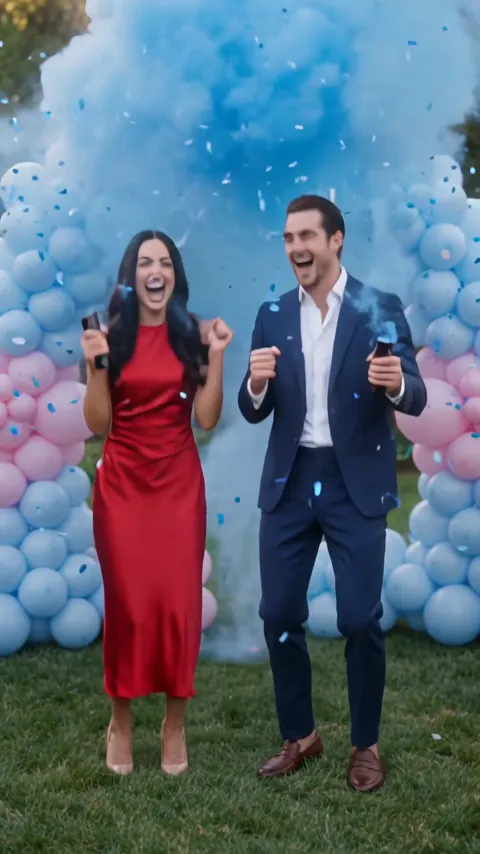
- AI Gender Reveal Video2 photos · 10 s · a countdown, blue smoke and a hug
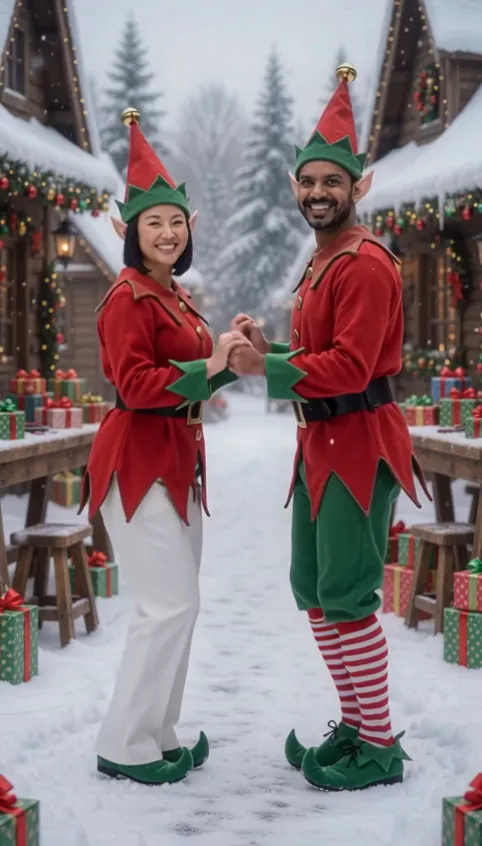
- AI Elf Dance Video2 photos · 12 s · elf costumes and a dance in the snow
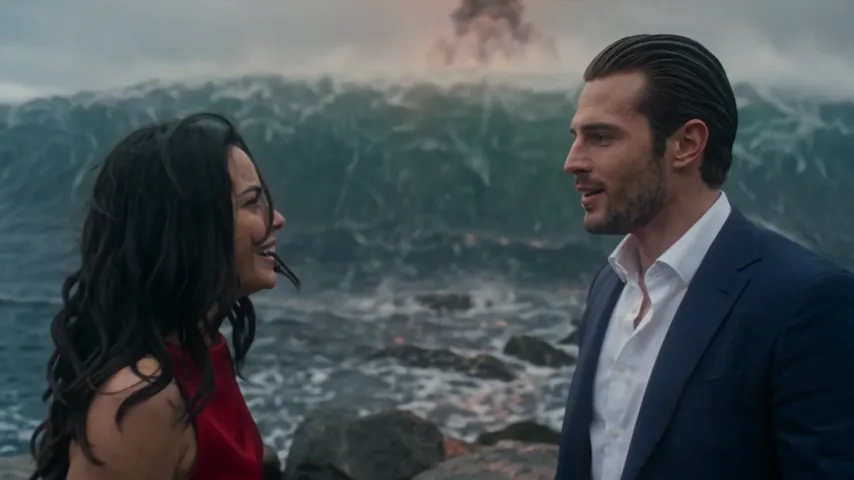
- Argue Before Apocalypse AI2 photos · 15 s · an argument, the end of the world, a kiss
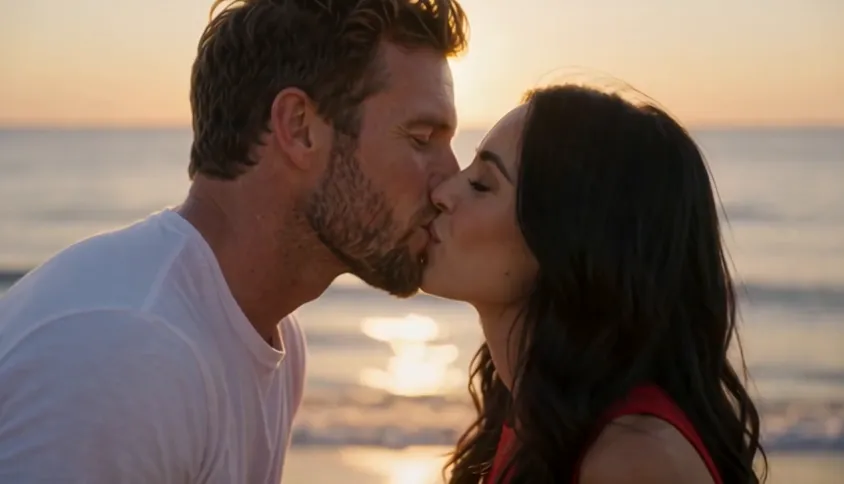
- AI Kissing Video2 photos · 5 s · a gentle kiss and a hug at sunset by the sea
- My Girl Trend AI2 photos · 10 s · a hand over the lens, then the costume reveal
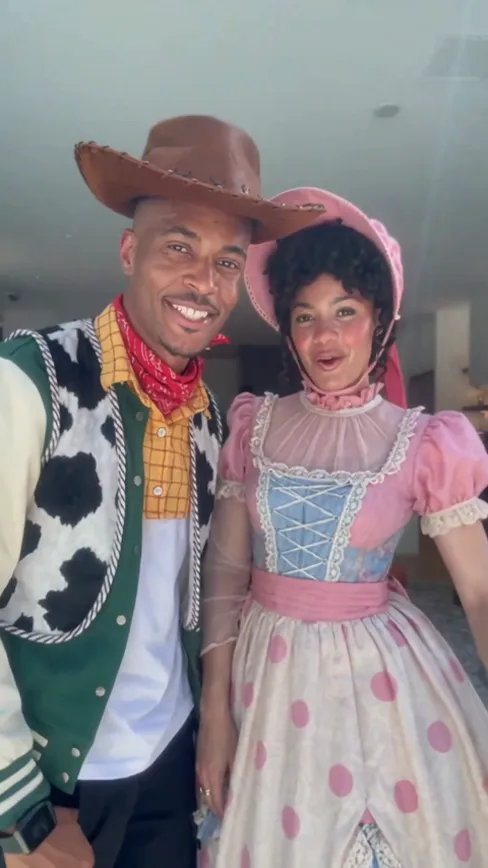
- Kiss Cam AI2 photos · 10 s · caught on the kiss cam, then the panic

- Don't You Dare Christmas AI1 photo · 15 s · a snowball and a smile in a 90s Christmas scene
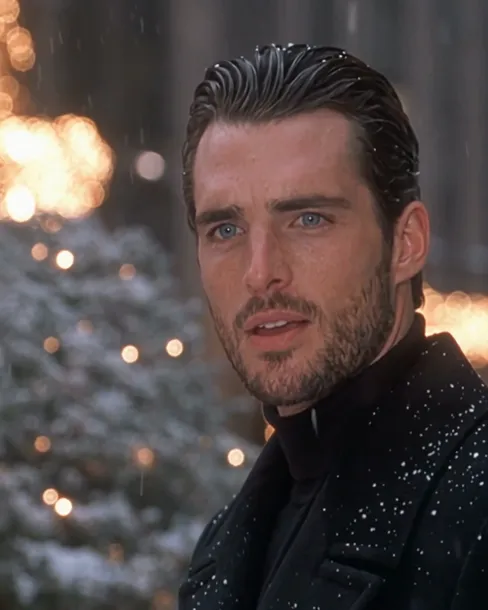
- Zombie AI Video2 photos · 15 s · love, even as a zombie
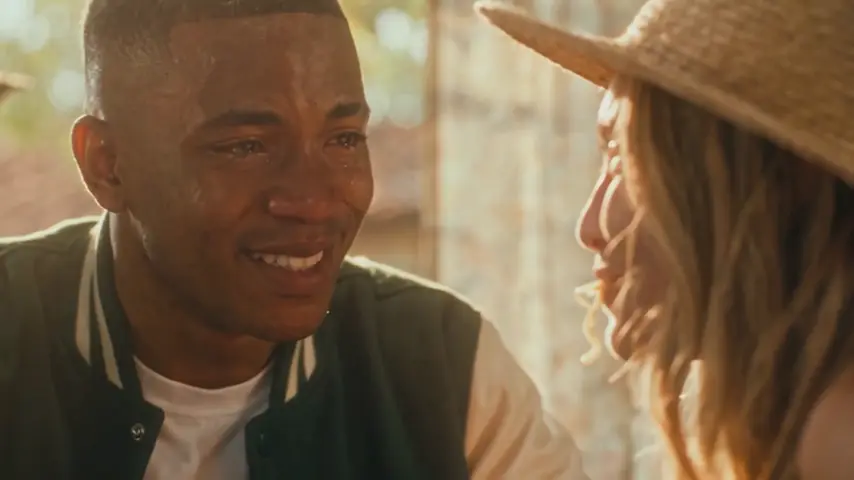
Make your AI pregnancy announcement video
Two photos, a few minutes, and the news on a calm beach.