Malfoid AI
1 photo, 6 seconds: platinum hair, a black robe and a smug smirk.
AI video template
Malfoid AI
A 6 s vertical Malfoid AI selfie: you look at the camera as yourself, then a quick change to sleek platinum hair, grey-green eyes and a smug smirk, in a black school robe, white shirt and green and silver tie
750 credits · 225 on Unlimited
Malfoid AI turns one photo into the Malfoid trend: in a close selfie you look at the camera as yourself, then a quick change gives you sleek platinum blonde hair, cool grey-green eyes and a smug smirk, in a black school robe over a white shirt with a green and silver striped tie. A 6-second vertical Malfoid AI video.
Updated
At a glance
- Length
- 6 seconds
- Format
- Vertical 9:16
- Photos
- Your photo (adults only)
- Price
- 750 credits (HD 1,500)
- On plans
- Starter and Pro 375 · Unlimited 225
- Sound
- The trend’s sound, mixed in
- Sign-up
- An account is required (free to create)
- Watermark
- No watermark
Which photos work best
A close face
The whole clip is a selfie close-up, so a sharp, front-facing photo works best.
Any hair colour
The platinum hair replaces yours; dark hair makes the change look bigger.
Good light
An even, bright photo keeps your face recognisable after the change.
What is the Malfoid trend?
Malfoid is a play on Malfoy, the wizard-school rival in the Harry Potter stories: people post a before-and-after selfie as a female Malfoy look, with platinum hair, a cold stare and a black robe.
Our Malfoid AI template gives you that female Malfoy AI look from one photo: your face stays recognisable, and the hair, the eyes, the robe and the tie come with the transformation.
How to make it
- 1
Upload one photo
One adult, the face close and clear.
- 2
Generate
The Malfoid template is set: vertical, 6 seconds.
- 3
Post it
Ready in about three minutes, with the trend’s sound.
AI video template or filming it yourself
Both end with the same clip on TikTok. The difference is what you need before you start.
| AI video template | Filming the trend | |
|---|---|---|
| You need | One photo | A platinum wig, a robe, a tie and a cut |
| Time | About three minutes | A costume and a few takes |
| The hair | Platinum by AI, no bleach | A wig or a salon visit |
| Sound | The trend’s sound, mixed in | Added on TikTok |
| Cost | 750 credits, less on a plan | The wig and the costume |
Questions
Is Malfoid AI free?
No. A template video uses 750 credits at 480p (1,500 in HD), about $10 with a credit pack. Starter and Pro plans pay half (375) and Unlimited pays 30%: 225 credits a video, about $2.25. The 100 free credits you get when you sign up are not enough for one video.
What does Malfoid mean?
It is a nickname for the trend, after Malfoy from Harry Potter: a female Malfoy look with platinum hair and a smirk. No actor or film image is used.
Whose photo can I use?
Adults only: photos of children are not supported. Your own photo, or a friend’s who agreed to be in it. No famous people. Uploads go through an automatic safety check.
Does the video have sound?
Yes: your video comes with the trend’s sound, so you can post it to TikTok as it is. If TikTok flags the sound for copyright, swap in the same song from TikTok’s sound library when you post.
Can a man use it?
Yes. Anyone can do the Malfoid trend; the hair, the eyes and the robe change, and the face stays yours.
Can I post it on Reels or Shorts?
Yes. The Malfoid AI clip is vertical 9:16, the shape TikTok, Reels and Shorts play full screen, and it is short enough to loop.
How long does it take?
Two to three minutes. You can close the page: the video waits for you in My creations.
More trending AI videos
Trending on TikTok now: pick one and make it with your photo.
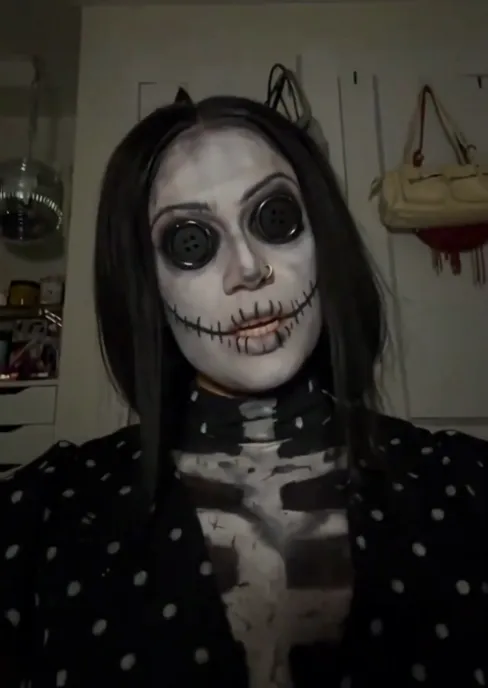
- Coraline Makeup AI1 photo · 10 s · two stripes, a flash and button eyes
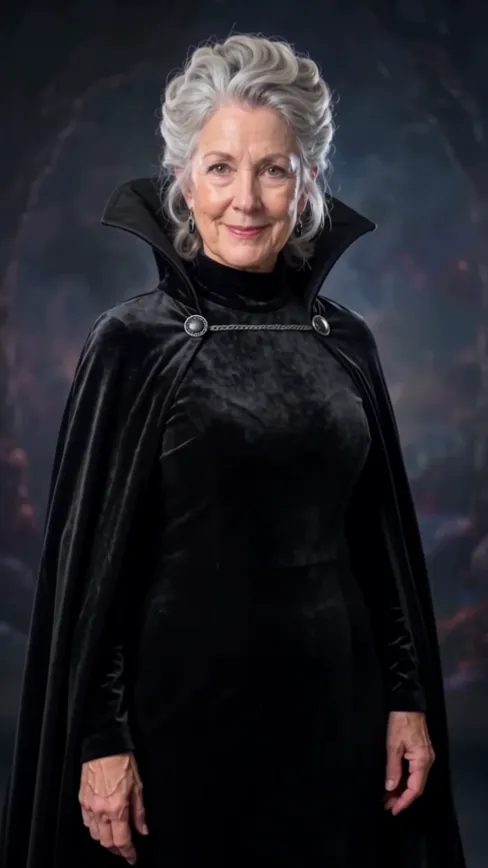
- I'm So Sorry I Lied Costume AI1 photo · 10 s · AI dream costume vs your real one
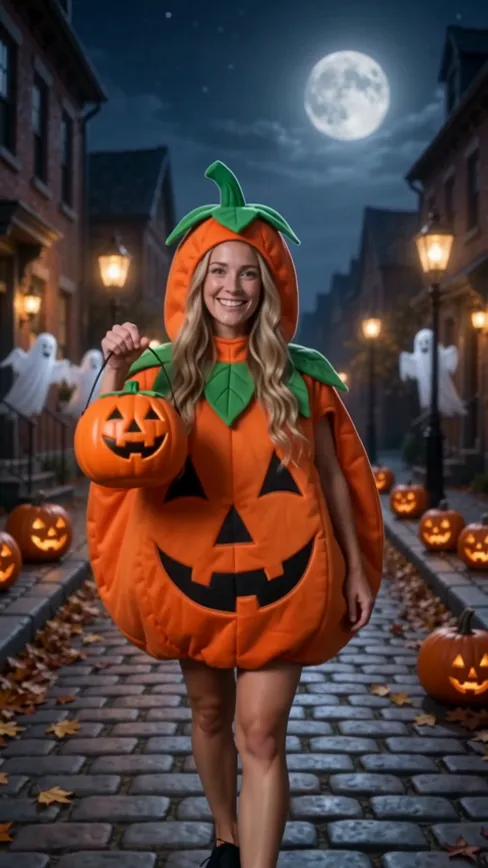
- Ramalama Trend AI1 photo · 15 s · three Halloween costumes on the beat
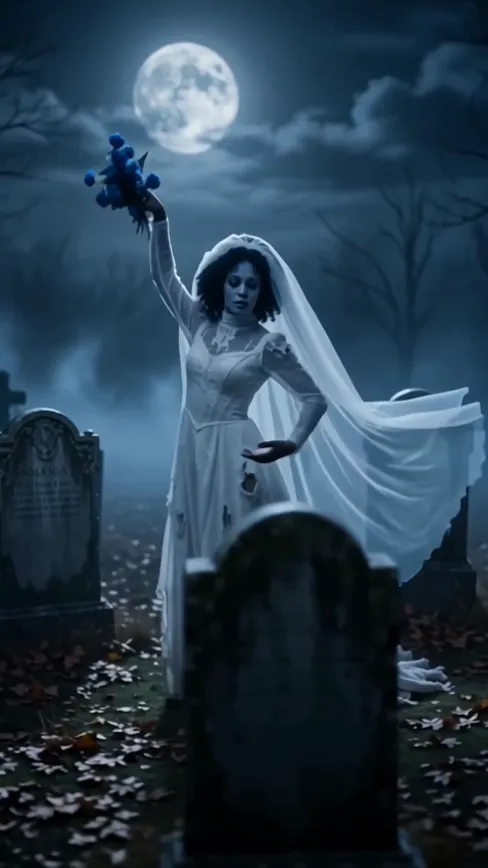
- Corpse Bride Makeup AI1 photo · 8 s · a ghost bride in a moonlit cemetery
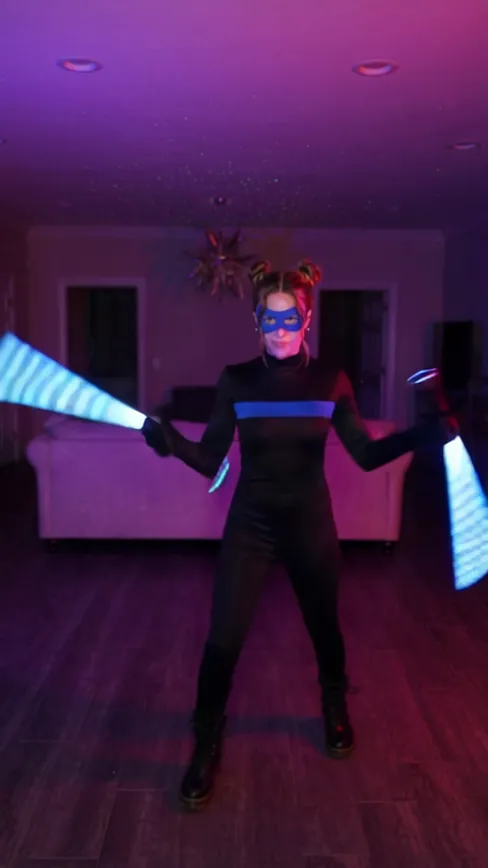
- Nightwing Trend AI1 photo · 10 s · a mask, a cut, a hero suit and two glowing sticks
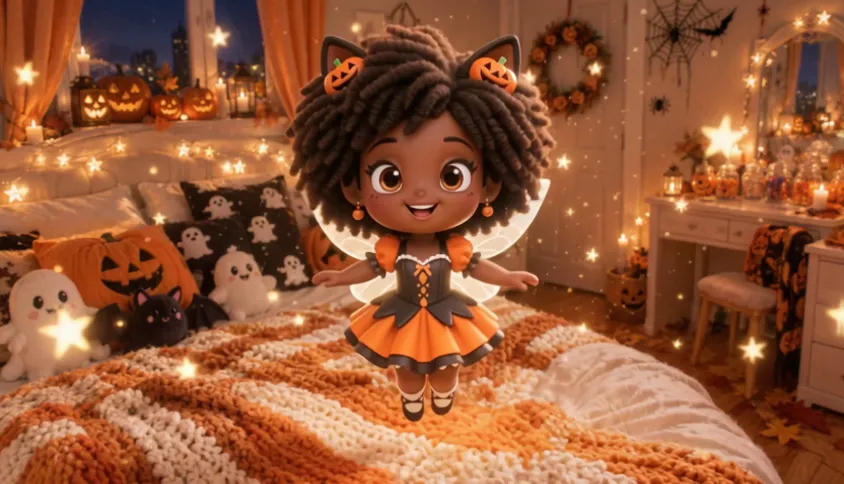
- Shrinking Sprite AI1 photo · 6 s · a candy, a glowing pumpkin and a tiny fairy you
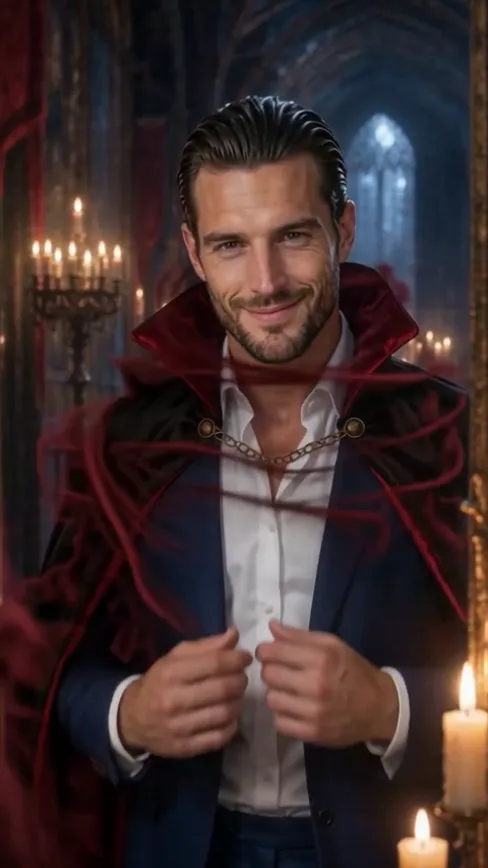
- Vampire Bat Transformation AI1 photo · 5 s · a vampire bursts into bats
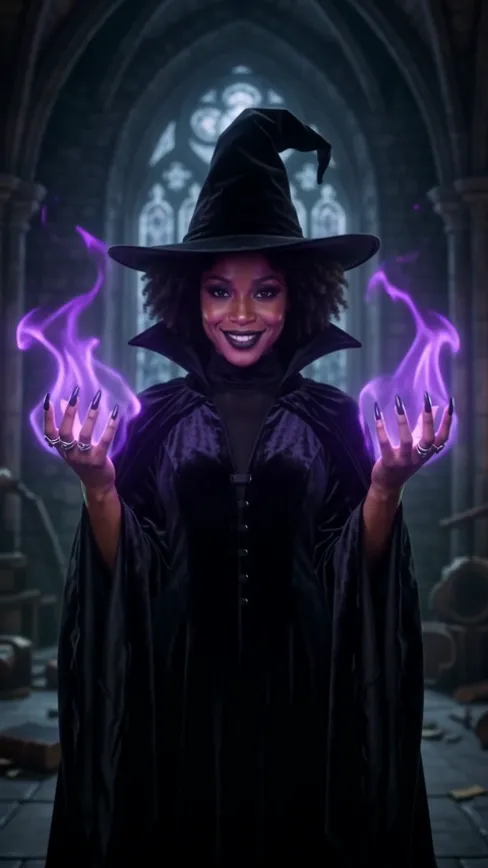
- Witch Glow Up AI1 photo · 8 s · a spellbook, then a dark witch
Make your Malfoid video
One photo, a few minutes, and the smuggest selfie of the week.
Vidlark is not affiliated with or endorsed by Warner Bros., Wizarding World or the makers of Harry Potter.