I'm So Sorry I Lied Costume Trend AI
1 photo, 10 seconds: the costume you dreamed of, then the one you made.
AI video template
I'm So Sorry I Lied Costume AI
A 10 s vertical i'm so sorry i lied costume clip: first you as a flawless vampire queen in a long velvet gown and cape, then the real thing at home, a bin bag cape, a paper crown and plastic fangs, and an awkward shrug
750 credits · 225 on Unlimited
The i'm so sorry i lied costume trend AI turns one photo into a Halloween before-and-after: first a glamorous AI photo shoot of you as an elegant vampire queen in a high-necked velvet gown and cape, then a quick cut to the real thing at home, a bin bag cape, a paper crown and plastic fangs, and an awkward shrug. A 10-second vertical video.
Updated
At a glance
- Length
- 10 seconds
- Format
- Vertical 9:16
- Photos
- Your photo (adults only)
- Price
- 750 credits (HD 1,500)
- On plans
- Starter and Pro 375 · Unlimited 225
- Sound
- The trend’s sound, mixed in
- Sign-up
- An account is required (free to create)
- Watermark
- No watermark
Which photos work best
Full body
Both costumes are shown head to toe: a full-body photo works best.
A clear face
The awkward grin at the end is the joke: a sharp, front-facing photo.
Any outfit
Both costumes replace it, so wear anything in the photo.
What is the i'm so sorry i lied costume trend?
It is an AI costume vs real costume joke: the perfect costume you promised everyone, then the homemade one you actually wore, with a shrug that says "I'm so sorry, I lied". It shows up every Halloween as people search for im sorry i lied halloween clips.
Our template is the grown-up version, for adults only: from one photo you are both the vampire queen and the bin bag hero. You keep your face, hair and body in both parts, and the gown, the cape, the paper crown and the living room come with it.
How to make it
- 1
Upload a photo
One adult, full body is best, face clear.
- 2
Generate
The vampire queen template is set: vertical, 10 seconds.
- 3
Post it
Ready in two or three minutes, with the trend’s sound.
AI video template or filming it yourself
Both end with the same clip on TikTok. The difference is what you need before you start.
| AI video template | Filming the trend | |
|---|---|---|
| You need | One photo | A real costume, a studio and a bin bag |
| Time | Two or three minutes | Two shoots |
| The glam part | A full AI photo shoot | Only if you own the gown |
| Sound | The trend’s sound, mixed in | Added on TikTok |
| Cost | 750 credits, less on a plan | A velvet gown |
Questions
Is the i'm so sorry i lied costume AI free?
No. A template video uses 750 credits at 480p (1,500 in HD), about $10 with a credit pack. Starter and Pro plans pay half (375) and Unlimited pays 30%: 225 credits a video, about $2.25. The 100 free credits you get when you sign up are not enough for one video.
Is it only for adults?
Yes. This version supports adult photos only; photos of children are not supported.
Can I choose the dream costume?
Not in this template: the vampire queen in a long high-necked velvet gown is the dream, the bin bag cape and paper crown are the reality.
Are the costumes modest?
The template asks for modest, fully covering outfits in both parts: a high-necked gown and a homemade cape.
Whose photos can I use?
Your own photo or one of a friend who agreed to it. No famous people.
Does the video have sound?
Yes: your video comes with the trend’s sound, so you can post it to TikTok as it is. If TikTok flags the sound for copyright, swap in the same song from TikTok’s sound library when you post.
When should I post it?
Right before or after a Halloween party works best: the dream costume first, then the truth.
How long does it take?
Two to three minutes. You can close the page: the video waits for you in My creations.
More trending AI videos
Trending on TikTok now: pick one and make it with your photo.
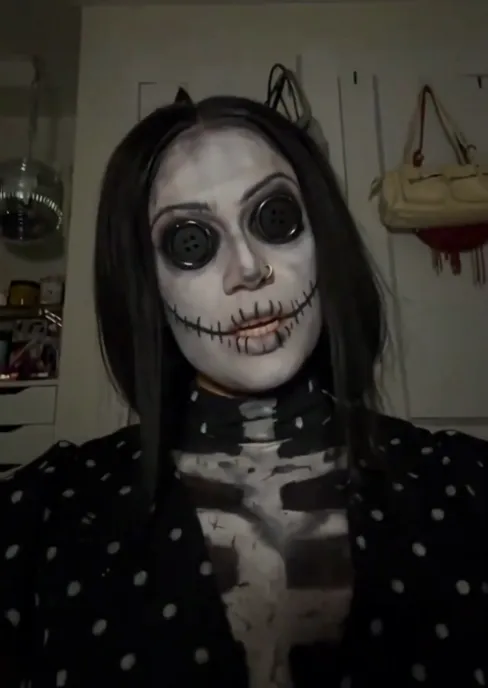
- Coraline Makeup AI1 photo · 10 s · two stripes, a flash and button eyes
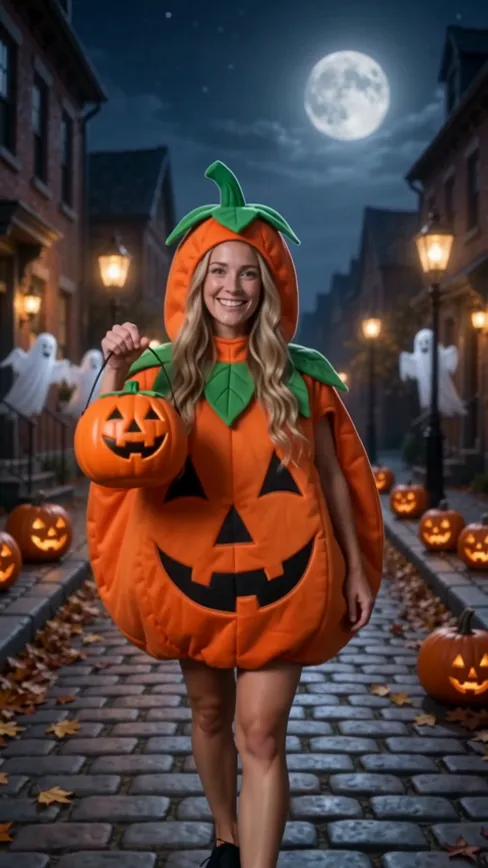
- Ramalama Trend AI1 photo · 15 s · three Halloween costumes on the beat
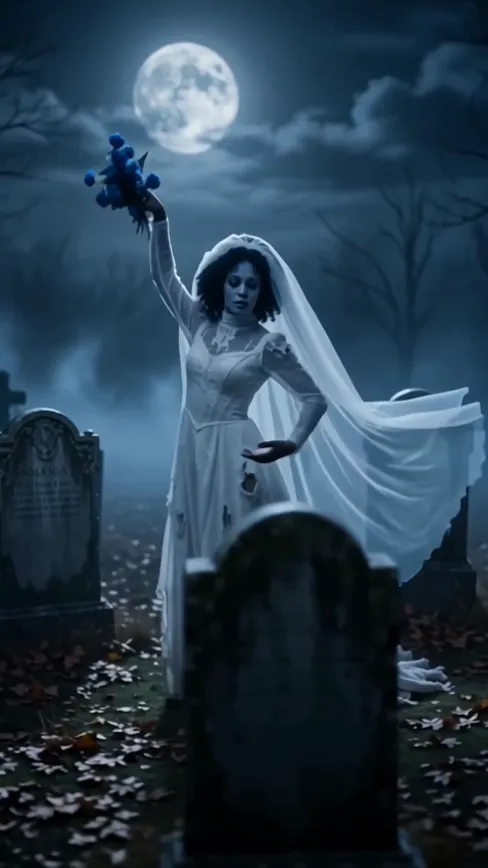
- Corpse Bride Makeup AI1 photo · 8 s · a ghost bride in a moonlit cemetery
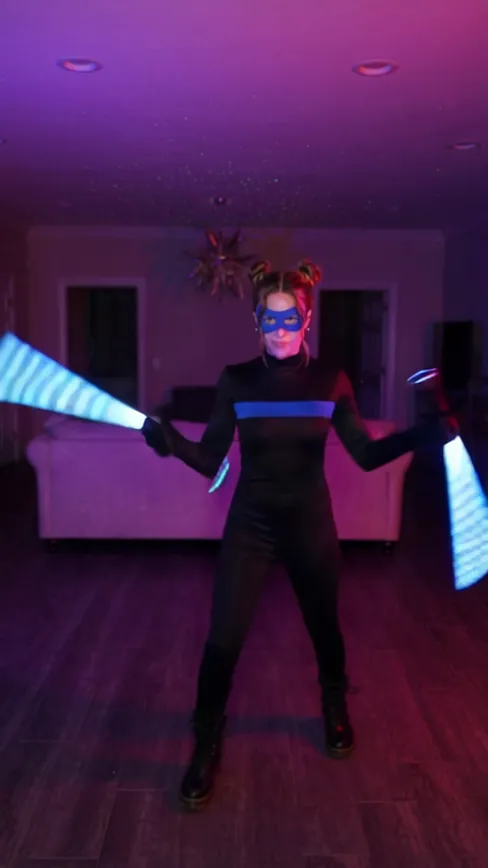
- Nightwing Trend AI1 photo · 10 s · a mask, a cut, a hero suit and two glowing sticks
- Malfoid AI1 photo · 6 s · platinum hair, a black robe and a smirk

- Shrinking Sprite AI1 photo · 6 s · a candy, a glowing pumpkin and a tiny fairy you
- Vampire Bat Transformation AI1 photo · 5 s · a vampire bursts into bats
- Witch Glow Up AI1 photo · 8 s · a spellbook, then a dark witch
Make your costume confession
One photo, a few minutes, and the truth about your Halloween costume.