Skull Cap Trend AI turns one photo into the skull cap glow up: first you are goofy and plain in a bright room, scratching your hair, then after the beat you are back in a dark room in a tight black skull cap with a black hoodie up, staring into the camera. A 10-second vertical video with the clip’s sound.
Updated
At a glance
- Length
- 10 seconds
- Format
- Vertical 9:16
- Photos
- Your photo (adults only)
- Price
- 750 credits (HD 1,500)
- On plans
- Starter and Pro 375 · Unlimited 225
- Sound
- The trend’s sound, mixed in
- Sign-up
- An account is required (free to create)
- Watermark
- No watermark
Which photos work best
A clear face
A sharp, front-facing photo: the camera stays close on your face in both halves.
The cap is added
In the second half you wear the black skull cap and hoodie whatever the photo shows; your face stays yours.
Good light
A bright photo keeps your features clear when the room goes dark.
What is the skull cap trend?
The skull cap trend is a before-and-after transition: the first half is you at your least put-together, messy hair and a sleepy face in a bright room; on the beat the room goes dark and you are back in a tight black skull cap, hoodie up, with a cool, intense stare. On skull cap trend tiktok clips the joke is how fast the mood flips.
Our template is that transition on our own cast clip. From one photo you keep your face, skin tone and body in both halves; the bright room, the dark room, the skull cap, the hoodie and the timing come with the template.
Use the skull cap trend template
Or a witch glow up: Witch Glow Up AI
Or another glow up: They Threw Stones, I Built a Castle AI
How to make it
- 1
Upload a photo
One adult, face clear, the whole body if you can.
- 2
Generate
The skull cap trend ai template is set: vertical, 10 seconds.
- 3
Post it
Ready in about five minutes, with the clip’s sound.
AI video template or filming it yourself
Both end with the same clip on TikTok. The difference is what you need before you start.
| AI video template | Filming the trend | |
|---|---|---|
| You need | One photo | A skull cap, a hoodie, a dark room and two takes |
| Time | About five minutes | Two takes and an edit |
| The setting | A bright room, then a dark one, drawn by the AI | Your room, lights on and off |
| Sound | The clip’s sound, mixed in | Added on TikTok |
| Cost | 750 credits, less on a plan | Free, plus your time |
Questions
Is Skull Cap Trend AI free?
No. A template video uses 750 credits at 480p (1,500 in HD), about $10 with a credit pack. Starter and Pro plans pay half (375) and Unlimited pays 30%: 225 credits a video, about $2.25. The 100 free credits you get when you sign up are not enough for one video.
Do I need a skull cap?
No: the black skull cap and the hoodie are added in the second half, whatever you wear in your photo. Your face, skin tone and body stay yours.
What happens in the skull cap transition?
Five seconds of you plain and goofy in a bright room, scratching your hair; then the beat, the dark room, the cap, the hood up and a cold stare into the camera.
Is the first half me as I am?
Yes: in the first half you look as in your photo, hair and all. The change comes on the beat.
Whose photo can I use?
Adults only: photos of children are not supported. Your own, or a friend’s who agreed to it. No famous people. Uploads go through an automatic safety check.
Can I post my skull cap trend ai video?
Yes. It is a finished 10-second vertical video with the sound mixed in, so you can post it to TikTok as it is.
Does the video have sound?
Yes: your video comes with the clip’s sound, mixed in. If TikTok flags the sound for copyright, swap in a sound from TikTok’s sound library when you post.
How long does it take?
About five minutes, sometimes longer. You can close the page: the video waits for you in My creations.
Made with this template
Examples made by the Vidlark team.

More trending AI videos
Trending on TikTok now: pick one and make it with your photo.
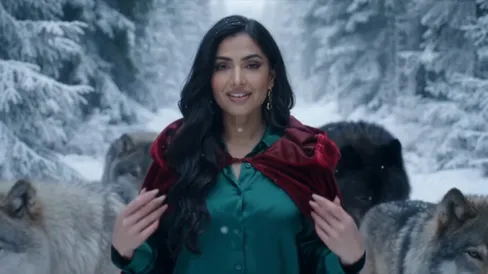
- AI Red Riding Hood1 photo · 14 s · landscape · a red cloak, wolves, snow
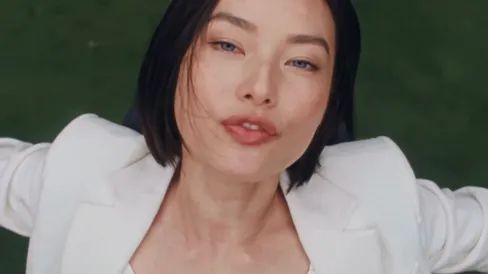
- Birds of a Feather AI Trend1 photo · 14 s · landscape · the chair, then the close-up
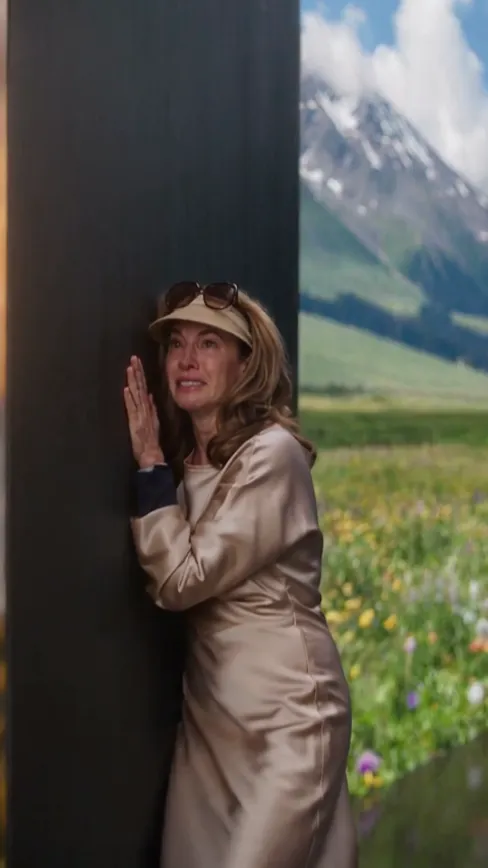
- Closed Door AI1 photo · 15 s · a locked door, then the walls open
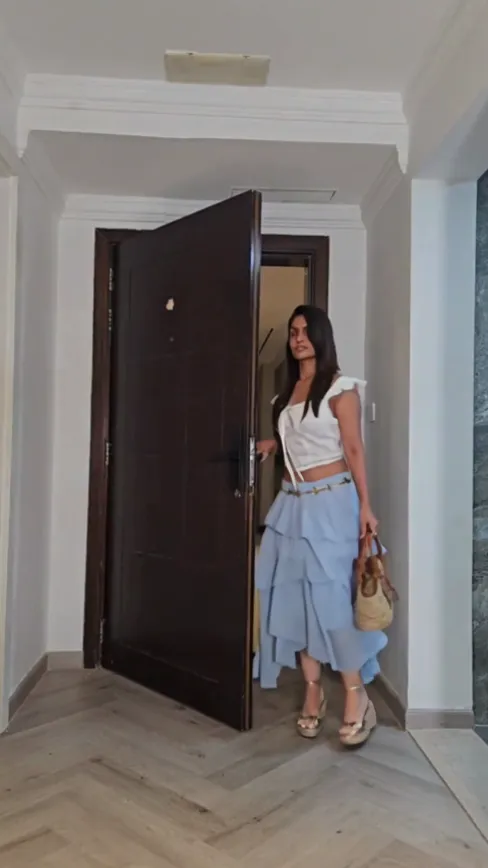
- Outfits of the Week AI1 photo · 15 s · 7 outfits, one door
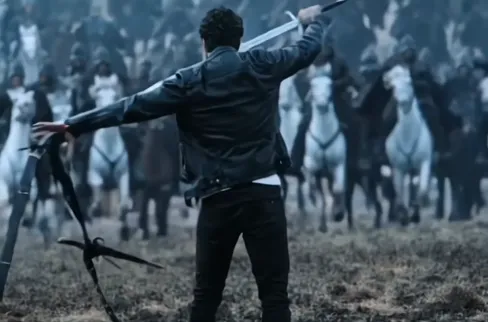
- One Man Army AI1 photo · 4 s · you against a charging army
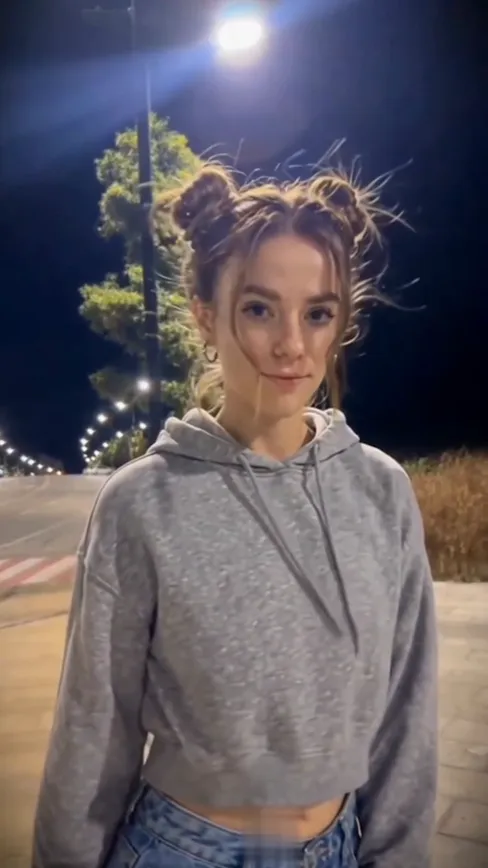
- Street Light Trend AI1 photo · 5 s · slide in, look up
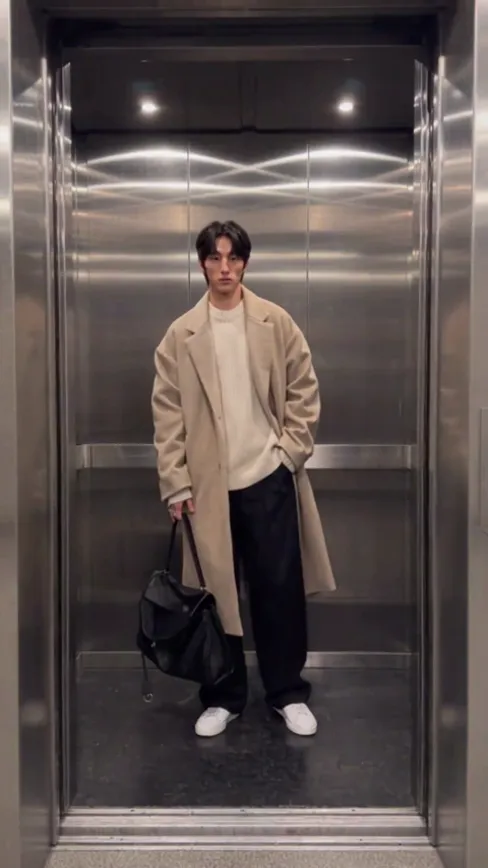
- Elevator Outfit Change AI1 photo · 12 s · three looks, one elevator
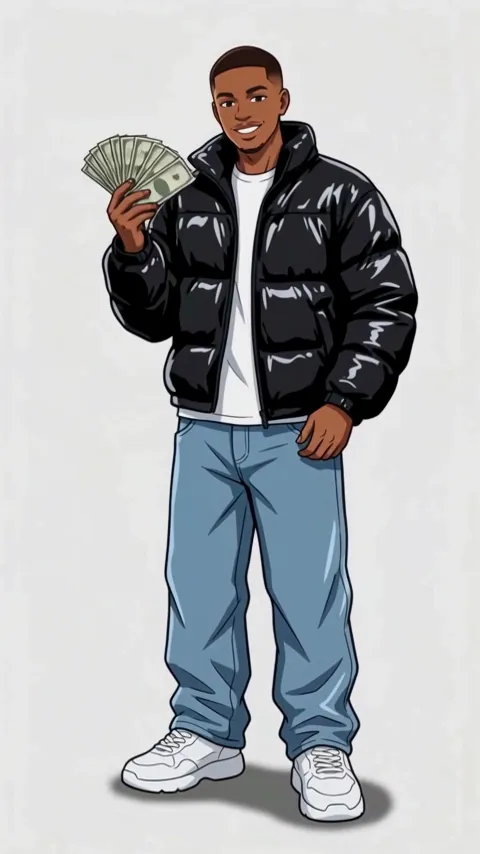
- Wassup in a Minute AI1 photo · 10 s · drawn as a 2D anime streetwear character, then animated
Make your skull cap clip
One photo, a few minutes, one cold stare.