AI Short Film Generator
AI Short Film Generator: turn a photo or a line of text into a 5–10 second video, from 150 credits. Tell a story in a few seconds: one take from a photo and a line of text, two characters talking, or a scene that ends exactly where you want.
This AI short film generator gives you three ways in. Give Kling 4.0 a photo of your lead and a one-take story and it films it in 5–10 seconds. Give two characters their lines and Veo 3.1 Fast plays the scene, with sound made in the same pass. Or set the first and last picture and let Kling 4.0 make the motion in between. Every way opens the model with a tested prompt.
Updated · Vidlark Editorial Team
At a glance
| Price | From 150 credits a video |
|---|---|
| Free credits | 100 free credits on sign-up, no card |
| Account | An account is required (free to create) |
| Watermark | None on paid plans and credit packs; videos made with free credits carry one |
| Length | 5–10 seconds |
| Quality | Up to 1080p |
| Sound | Kling 4.0: with sound made in the same pass · Veo 3.1 Fast: with sound made in the same pass |
| Models | Kling 4.0, Veo 3.1 Fast |
| Updated | October 24, 2026 |
Three ways to make an AI short film
A story in one take
Upload a photo of your lead and write what happens from start to finish; Kling 4.0 films it in 5–10 seconds, with sound made in the same pass.
Kling 4.0 AI Video GeneratorA scene with dialogue
An AI short film with dialogue: put each line in quotes and Veo 3.1 Fast gives the characters their voices, 8 seconds.
Veo 3.1 Fast AI Video GeneratorStart and end frame
Upload a start and end frame and Kling 4.0 makes the motion between them, so the scene lands where you planned.
Kling 4.0 AI Video GeneratorHow to use the AI short film generator
- 1
Write the scene
Who is in it, where it happens and what changes from the first second to the last.
- 2
Pick a way and generate
One take, dialogue, or start and end frame; keep the tested prompt as the base.
- 3
Download and edit
The MP4 waits in My creations; add titles and music in your editor.
Prompt tips for short films
One change per scene
A smile, a knock, a wave: one clear beat reads best in a few seconds.
Quote the lines
Write dialogue word for word in quotes, one line per character.
Set the mood with light
Rain on a window, warm café light, an autumn afternoon.
AI short film generator FAQ
How long is an AI short story video?
One run is one scene: Kling 4.0 makes 5–10 seconds, Veo 3.1 Fast 8 seconds. A longer film is several scenes put together in your editor.
Can the characters talk?
Yes, on Veo 3.1 Fast (with sound made in the same pass): write each line in quotes in the prompt, as in the dialogue way.
What does start and end frame mean?
You give Kling 4.0 the first picture and the last picture, and it makes the motion in between, so the scene ends where you want.
Does it have sound?
Kling 4.0: with sound made in the same pass. Veo 3.1 Fast: with sound made in the same pass.
How much does a scene cost?
Kling 4.0 56 credits a second at 720p; Veo 3.1 Fast 150 credits for a clip at 720p.
Can I use my own photos?
Yes, of adults who agree to it: as a start frame, an end frame or a reference. No famous people. Uploads go through an automatic safety check.
Video templates for couples
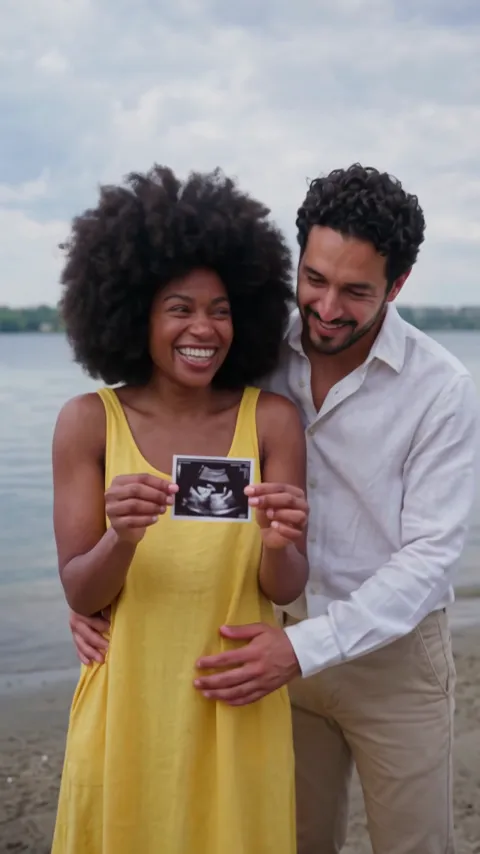
All AI video effects- AI Pregnancy Announcement Video2 photos · 10 s · the scan to the lens on a beach, then a hug
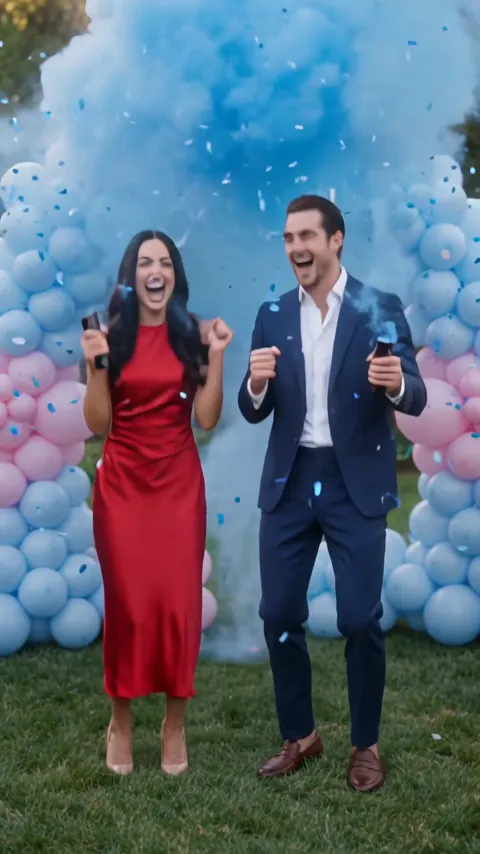
- AI Gender Reveal Video2 photos · 10 s · a countdown, blue smoke and a hug
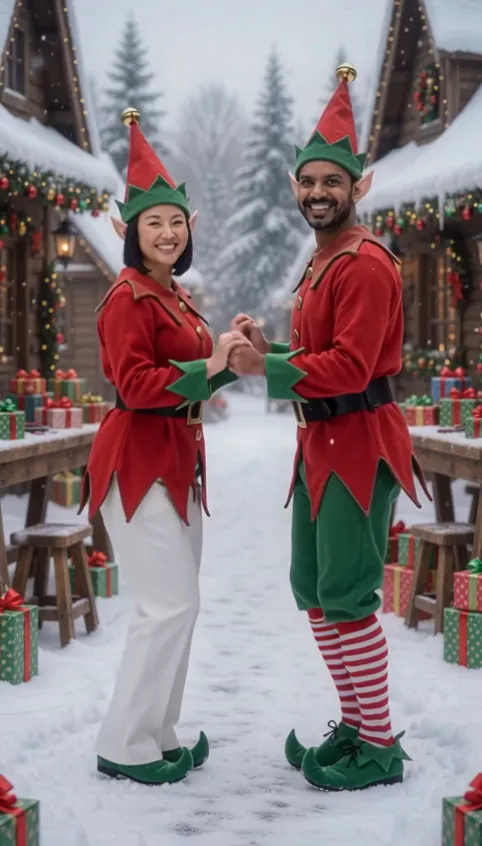
- AI Elf Dance Video2 photos · 12 s · elf costumes and a dance in the snow
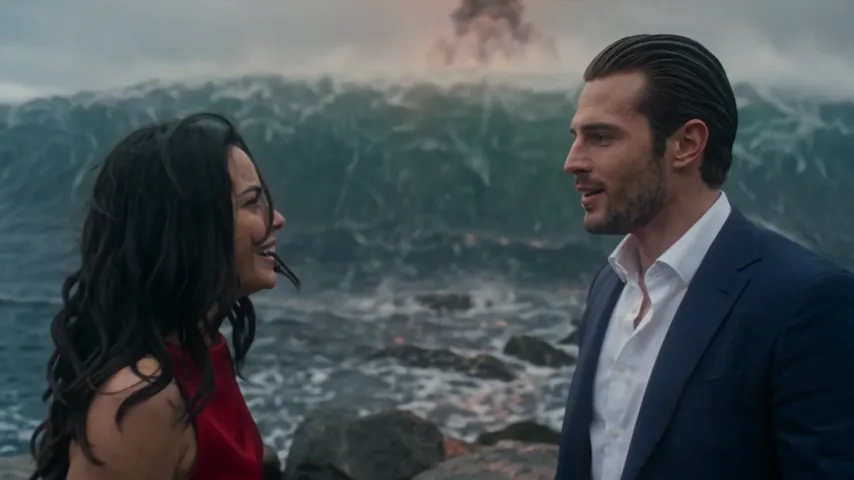
- Argue Before Apocalypse AI2 photos · 15 s · an argument, the end of the world, a kiss
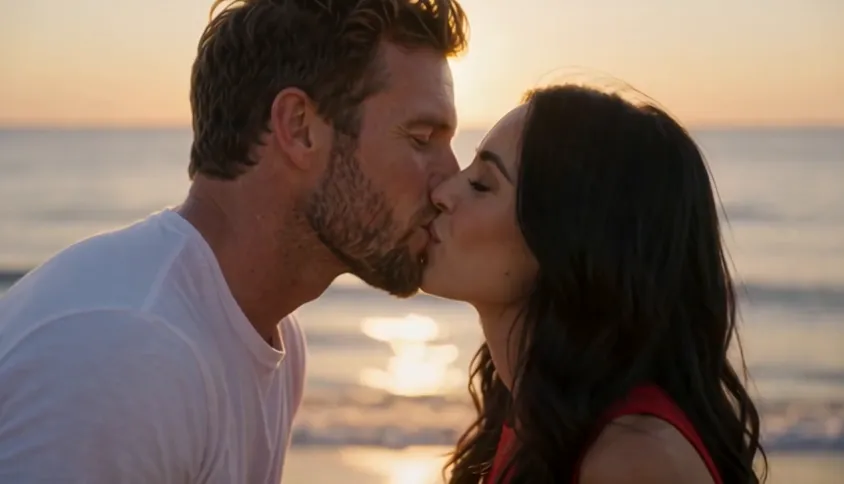
- AI Kissing Video2 photos · 5 s · a gentle kiss and a hug at sunset by the sea
- My Girl Trend AI2 photos · 10 s · a hand over the lens, then the costume reveal