AI Game Video Generator
AI Game Video Generator: turn a photo or a line of text into a 5–30 second video, from 175 credits. Clips that look like a game: over-the-shoulder action, your character art in motion, or a retro pixel-art level.
This AI game video generator gives you three ways in. Write a scene and Seedance 2.5 draws it as third-person action footage. Upload a character illustration and Kling 3.0 brings it to life, 5–15 seconds. Or make a 16-bit pixel-art level on Seedance 2.5. Every way opens the model with a tested prompt and the right frame.
Updated · Vidlark Editorial Team
At a glance
| Price | From 175 credits a video |
|---|---|
| Free credits | 100 free credits on sign-up, no card |
| Account | An account is required (free to create) |
| Watermark | None on paid plans and credit packs; videos made with free credits carry one |
| Length | 5–30 seconds |
| Quality | Up to 1080p |
| Sound | Seedance 2.5: with sound as a switch you can turn on · Kling 3.0: with sound as a switch you can turn on |
| Models | Seedance 2.5, Kling 3.0 |
| Updated | October 24, 2026 |
Three ways to make an AI game video
Gameplay-style footage
An AI gameplay video style clip: an over-the-shoulder camera, real-time 3D graphics and a world to run through, on Seedance 2.5.
Seedance 2.5 AI Video GeneratorCharacter art in motion
Animate game character art: upload the illustration and Kling 3.0 moves the hair, the clothes and the pose, 5–15 seconds.
Kling 3.0 AI Video GeneratorPixel game level
A pixel art video on Seedance 2.5: a small hero, floating platforms and a side-scrolling camera.
Seedance 2.5 AI Video GeneratorHow to use the AI game video generator
- 1
Pick a way
Footage for a 3D world, character art for your own hero, pixel art for a retro level.
- 2
Keep or edit the prompt
Change the hero, the world or the camera; keep text and menus off the screen.
- 3
Generate and download
The MP4 waits in My creations, ready for a trailer, a post or a pitch.
Prompt tips for game clips
Place the camera
Over the shoulder, side-scrolling, top-down: the camera says which kind of game it is.
Name the graphics
Real-time 3D, cel-shaded, 16-bit pixel art, low-poly.
Give the hero a goal
Cross the bridge, reach the coin, land the jump: one action keeps the clip clear.
AI game video generator FAQ
Is this real gameplay?
No. It is a clip drawn by AI in the style of a game: you cannot play it, and nothing in it comes from an existing game.
Can I animate my own game character?
Yes. On Kling 3.0, upload the character illustration and keep the prompt: the character moves, takes a stance and the camera pushes in, 5–15 seconds.
Can I make retro pixel art?
Yes, on Seedance 2.5: write the pixel-art style, the hero and the level, as in the pixel game way.
Does it have game sounds?
Seedance 2.5: with sound as a switch you can turn on. Kling 3.0: with sound as a switch you can turn on.
How much does a clip cost?
Seedance 2.5 40 credits a second at 480p; Kling 3.0 35 a second at 720p.
Can I name a real game in the prompt?
Describe the look instead: the camera, the graphics style, the world. Names of games and studios are left out of the tested prompts.
Sports video templates
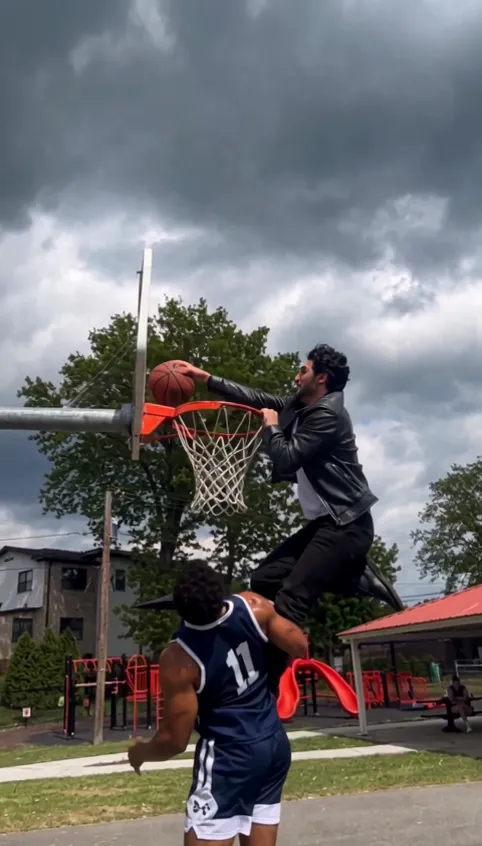
All AI video effects- Basketball Middle Finger AI1 photo · 12 s · dunk on a park court, then the middle finger
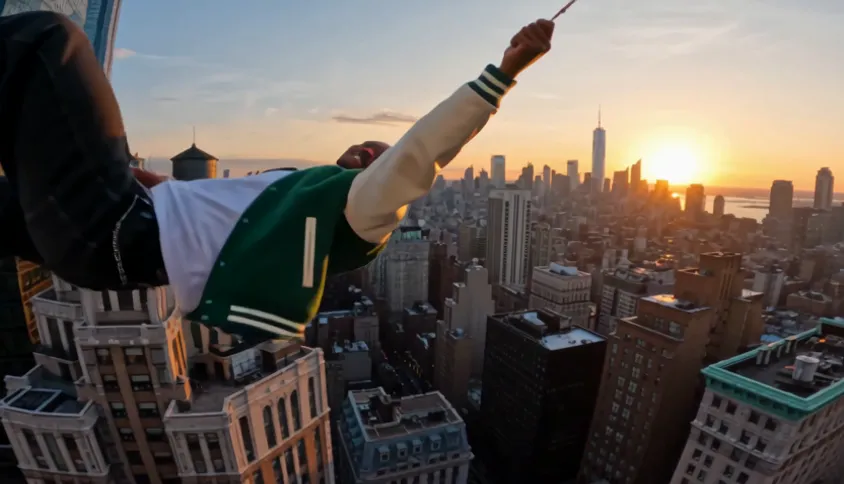
- City Parkour AI1 photo · 10 s · out the window, across the rooftops at sunset
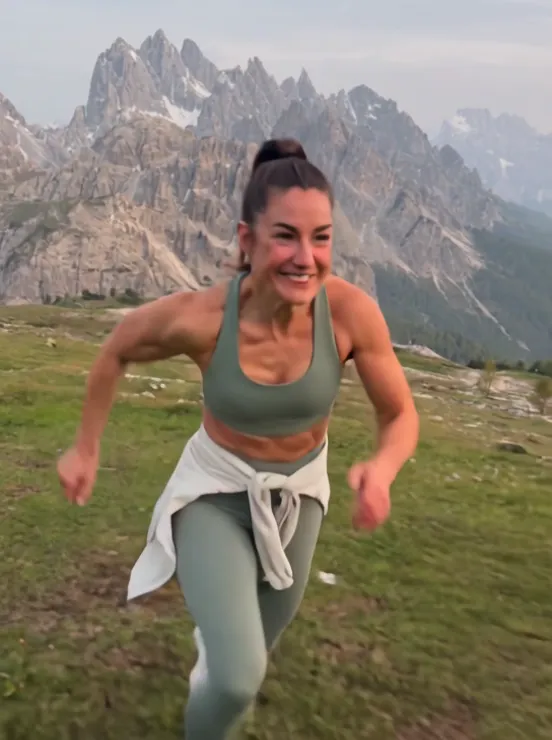
- AI Run Fast1 photo · 5 s · you sprint past the camera in a mountain meadow
- Ballon d'Or AI Prank1 photo · 12 s · called up to lift the golden trophy

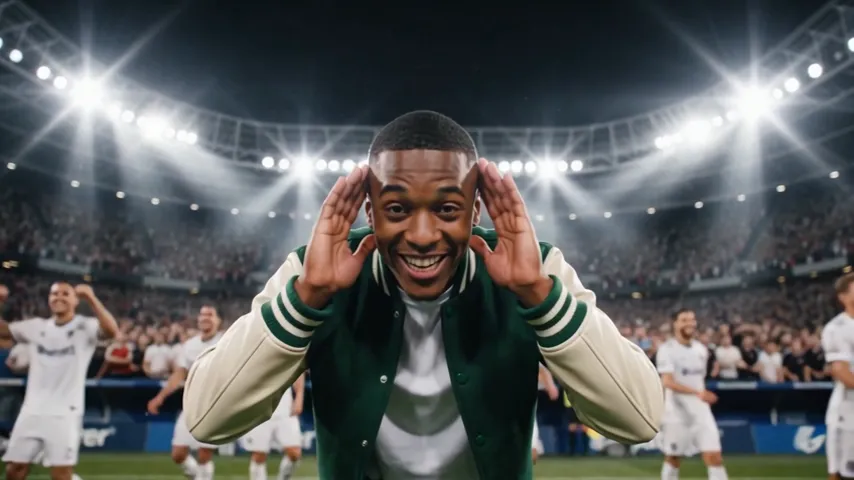
- Enzo Fernandez Celebration AI1 photo · 8 s · salute, "I can’t hear you", arms up
- Bottle Kick Challenge AI1 photo · 10 s · one spinning kick, one flying bottle