Slide Dance AI turns one photo into the slide dance trend: in a bright dance studio with large windows, you step back from the camera and do the routine, sliding steps, knee lifts and arm moves, right on the beat. A 9-second vertical dance video, ready in two or three minutes, with no rehearsal needed.
Updated
At a glance
- Length
- 9 seconds
- Format
- Vertical 9:16
- Photos
- Your photo (adults only)
- Price
- 750 credits (HD 1,500)
- On plans
- Starter and Pro 375 · Unlimited 225
- Sound
- The trend’s sound, mixed in
- Sign-up
- An account is required (free to create)
- Watermark
- No watermark
Which photos work best
Full body
The feet do the sliding: a head-to-shoes photo works best.
A clear face
You start close to the camera: a sharp, front-facing photo.
Clothes you move in
Sneakers and sportswear look natural, but any outfit works.
What is the slide dance trend?
It is a short, upbeat routine people film in a studio or living room: a step back from the phone, then sliding side steps, a knee lift and quick arm moves on the beat. Some search for it as the connor price slide dance.
Our slide dance AI template makes it from one photo: you keep your face, hair and outfit, and the studio, the windows and every step come with it. You never have to learn the count.
How to make it
- 1
Upload a photo
One adult, full body is best, face clear.
- 2
Generate
The studio template is set: vertical, 9 seconds.
- 3
Post it
Ready in two or three minutes, with the trend’s sound.
AI video template or filming it yourself
Both end with the same clip on TikTok. The difference is what you need before you start.
| AI video template | Filming the trend | |
|---|---|---|
| You need | One photo | A studio, a tripod and the steps |
| Time | Two or three minutes | An evening of practice |
| On the beat | Every step | After enough takes |
| Sound | The trend’s sound, mixed in | Added on TikTok |
| Cost | 750 credits, less on a plan | Studio time or a cleared room |
Questions
Is Slide Dance AI free?
No. A template video uses 750 credits at 480p (1,500 in HD), about $10 with a credit pack. Starter and Pro plans pay half (375) and Unlimited pays 30%: 225 credits a video, about $2.25. The 100 free credits you get when you sign up are not enough for one video.
What song is it?
Many people search for it as the connor price slide dance. Your video comes with the trend’s sound: post it to TikTok as it is.
Do I need to know the steps?
No. The slides, the knee lift and the arm moves come with the template; you only need one photo.
Whose photos can I use?
Adults only: photos of children are not supported. Use your own photo or one of a friend who agreed to it. No famous people. Uploads go through an automatic safety check.
Does the video have sound?
Yes: your video comes with the trend’s sound, so you can post it to TikTok as it is. If TikTok flags the sound for copyright, swap in the same song from TikTok’s sound library when you post.
Can I dance it with a friend?
This template has one dancer. Make one video each and post them side by side, or as a duet on TikTok.
Why does it start close to the camera?
In the trend clips the dancer sets the phone down, steps back and only then starts the slide; the template keeps that opening, so the routine begins after the first second.
How long does it take?
Two to three minutes. You can close the page: the video waits for you in My creations.
More trending AI videos
Trending on TikTok now: pick one and make it with your photo.
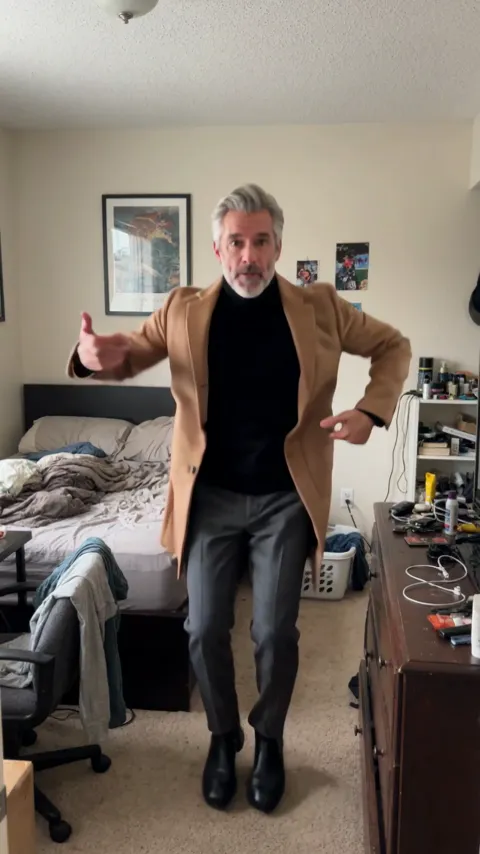
- I'm Not Yo B No More AI1 photo · 8 s · bounces, a point at the camera and a cocky smile
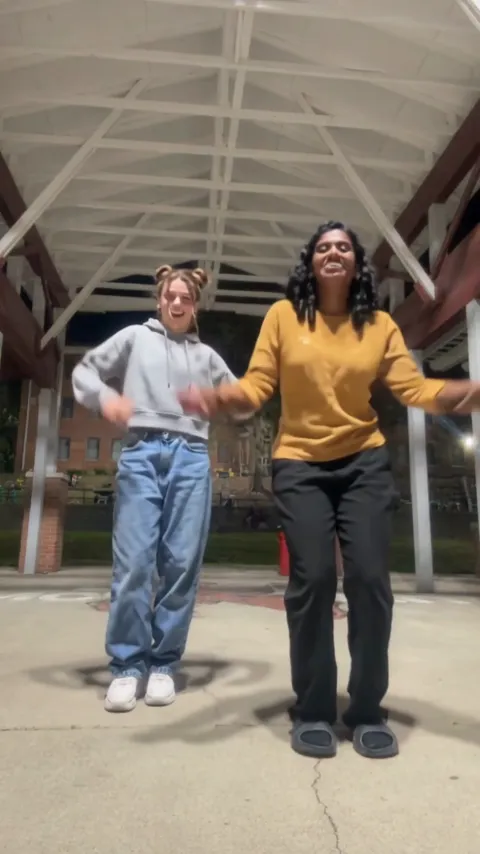
- Puerto Rican Mami AI Dance2 photos · 15 s · a duo dance in sync with a place swap
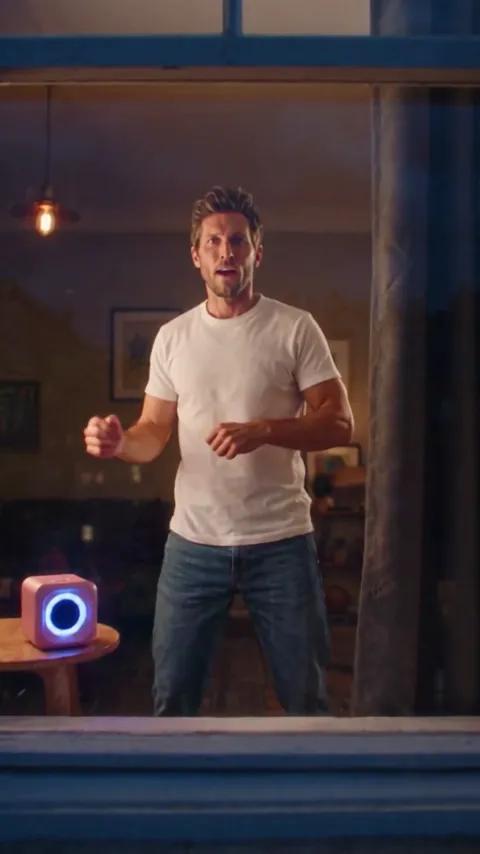
- Window Dance AI1 photo · 12 s · you dance in the one lit window at night
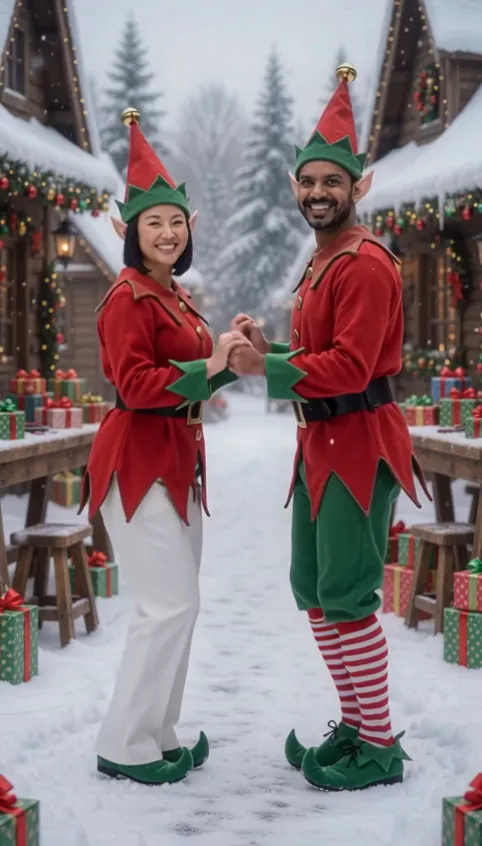
- AI Elf Dance Video2 photos · 12 s · elf costumes and a dance in the snow
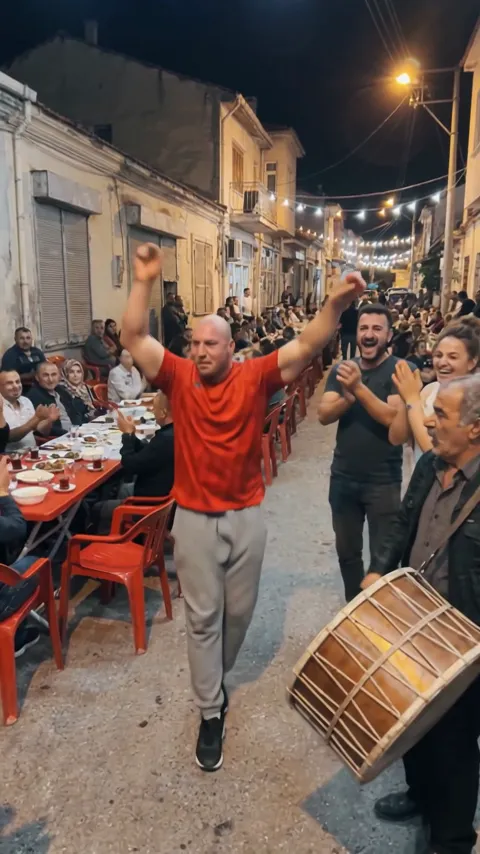
- Bilsen Uzaklarda AI1 photo · 8 s · a folk dance at a Turkish street party, the davul beside you
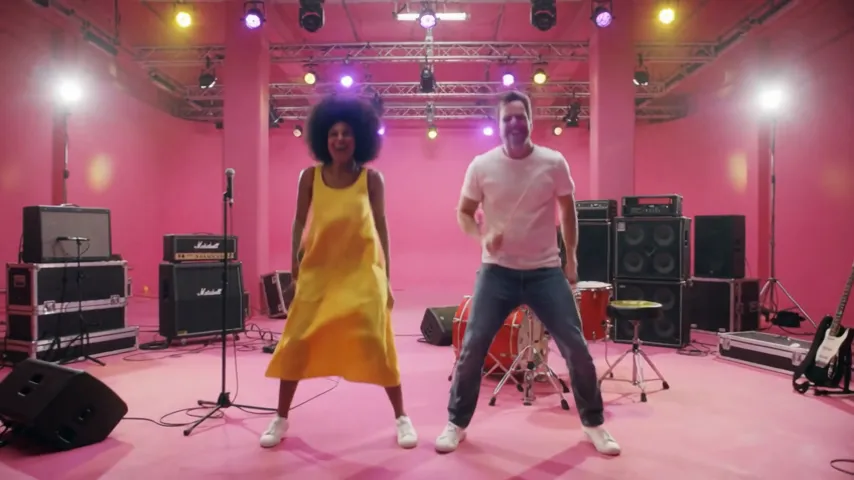
- APT AI Video2 photos · 8 s · one sings, one drums, then you dance to the chorus
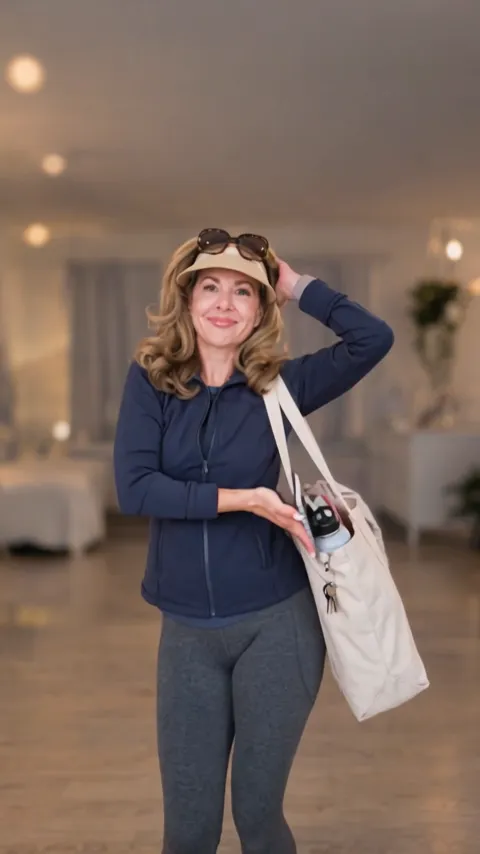
- Nicole Kidman Dance AI1 photo · 13 s · hands together, a hip sway and a hair flip
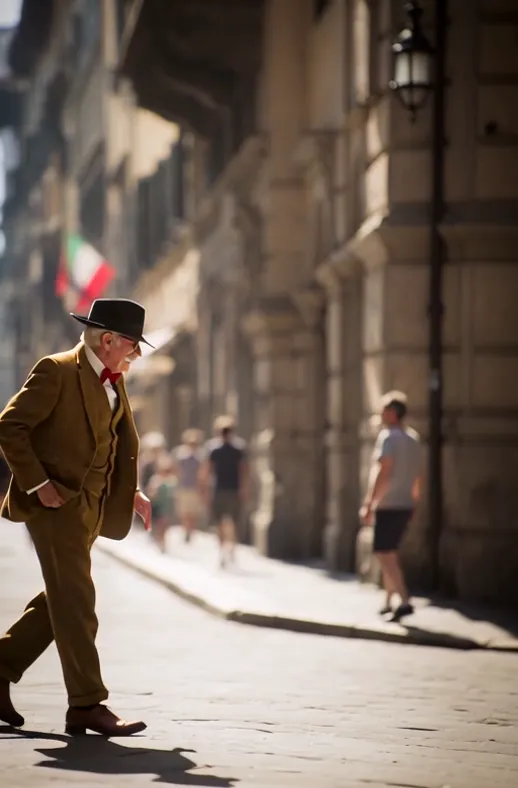
- AI Moonwalk Dance1 photo · 7 s · a smooth moonwalk and a hat tip on an old street
Make your slide dance video
One photo, a few minutes, and the whole routine on the beat.
Vidlark is not affiliated with or endorsed by Connor Price or any record label.