AI Movie Maker
AI Movie Maker: turn a photo or a line of text into a 5–30 second video, from 150 credits. Make a film one scene at a time: several shots in one run, a photo as your lead actor, or a trailer moment with sound.
This AI movie maker gives you three ways in. Write a multi-shot scene on Seedance 2.5, with up to 8 reference photos so the cast stays the same. Cast a photo as the hero of a scene on Kling 4.0, 5–10 seconds. Or cut a trailer moment on Veo 3.1 Fast, with sound made in the same pass. Every way opens the model with a tested prompt.
Updated · Vidlark Editorial Team
At a glance
| Price | From 150 credits a video |
|---|---|
| Free credits | 100 free credits on sign-up, no card |
| Account | An account is required (free to create) |
| Watermark | None on paid plans and credit packs; videos made with free credits carry one |
| Length | 5–30 seconds |
| Quality | Up to 1080p |
| Sound | Seedance 2.5: with sound as a switch you can turn on · Kling 4.0: with sound made in the same pass · Veo 3.1 Fast: with sound made in the same pass |
| Models | Seedance 2.5, Kling 4.0, Veo 3.1 Fast |
| Updated | October 24, 2026 |
Three ways to make a movie with AI
Multi-shot scene
A multi-shot AI video in one run: write Shot 1, 2 and 3, and Seedance 2.5 cuts between them with the same people from your reference photos.
Seedance 2.5 AI Video GeneratorYour photo as the lead
Upload a reference photo and Kling 4.0 puts that person at the center of a scene, 5–10 seconds, with sound made in the same pass.
Kling 4.0 AI Video GeneratorTrailer shot
The AI movie trailer maker way: one dramatic shot with a drum hit and strings on Veo 3.1 Fast, 8 seconds.
Veo 3.1 Fast AI Video GeneratorHow to use the AI movie maker
- 1
Plan your scenes
Write down the shots you need: where, who and what happens in each.
- 2
Make each scene
Pick the way that fits the shot, add your photos and keep the tested prompt as the base.
- 3
Cut them together
Download the MP4s from My creations and put them in order in your editor.
Prompt tips for film scenes
Number the shots
Shot 1, Shot 2, Shot 3 with wide, close-up and medium tells the model where to cut.
Keep the cast the same
Ask for the same faces and outfits in every shot, and use the same reference photos.
Write the sound
On a model with sound, add an Audio line: a drum hit, strings, wind.
AI movie maker FAQ
Can I make a movie with AI here?
You make it shot by shot: each run is one scene, 5–30 seconds on Seedance 2.5, 5–10 seconds on Kling 4.0, 8 seconds on Veo 3.1 Fast. Put the scenes together in your editor.
How do I keep the same actors across shots?
Give the model reference photos: Seedance 2.5 takes up to 8 and Kling 4.0 up to 8, and the prompt asks for the same faces and outfits in every shot.
Can one clip have several shots?
Yes. On Seedance 2.5, write Shot 1, Shot 2, Shot 3 in the prompt, as in the multi-shot way: one run, several cuts.
Does it make sound and music?
Veo 3.1 Fast: with sound made in the same pass. Kling 4.0: with sound made in the same pass. Seedance 2.5: with sound as a switch you can turn on.
How much does a scene cost?
Seedance 2.5 40 credits a second at 480p, Kling 4.0 56 a second at 720p, Veo 3.1 Fast 150 for a clip at 720p.
Whose photos can I use as the lead?
Adults only: your own, or a friend’s who agreed to it. No famous people. Uploads go through an automatic safety check.
Video templates for two
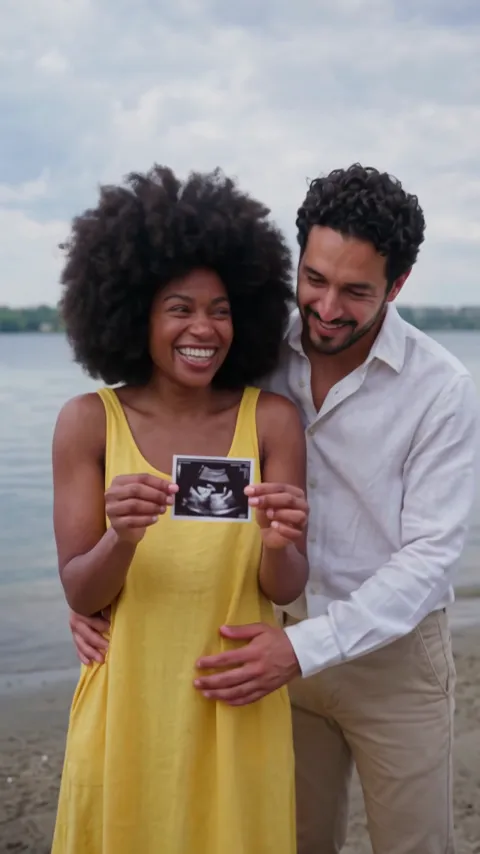
All AI video effects- AI Pregnancy Announcement Video2 photos · 10 s · the scan to the lens on a beach, then a hug
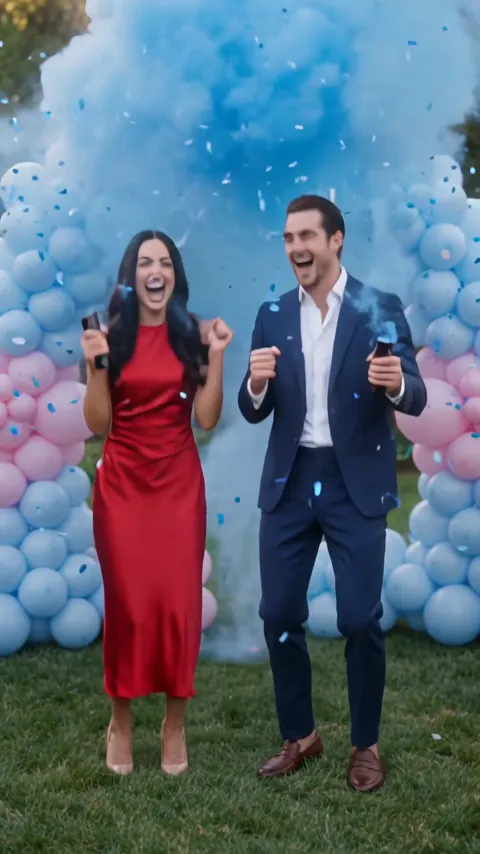
- AI Gender Reveal Video2 photos · 10 s · a countdown, blue smoke and a hug
- Bing Bing Bing Kicking AI2 photos · 11–12 s · two take turns with big side kicks at the camera
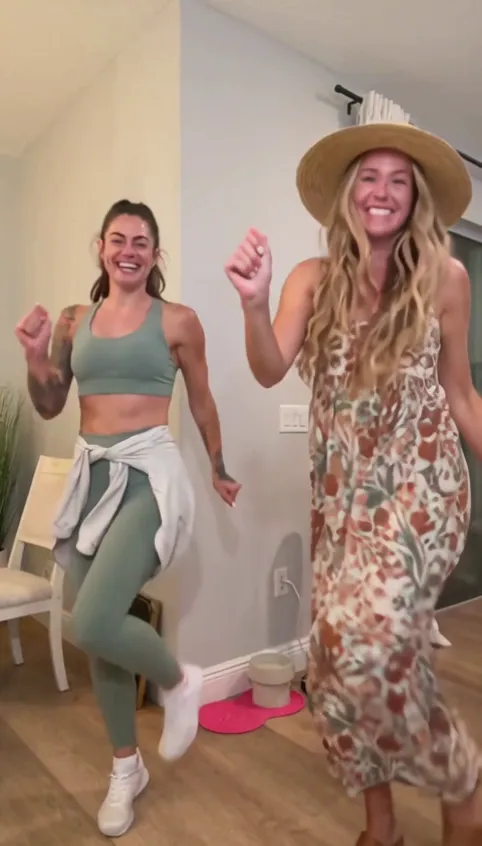
- Puerto Rican Mami AI Dance2 photos · 15 s · a duo dance in sync with a place swap
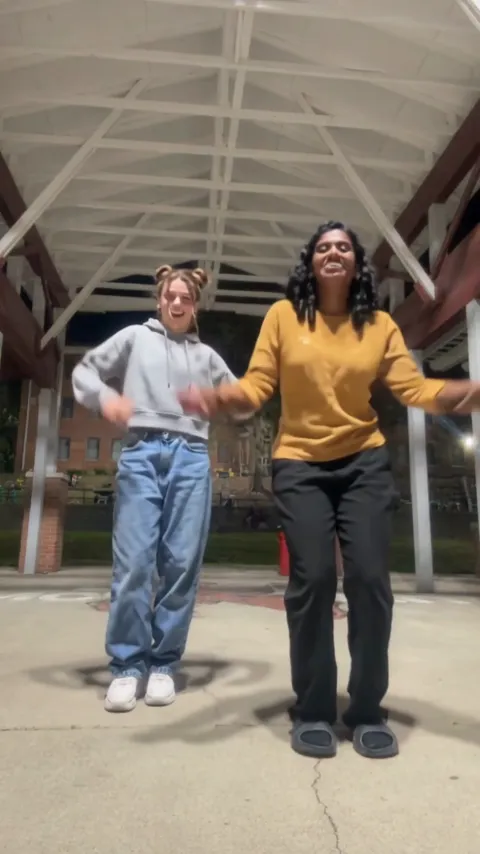
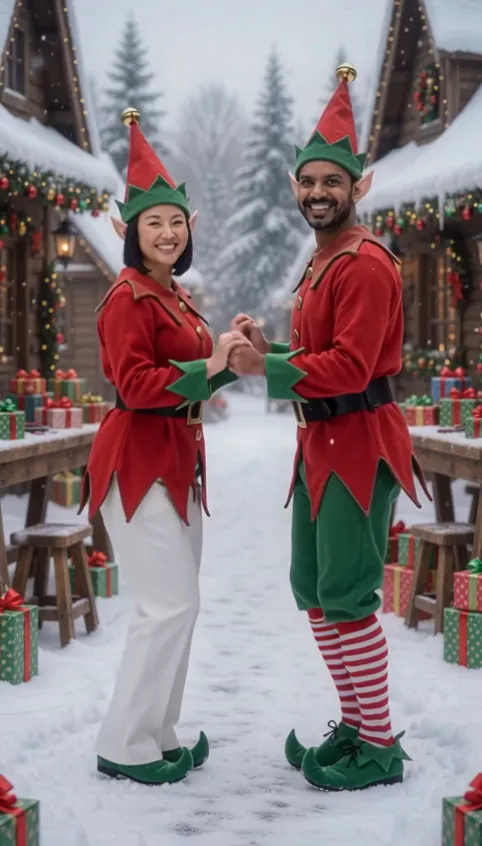
- AI Elf Dance Video2 photos · 12 s · elf costumes and a dance in the snow
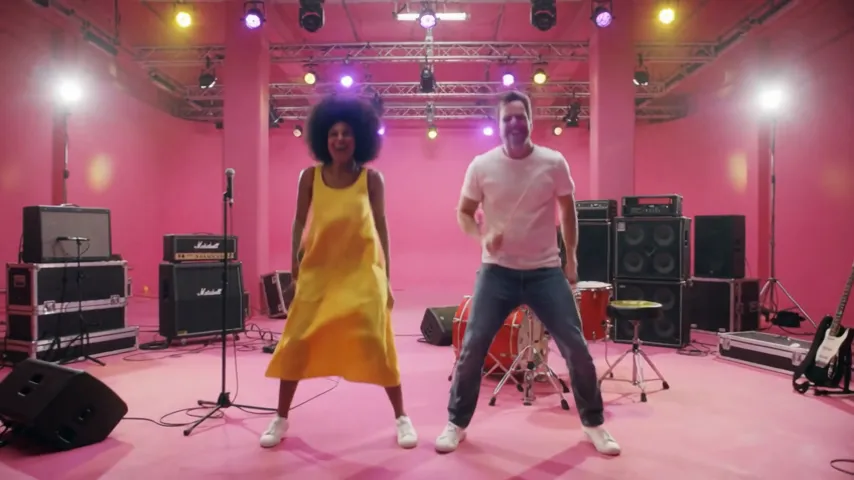
- APT AI Video2 photos · 8 s · one sings, one drums, then you dance to the chorus