AI Birthday Video Maker
AI Birthday Video Maker: turn a photo into a 5–15 second video, from 150 credits. A birthday wish that moves: your friend singing over a cake, a ready-made birthday template, or a birthday portrait brought to life.
This AI birthday video maker gives you three ways in. Upload a photo and Veo 3.1 Fast has the person sing a birthday song over a cake, with sound made in the same pass. Open the birthday template for a ready-made scene. Or bring a birthday portrait to life on Kling 3.0, 5–15 seconds. Every way opens with a tested prompt or a template.
Updated · Vidlark Editorial Team
At a glance
| Price | From 150 credits a video |
|---|---|
| Free credits | 100 free credits on sign-up, no card |
| Account | An account is required (free to create) |
| Watermark | None on paid plans and credit packs; videos made with free credits carry one |
| Length | 5–15 seconds |
| Quality | Up to 1080p |
| Sound | Veo 3.1 Fast: with sound made in the same pass · Kling 3.0: with sound as a switch you can turn on |
| Models | Veo 3.1 Fast, Kling 3.0 |
| Updated | October 24, 2026 |
Three ways to make a birthday video
A sung birthday greeting
A birthday greeting video: the person in your photo holds the cake and sings, on Veo 3.1 Fast, 8 seconds.
Veo 3.1 Fast AI Video GeneratorThe birthday template
A ready-made birthday scene: add a photo and the template does the rest.
Open the templateBirthday portrait in motion
Birthday photo to video: balloons, confetti and a laugh on Kling 3.0, 5–15 seconds.
Kling 3.0 AI Video GeneratorHow to use the AI birthday video maker
- 1
Pick a way
A sung greeting, the template, or a birthday portrait from our photo shoot page.
- 2
Add a photo
A clear photo of an adult who is happy to be in it; keep the tested prompt as the base.
- 3
Send it on the day
Download the MP4 from My creations and add the name and your message in your editor.
Prompt tips for birthday videos
Change the cake
Chocolate, a tower of cupcakes, sparklers instead of candles.
Set the party
A rooftop at night, a garden in the afternoon, a cozy living room.
Write the sound
On a model with sound, describe the song, the laughter and the room in the Audio line.
AI birthday video maker FAQ
Can I make a happy birthday video with song?
Yes. On Veo 3.1 Fast (with sound made in the same pass), the person in your photo sings a short birthday song over a cake with candles, 8 seconds.
Who can I make a birthday video of?
An adult who is happy to be in it: yourself, a friend or a family member. Photos of children are not supported. Uploads go through an automatic safety check.
Is there a ready-made birthday template?
Yes: open the birthday template on this page, add a photo and press Generate; the scene and the moves come with it.
Can I animate a birthday photo shoot?
Yes. Make the picture on our birthday photo shoot page, then bring it to life on Kling 3.0: balloons sway and confetti falls, 5–15 seconds.
How much does a birthday video cost?
Veo 3.1 Fast 150 credits for a clip at 720p; Kling 3.0 35 credits a second at 720p.
Can I add a name or a message?
Add the name and your message in your editor after you download: AI-drawn lettering is not reliable, so the prompts here leave text off the screen.
Funny video templates
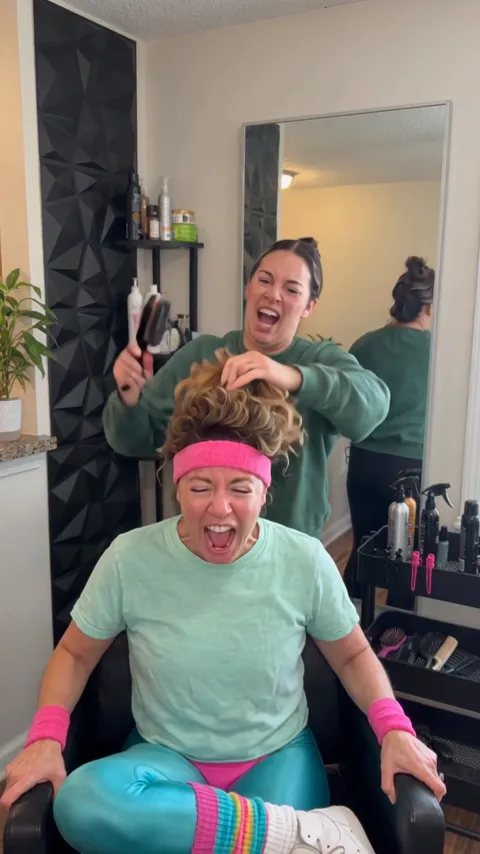
All AI video effects- Screaming Hair Funk AI1 photo · 8 s · a scream at every yank of the ponytail
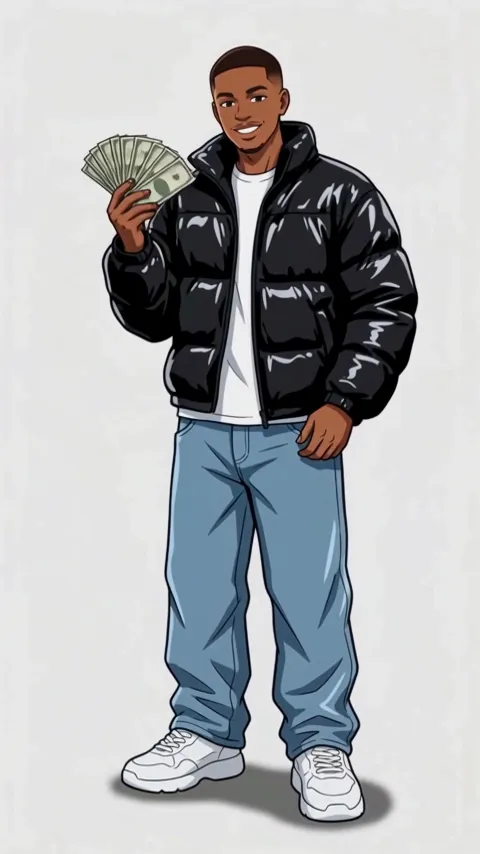
- Wassup in a Minute AI1 photo · 10 s · drawn as a 2D anime streetwear character, then animated
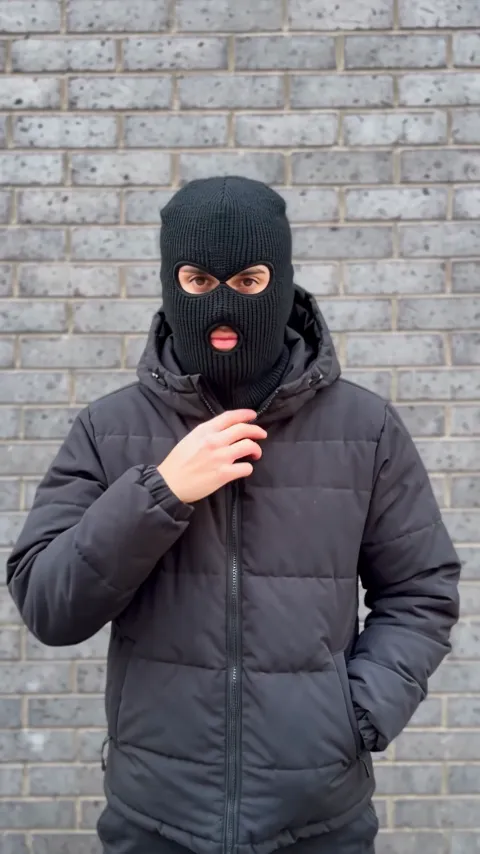
- Mandem in Disguise AI1 photo · 10 s · a smile, a flash, then a balaclava and a deadpan nod
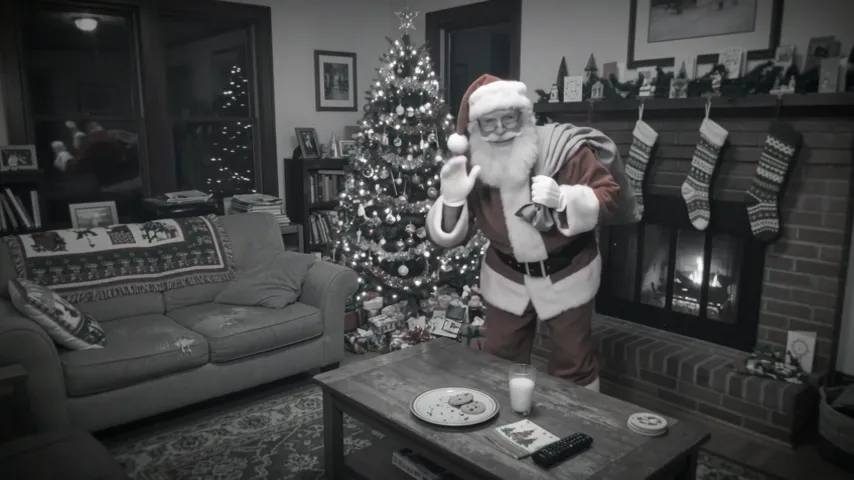
- Santa Caught on Camera AI1 room photo · 10 s · Santa on your security camera at night
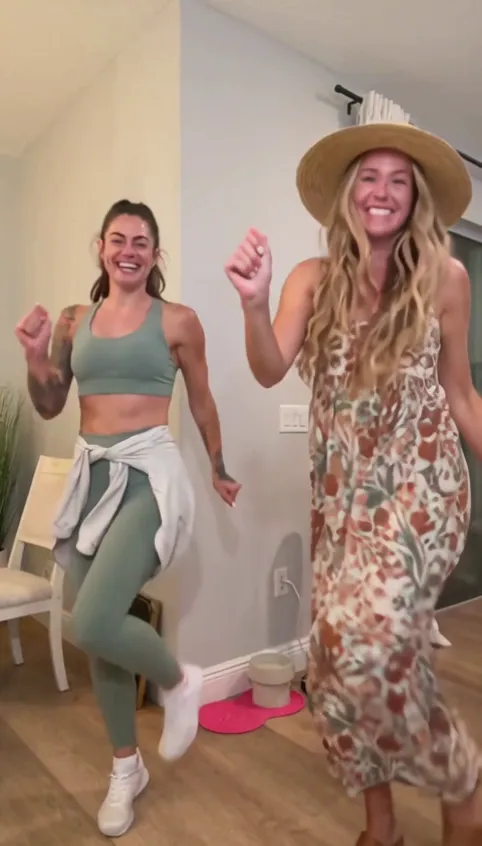
- Bing Bing Bing Kicking AI2 photos · 11–12 s · two take turns with big side kicks at the camera
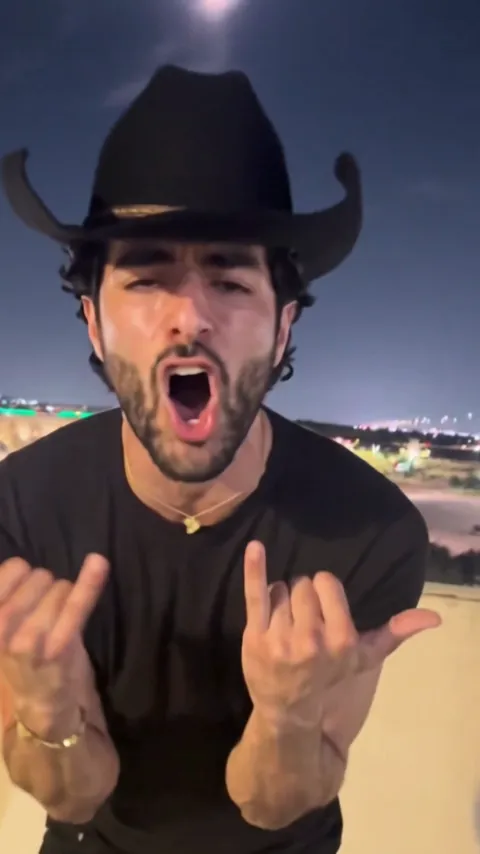
- Choosin Texas Emo AI1 photo · 15 s · a country hit sung as emo rock on a rooftop