AI Animation Generator
AI Animation Generator: turn a photo or a line of text into a 5–30 second video, from 150 credits. Animation from a photo or a line of text: you as a 2D anime character, a 3D cartoon short, or a hand-drawn anime shot.
This AI animation generator gives you three ways in. Turn your photo into a hand-drawn anime picture, then Kling 3.0 brings it to life, 5–15 seconds. Describe a character and Seedance 2.5 makes a 3D cartoon. Or write a scene and Veo 3.1 Fast draws it as hand-drawn anime, with sound made in the same pass. Every way opens the model with a tested prompt and the right frame.
Updated · Vidlark Editorial Team
At a glance
| Price | From 150 credits a video |
|---|---|
| Free credits | 100 free credits on sign-up, no card |
| Account | An account is required (free to create) |
| Watermark | None on paid plans and credit packs; videos made with free credits carry one |
| Length | 5–30 seconds |
| Quality | Up to 1080p |
| Sound | Kling 3.0: with sound as a switch you can turn on · Seedance 2.5: with sound as a switch you can turn on · Veo 3.1 Fast: with sound made in the same pass |
| Models | Kling 3.0, Seedance 2.5, Veo 3.1 Fast |
| Updated | October 24, 2026 |
Three ways to make an AI animation
Photo into 2D animation, in two steps
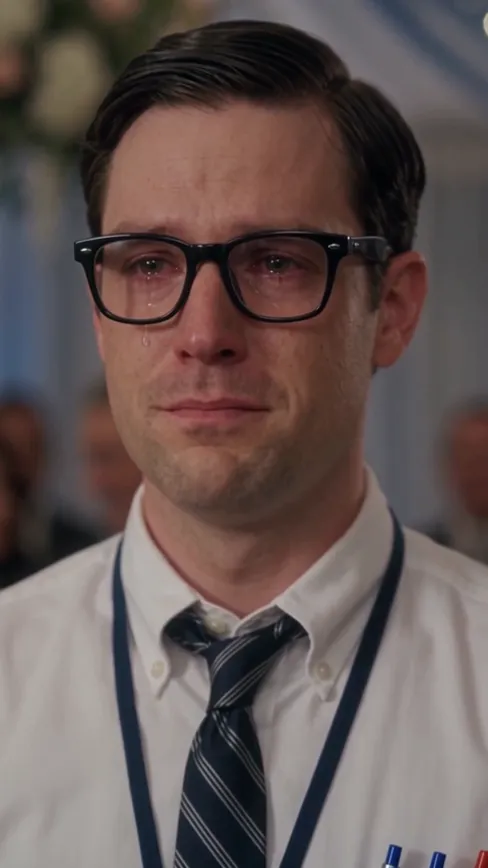
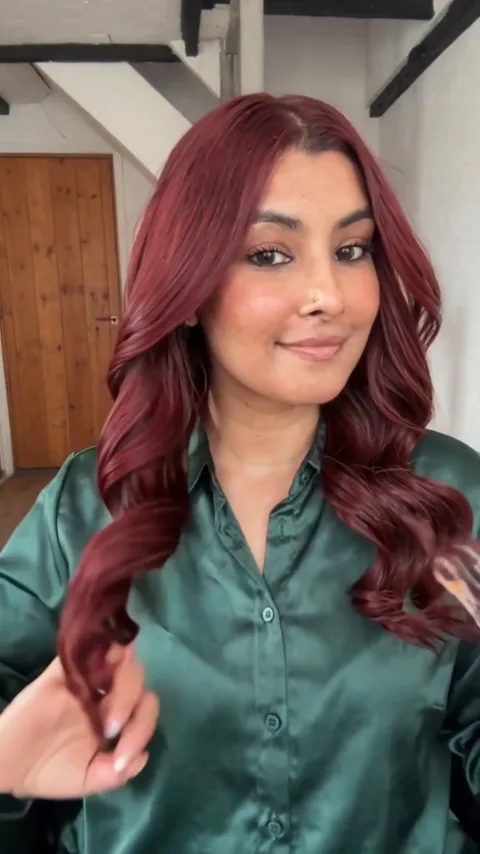
Photo to animation in two steps: first turn your photo into a hand-drawn anime picture on our Ghibli-style photo page, then tap Animate it under the result, or open the picture on Kling 3.0 as the first frame; it moves the scene in the same flat anime look, 5–15 seconds.
Step 1: turn your photo into animeKling 3.0 AI Video Generator3D cartoon short
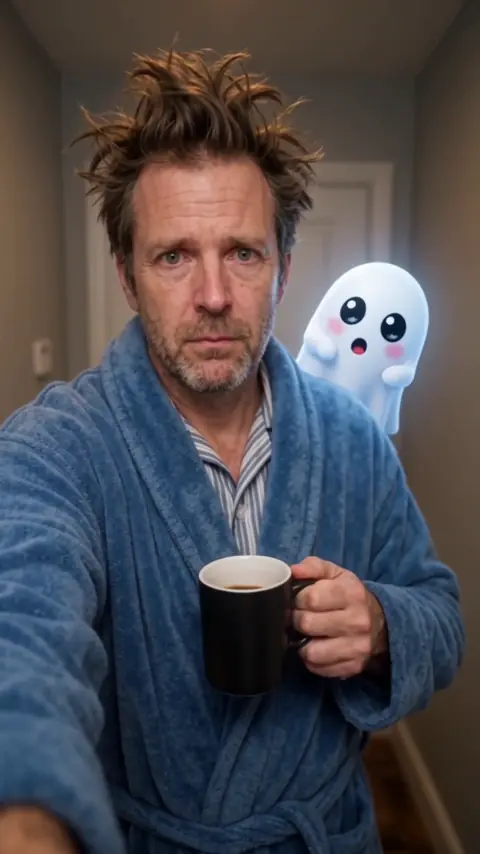
A 3D cartoon video on Seedance 2.5: a character, a small world and bright family-film colors.
Seedance 2.5 AI Video GeneratorHand-drawn anime shot
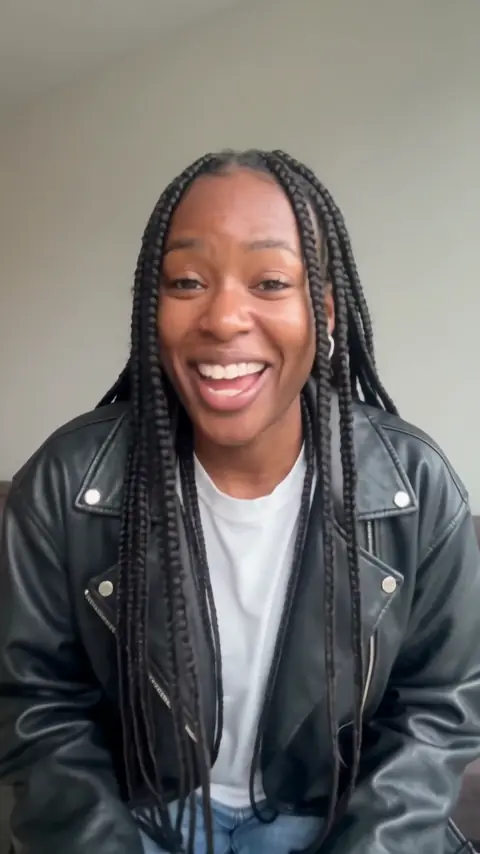
Use Veo 3.1 Fast as an anime video generator: wind, clouds and city lights in hand-drawn style, 8 seconds.
Veo 3.1 Fast AI Video GeneratorHow to use the AI animation generator
- 1
Pick a style
2D from your photo, 3D cartoon from text, or hand-drawn anime from text.
- 2
Keep or edit the prompt
Change the character, the place or the colors; keep the style words.
- 3
Generate and download
The MP4 waits in My creations, ready to post or to cut into a longer piece.
Prompt tips for animation
Say the style first
Soft anime, 3D family film, watercolor, clay: the style word changes everything.
Keep the motion gentle
Wind in the hair, drifting petals, a slow push-in read best in animation.
Pick a palette
Pastel spring, warm sunset, bright primary colors.
AI animation generator FAQ
Can AI turn my photo into an animation?
Yes, in two steps. First turn the photo into a hand-drawn anime picture on our Ghibli-style photo page, then animate that picture on Kling 3.0 with the tested prompt: the scene moves and keeps the anime look, 5–15 seconds.
Which way makes 3D cartoons?
Seedance 2.5: describe the character and the scene in the style of a family animated film, as in the 3D cartoon way.
Can I make anime from text only?
Yes, on Veo 3.1 Fast: write the scene and the anime look, 8 seconds, with sound made in the same pass.
Does the animation have sound?
Veo 3.1 Fast: with sound made in the same pass. Kling 3.0: with sound as a switch you can turn on. Seedance 2.5: with sound as a switch you can turn on.
How much does a clip cost?
Kling 3.0 35 credits a second at 720p, Seedance 2.5 40 a second at 480p, Veo 3.1 Fast 150 for a clip at 720p.
Can I copy a famous studio’s style?
Describe the look instead: hand-drawn, watercolor backgrounds, soft cel shading, bright family-film colors. The tested prompts name no studio or film.