Chinaza Dynamic Filter AI
1 photo, 10 seconds: make the Chinaza dynamic filter with AI. Your photo sings to the camera, belts a high note and cracks up.
AI video template
Chinaza Dynamic Filter
A 10 s vertical clip: your photo sings along, arms out, with a laugh
750 credits · 225 on Unlimited
The Chinaza dynamic filter is a TikTok trend where a still photo comes alive and sings along to an upbeat song with big, dramatic faces. Vidlark's Chinaza dynamic filter AI video template makes it from one photo of you: a vertical 10-second clip with the singing, the high note, the laugh and the point at the camera.
Updated
At a glance
- Length
- 10 seconds
- Format
- Vertical 9:16
- Photos
- Your photo
- Price
- 750 credits (HD 1,500)
- On plans
- Starter and Pro 375 · Unlimited 225
- Sound
- None: add the trend sound on TikTok
- Sign-up
- An account is required (free to create)
- Watermark
- No watermark
Which photos work best
A chest-up selfie
Face clear and to the camera, shoulders in the frame. The closer to a selfie, the better the singing looks.
Good light
Daylight on your face, no sunglasses, no hand over the mouth: the Chinaza filter needs to see you sing.
A friend, with a yes
A friend who said yes, for their birthday or a group chat: the Chinaza filter sings, they laugh.
What is the Chinaza dynamic filter?
It is one of the most copied photo trends on TikTok this autumn. Someone posts an ordinary selfie, and the filter turns it into a short clip of them singing along: leaning into the lens, arms thrown wide on the high note, a laugh behind one hand, a finger to the sky on the beat. Some call it the TikTok dynamic photo filter. Tutorials for the Chinaza filter run in English, Spanish and Russian, and template accounts repost it all day.
The Chinaza dynamic filter AI video template does the whole thing from one photo. You upload a clear chest-up picture, the template writes the performance, and you get a vertical clip that keeps your face, hair and clothes. Add the trend sound on TikTok and post it.
How to make it
- 1
Upload one photo
A chest-up photo with your face clear and turned to the camera. A selfie works well for the Chinaza filter.
- 2
Generate
The Chinaza dynamic filter template is set: vertical, 10 seconds, no music. You only press Generate.
- 3
Add the sound and post
The clip is ready in two to three minutes and stays in My creations. Download it, open TikTok and add the Chinaza sound before you post.
AI video template or filming it yourself
Both end with the same clip on TikTok. The difference is what you need before you start.
| AI video template | Filming the trend | |
|---|---|---|
| You need | One photo of you | The nerve to sing to your phone |
| Time | Two to three minutes | Many takes until the high note works |
| The look | Big expressions, as in the trend | However brave you feel that day |
| Sound | Added on TikTok | Added on TikTok |
| Cost | 750 credits, 225 on Unlimited | Free, and a little pride |
Questions
Is the Chinaza dynamic filter AI video free?
No. Each video uses 750 credits at 480p (1,500 in HD), about $10 with a credit pack. Starter and Pro plans pay 375 and Unlimited pays 225, about $2.25. The 100 free credits you get when you sign up are not enough for one video.
How do I add the Chinaza sound on TikTok?
The video comes without music so it can carry the trend sound. On TikTok, upload the clip, tap Add sound, search for Chinaza filter and pick the sound the trend videos use.
Does the Chinaza filter work with any photo?
It works best with one person, chest-up, face clear and turned to the camera. Group photos, side profiles and photos where the mouth is covered come out weaker.
Whose photo can I use?
Adults only: don't upload photos of children. Your own, or a photo of someone who agreed to be in the video. Uploads go through an automatic safety check before anything is made.
Do I need an editing app?
No. You upload a photo here and download the finished clip. The only app you open afterwards is TikTok, to add the sound.
Can I use an old photo for the Chinaza dynamic filter?
Yes, if the face is clear and turned to the camera. An old photo of a parent or grandparent singing along makes a sweet Chinaza filter video; ask them first.
Is this the TikTok dynamic photo filter?
Yes, it is the same kind of effect: a still photo that moves and sings along. Searches for the TikTok dynamic photo filter usually mean the Chinaza trend. Here you make the Chinaza filter as a finished video from one photo.
How long does it take?
Two to three minutes. You can close the page: the video waits for you in My creations.
Made with this template
Examples made by the Vidlark team.

More trending AI videos
- Trending on TikTokZombie AI Video2 photos · 15 s · love, even as a zombieMake this AI video

- Trending on TikTokHotel Lobby AI2 photos · 10 s · you and a friend rapMake this AI video
- Trending on TikTokFlying Car AI1 photo · 10–15 s · you or your carMake this AI video
- Trending on TikTokDame Hombro AI1 or 2 photos · 15 s · the shoulder danceMake this AI video

- Trending on TikTokRabona AI1 photo · 8 s · you fake the rabonaMake this AI video
- Trending on TikTokChatGPT Millionaire AI1 photo · 15 s · "Get a job, bro"Make this AI video
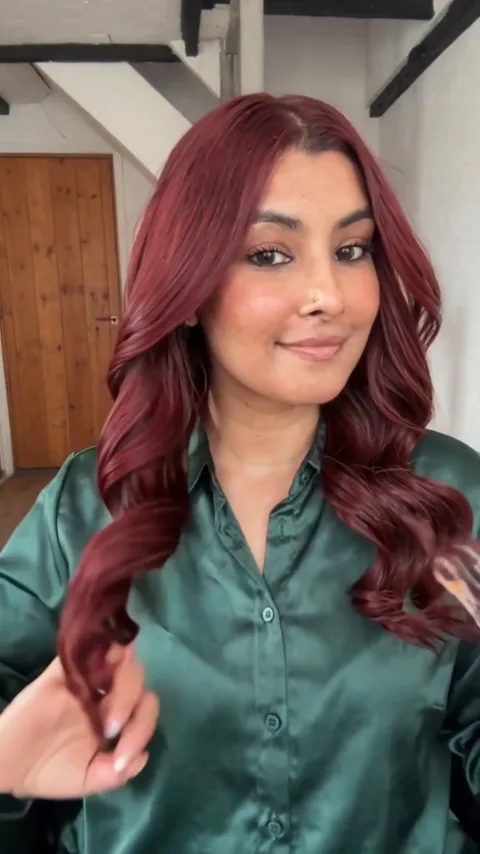
- Trending on TikTokAI Hair Dye Filter1 photo · 11 s · your hair turns cherry redMake this AI video
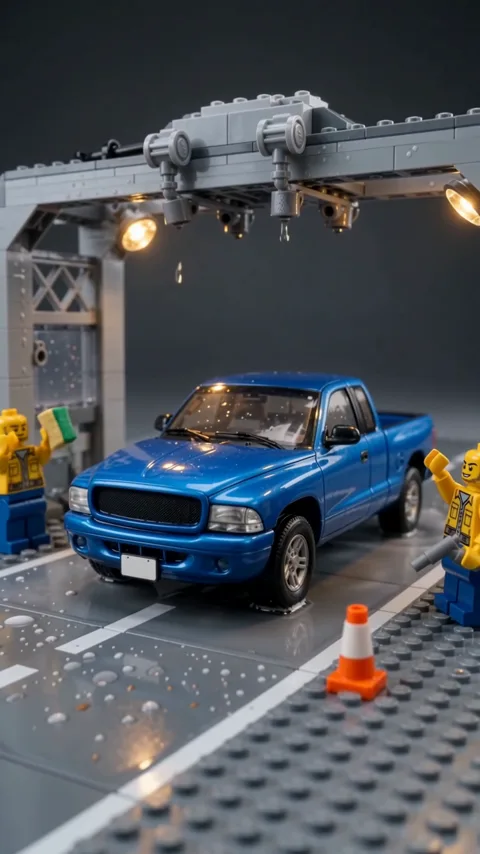
- Trending on TikTokAI Car Spa (Lego trend)1 photo · 10 s · tiny workers wash your carMake this AI video
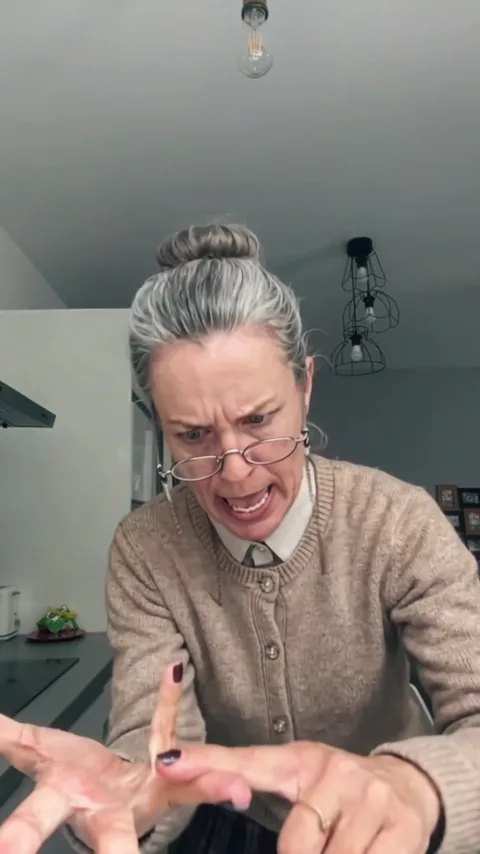
- Trending on TikTokBad Times AI1 photo · 15 s · you or your pet, full attitudeMake this AI video
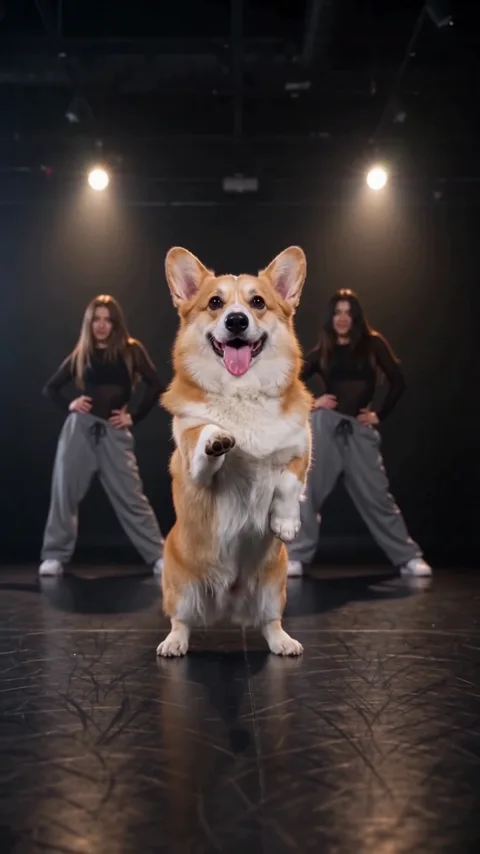
- Trending on TikTokAI Pet Dance1 pet photo · 10 s · your pet dancesMake this AI video
- Trending on TikTokToc Toc Dance AI1 photo · 10 s · you lead the Toc Toc danceMake this AI video

- Trending on TikTokAI Ghost Filter1 photo · 10 s · a cute ghost behind youMake this AI video

- Trending on TikTokAI Broom Trend1 photo · 15 s · your ride is hereMake this AI video
- Trending on TikTokBulin 47 Freestyle AI1 photo · 15 s · you rap for the crowdMake this AI video

- Trending on TikTokAlors on Danse AI2 photos · 15 s · the keyboard duoMake this AI video
- Trending on TikTokRaindance AI Video2 photos · 15 s · the pier and the seaMake this AI video
- Trending on TikTokCeiling Fan Transition1 photo · 10 s · 4 outfits, one blade at a timeMake this AI video
- Trending on TikTokAI Sway Dance1 photo · 10 s · your photo dancesMake this AI video
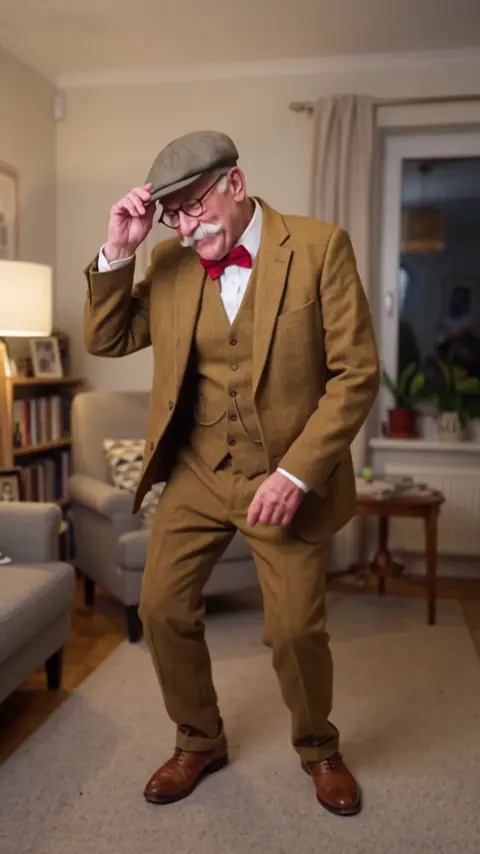
- Trending on TikTokUnforgettable Car Trend1 photo · 10 s · 24 cards, then your carMake this AI video
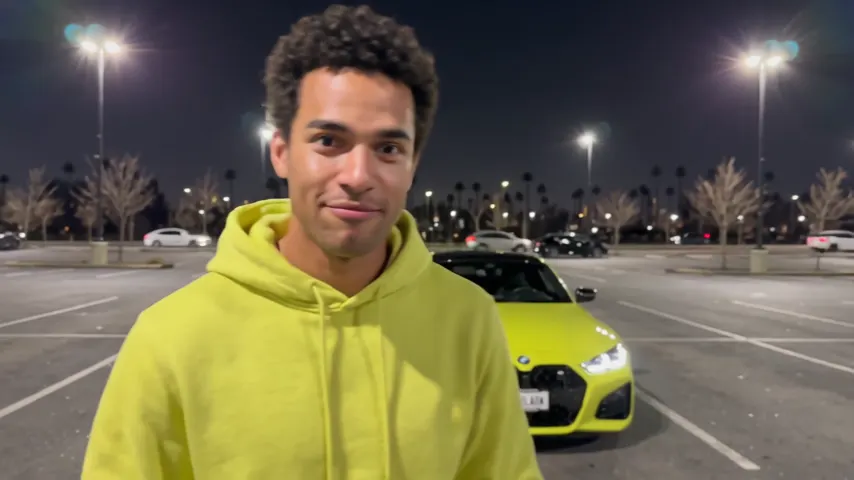
- Trending on TikTokI Found You in the Crowd2 photos · 10–15 s · eyes lock across the crowdMake this AI video
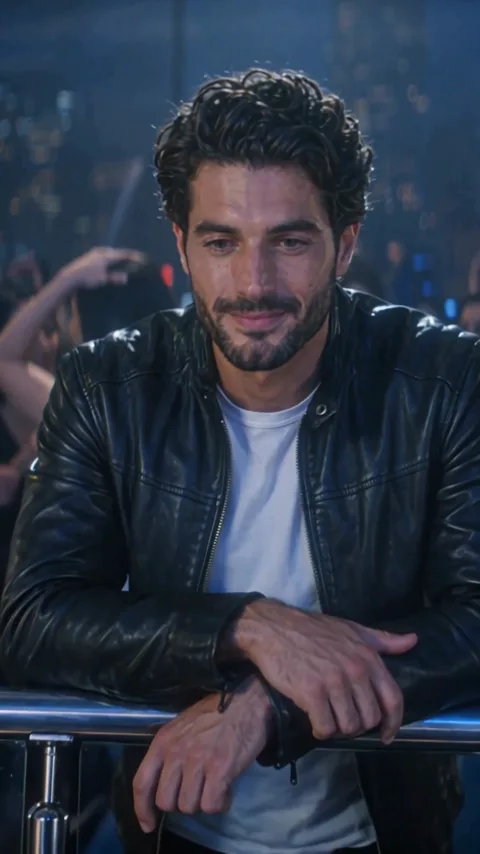
Make your Chinaza dynamic filter video
One photo, a few minutes, ready for TikTok.