Kling 3.0 Turbo AI Video Generator
Faster Kling 3.0 renders: the same motion quality in 720p or 1080p with shorter waits, from text or an image.
Sample videos
The woman in the photo walks down a grand marble staircase toward the camera, one hand on the railing, the red dress flowing with each step, she smiles at the camera at the bottom; the camera slowly cranes down to meet her face to face.
- 2,900+ videos made
- 7,000+ creators
Kling 3.0 Turbo is the speed-tuned version of Kling 3.0. It keeps Kling's strong physical motion and camera control and returns clips sooner, at 720p, 1080p and 5–15 seconds. It takes a prompt or a start image; it has no sound switch and no end frame, and clips may carry ambient sound the model adds, depending on the run, not every time. From 40 credits a second, available on any plan or credit pack.
Updated
At a glance
- Made by
- Kuaishou
- Price
- From 40 credits per second
- Quality
- 720p, 1080p
- Length
- 5s, 10s, 15s
- Input
- Text or a photo
- Aspect ratio
- 16:9, 9:16, 1:1
- Sound
- Maybe: ambient sound the model adds on some runs, no switch
- Per run
- One video
- Available on
- Any plan or credit pack
- Account
- Free account required, 100 credits on sign-up, no card
- Unlimited plan
- 40% off
Vidlark is an independent platform and isn't affiliated with Kuaishou.
Kling 3.0 vs Kling 3.0 Turbo
Turbo is 40 credits a second at 720p, Kling 3.0 is 35 without its audio setting or 50 with it. Pick Turbo when speed matters more than sound; pick Kling 3.0 for sound you can count on, an end frame or the lower price without audio.
| Model | Best for | Top quality | Length | Sound | From |
|---|---|---|---|---|---|
| Kling 3.0 TurboThis page | Kling 3.0 motion with shorter waits. | 1080p | 5–15s | Sometimes | 40 credits/s |
| Kling 3.0 | Realistic motion and camera moves, with sound when needed. | 1080p | 5–15s | Yes | 35 credits/s |
| Kling 3.0 Motion Control | Copying dance and action moves onto a character. | 1080p | 5–30s | No | 32 credits/s |
How to use the Kling 3.0 Turbo AI video generator
- 1
Describe the shot
Type a prompt, or upload a photo to animate.
- 2
Pick the settings
720p / 1080p, 5–15s; the price shows before you start.
- 3
Generate and download
Download the video when it is ready.
What it does well
Kling motion, sooner
The same believable movement, with less time between prompt and result.
1080p at speed
Full HD without the wait of the standard model.
Text or image start
Write the scene or animate a still.
Settings and prices
Video is billed per second of output; the button always shows the exact total before you generate.
| Setting | Price | Example | Unlimited plan |
|---|---|---|---|
| 720p | 40 credits / second | 5-second clip = 200 credits | Uses credits |
| 1080p | 50 credits / second | 5-second clip = 250 credits | Uses credits |
Prompt tips for better videos
Leave sound to Kling 3.0
Turbo has no sound switch, and its ambient sound is not on every clip; if a clip needs dialogue or effects, move the prompt to Kling 3.0 and pick its audio setting.
Lead with the camera move
As on Kling 3.0, opening with "low tracking shot" or "orbit around" gives the strongest camera control.
One action per clip
A single clear action keeps a fast render clean; save multi-step choreography for the standard model.
Example prompt
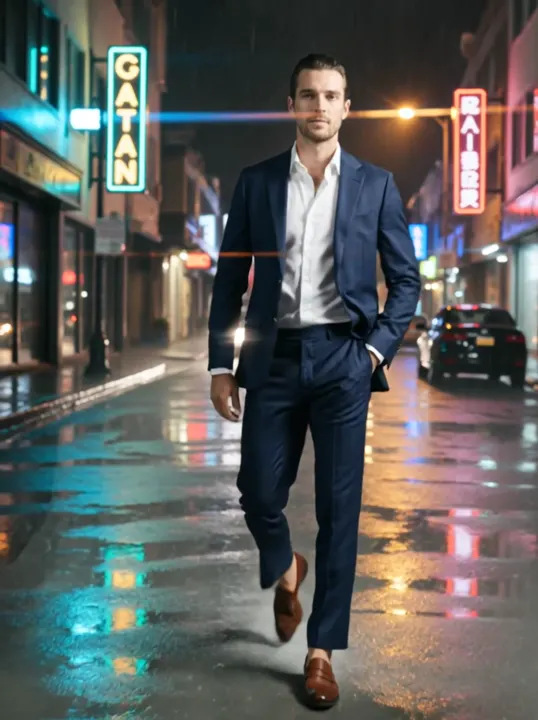
A cyclist rides through a rainy neon street at night, puddles splashing under the wheels. Slow tracking shot from the side, 35mm, reflections on the wet asphalt.
Use this promptWhat people make with it
01
Rapid iteration on motion
Try five versions of a stunt, a camera move or a dance step in a row, with less waiting between attempts than on standard Kling 3.0.
02
B-roll for edits
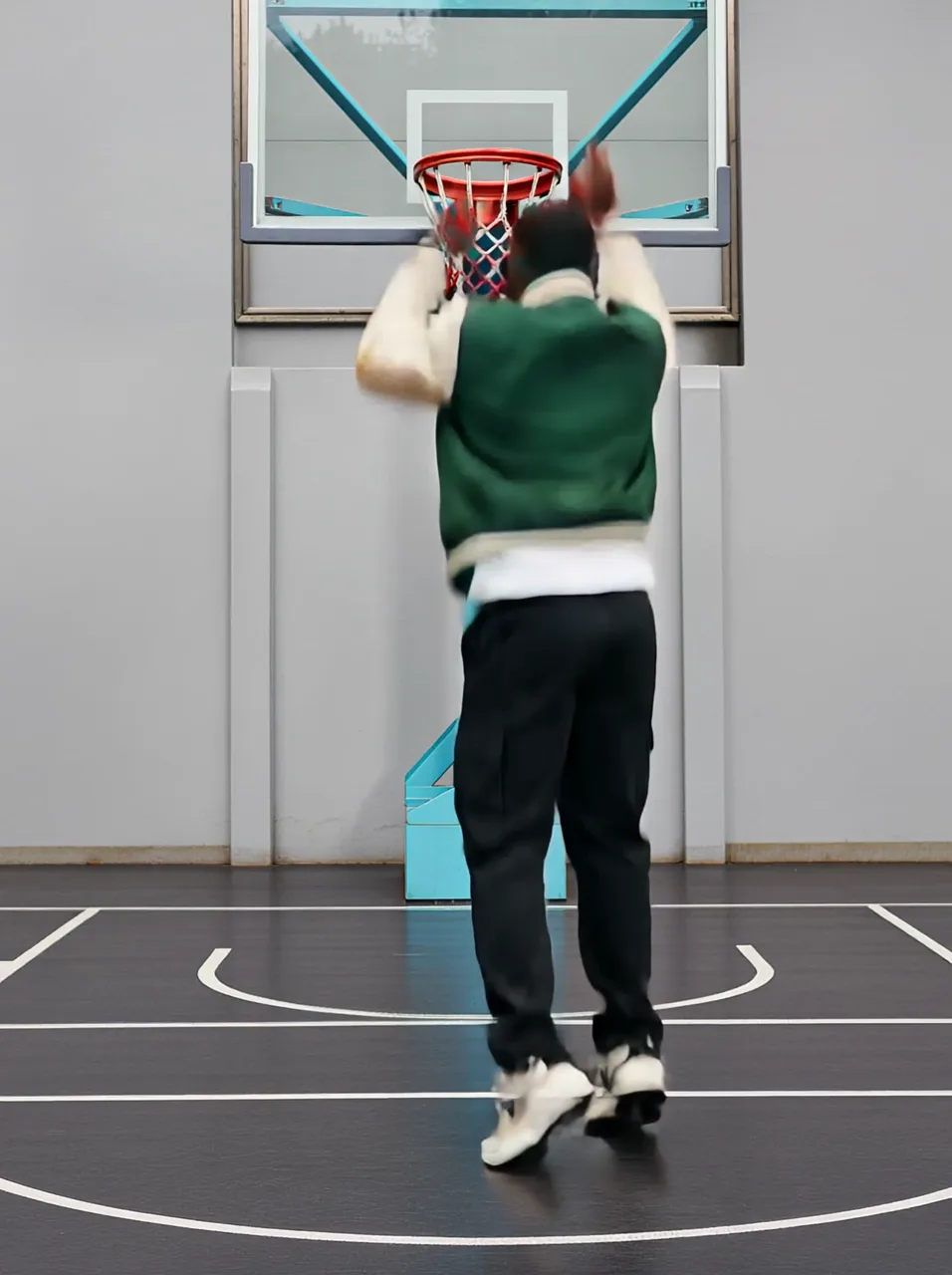
Movement shots, such as running, driving or pouring, that will be scored in the edit, so native audio is not needed.
03
Same-day social video
Clips that have to go out within the hour, where 1080p and speed matter more than the last bit of polish.
How it compares
How it lines up against similar video models on this site; every one uses the same credit balance.
| Model | Best for | Top quality | Length | Sound | From |
|---|---|---|---|---|---|
| Kling 3.0 Turbo | Kling 3.0 motion with shorter waits. | 1080p | 5–15s | Sometimes | 40 credits/s |
| Vidu Q4 | Character scenes with voices from photos and references. | 1080p | 5–16s | Yes | 20 credits/s |
| Seedance 2.0 Fast | Seedance 2.0 drafts in about half the wait, up to 720p. | 720p | 5–15s | Yes | 21 credits/s |
| Seedance 2.0 | Multi-shot clips with steady characters, up to 1080p. | 1080p | 5–15s | Yes | 25 credits/s |
Other models to try
All models
 Kling 2.5 TurboFast, smooth Kling motion for everyday clips.from 100 credits· Paid plans
 Kling 3.0Strong motion and camera control, with optional native audio.from 35 credits/s· Paid plans
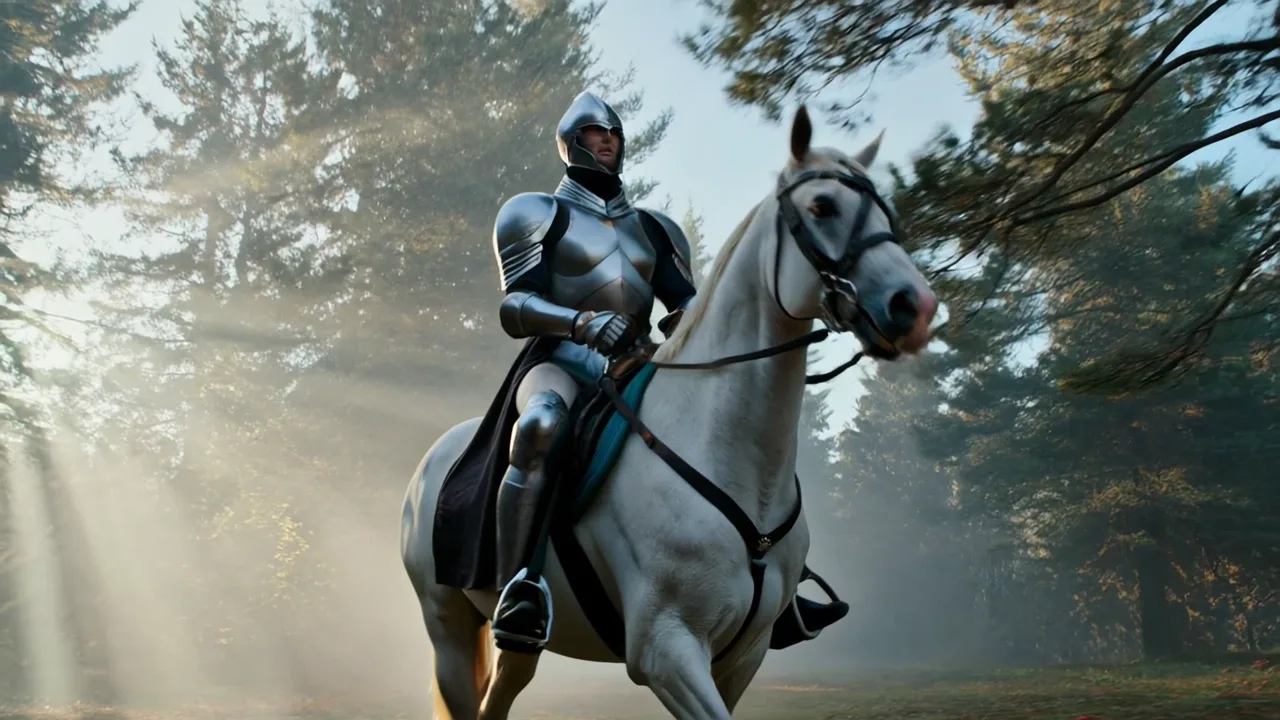
 Kling 4.0Kling’s newest model: a photo or a set of references into a clip with sound.from 56 credits/s· Paid plans
 Kling 2.1 ProKling 2.1 image-to-video with an optional end frame.from 120 credits· Paid plans
 Kling 2.1 MasterThe top Kling 2.1 tier, tuned for smooth motion.from 200 credits· Paid plansKling 3.0 Motion ControlCopy the moves from any dance or action video onto your character.from 32 credits/s· Paid plans
Kling 3.0 Turbo video FAQ
How much does Kling 3.0 Turbo cost?
40 credits a second at 720p and 50 at 1080p, so 5 seconds of 1080p is 250 credits.
Is there a Kling 3.0 free trial?
Turbo and Kling 3.0 are available on any plan or credit pack. Kling 2.5 Turbo is the cheapest way into the Kling look.
How long can a Kling video be?
5–15 seconds on Turbo, the same as Kling 3.0.
How long can the videos be?
5, 10, 15 seconds, at 720p, 1080p. Each run makes one video; for longer stories, generate several shots and edit them together.
Credits, refunds, watermarks and commercial use work the same on every model. See the pricing FAQ
Make a Kling 3.0 Turbo video
Pick a plan or a credit pack and start. Failed runs are refunded.