Storm AI Video
1 photo, 8 seconds: you walk in, and a hall of white suits bows.
AI video template
Storm AI Video
An 8 s landscape Storm video: in a grand old hall you walk slowly in a plain white shirt toward rows of men in identical white suits, who turn their heads and bow in sync as the camera comes close on you
750 credits · 225 on Unlimited
Storm AI Video is our white suit hall trend scene, made from one photo: in a grand old hall you walk slowly toward rows of men in identical white suits, who turn their heads and bow in sync as the camera comes close. An 8-second landscape video, you in a plain white shirt, with the clip’s sound mixed in.
Updated
At a glance
- Length
- 8 seconds
- Format
- Landscape 16:9
- Photos
- Your photo (adults only)
- Price
- 750 credits (HD 1,500)
- On plans
- Starter and Pro 375 · Unlimited 225
- Sound
- The trend’s sound, mixed in
- Sign-up
- An account is required (free to create)
- Watermark
- No watermark
Which photos work best
Full body
You walk toward the camera: a full-body photo, face clear, works best.
Just you
One adult in the photo; crop out anyone else.
The white shirt comes with it
You keep your face, hair, skin tone and body; your outfit becomes a plain white shirt.
What is the Storm trend?
"Storm" is a double single and musical short film by GENER8ION (DJ Surkin and Romain Gavras) starring Yung Lean, released on April 24, 2026 and directed by Romain Gavras. In its key scene, schoolboys in suits dance in unison around Yung Lean, who stands still. In September 2026 an AI trend spread where people swap themselves into that scene; people search for it as storm trend ai or storm music video ai.
Our storm ai video template makes it from one photo and is an original re-creation, not the film: the white suits, the grand old hall and the bow are our own staging, and everyone in it is an adult. You keep your face, hair, skin tone and body, in a plain white shirt; the men in white suits, the hall, the camera and the timing come with the template.
Another film scene: Zoolander AI
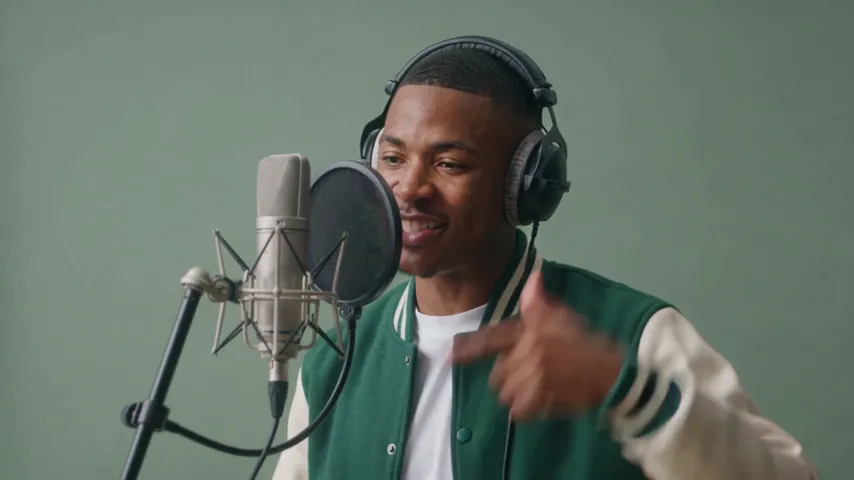
Or a studio take: Mic Session AI
How to make it
- 1
Upload a photo
One adult, full body works best, face clear.
- 2
Generate
The storm ai video template is set: landscape, 8 seconds.
- 3
Post it
Ready in two or three minutes, with the clip’s sound.
AI video template or filming it yourself
Both end with the same clip on TikTok. The difference is what you need before you start.
| AI video template | Filming the trend | |
|---|---|---|
| You need | One photo | A grand hall and rows of people in white suits |
| Time | Two or three minutes | Rehearsing a whole crowd to bow in sync |
| The setting | A grand old hall, drawn by the AI | Wherever you are |
| Sound | The clip’s sound, mixed in | Added on TikTok |
| Cost | 750 credits, less on a plan | Free, plus your time |
Questions
Is storm ai video free?
No. A template video uses 750 credits at 480p (1,500 in HD), about $10 with a credit pack. Starter and Pro plans pay half (375) and Unlimited pays 30%: 225 credits a video, about $2.25. The 100 free credits you get when you sign up are not enough for one video.
Is this the Storm music video?
No. Our template is an original re-creation: the white suits, the hall and the bow are our own staging. No footage from the film is used, and the one walking in is you.
What will I wear?
A plain white shirt: the template changes your outfit. Your face, hair, skin tone and body stay from your photo.
Who are the men in white suits?
They come with the template: original AI characters, all adults. Only you come from your photo.
Whose photo can I use?
Adults only: photos of children are not supported. Your own, or a friend’s who agreed to it. No famous people. Uploads go through an automatic safety check.
Can I post my storm ai video?
Yes. It is a finished 8-second landscape video with the sound mixed in, so you can post it to TikTok as it is.
Does the video have sound?
Yes: your video comes with the clip’s sound, mixed in. To post it with a different sound, pick one from TikTok’s sound library when you post.
How long does it take?
Two to three minutes. You can close the page: the video waits for you in My creations.
Made with this template
Examples made by the Vidlark team.

More trending AI videos
Trending on TikTok now: pick one and make it with your photo.
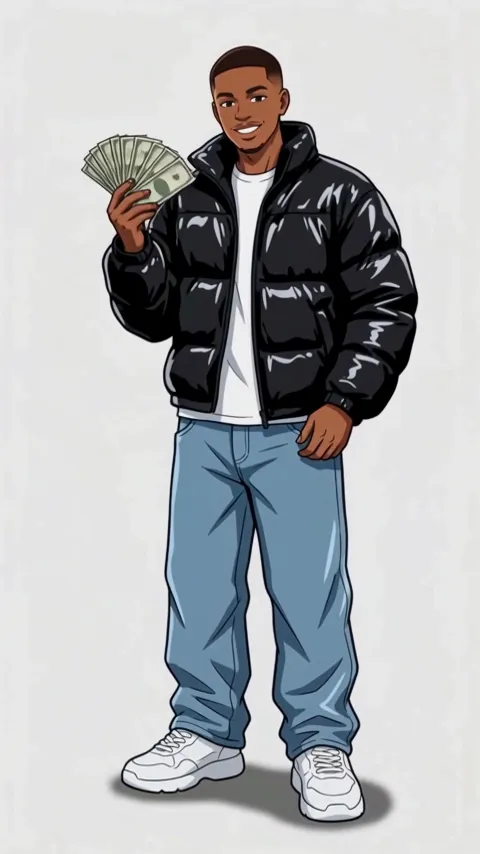
- Wassup in a Minute AI1 photo · 10 s · drawn as a 2D anime streetwear character, then animated
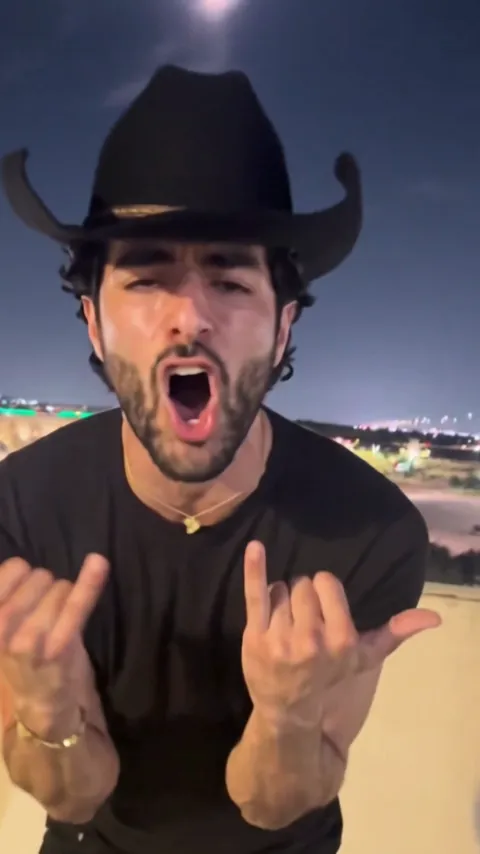
- Choosin Texas Emo AI1 photo · 15 s · a country hit sung as emo rock on a rooftop
- Mic Session AI1 photo · 8 s · you rap a fast verse at the studio mic
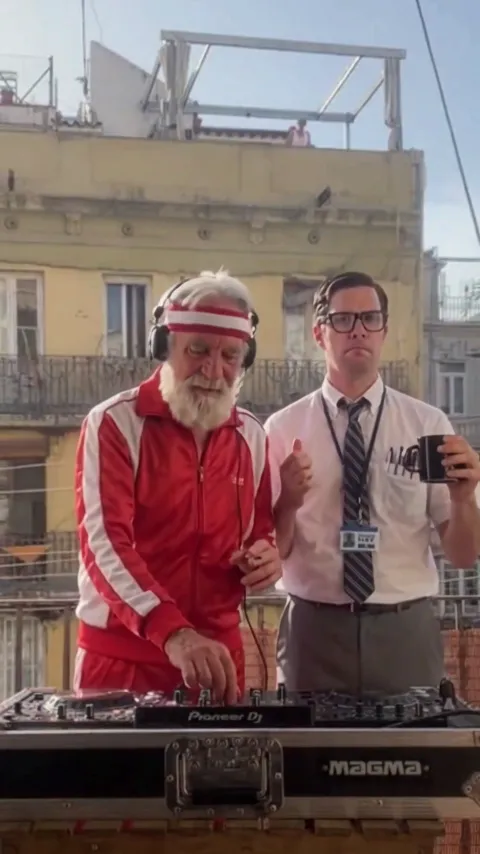
- Balcony Mixtape AI2 photos · 14 s · a DJ set for two on a sunny balcony
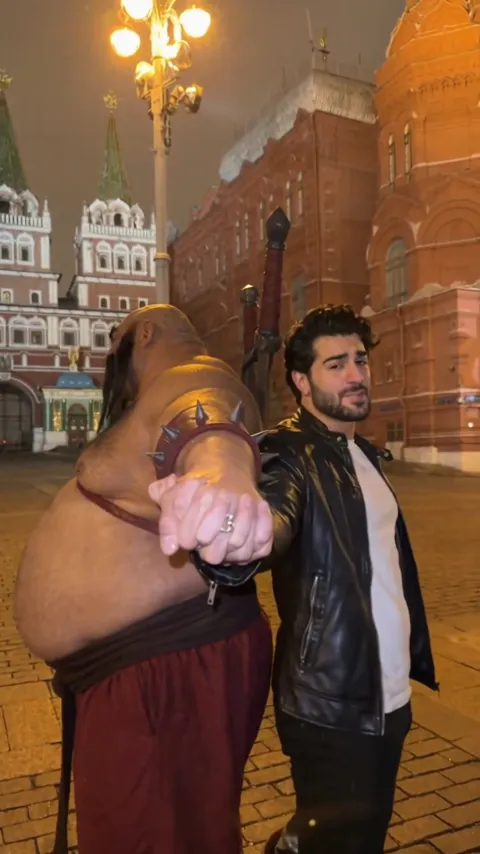
- Three Bogatyrs AI Trend1 photo · 12 s · you and a giant warrior sing in turn
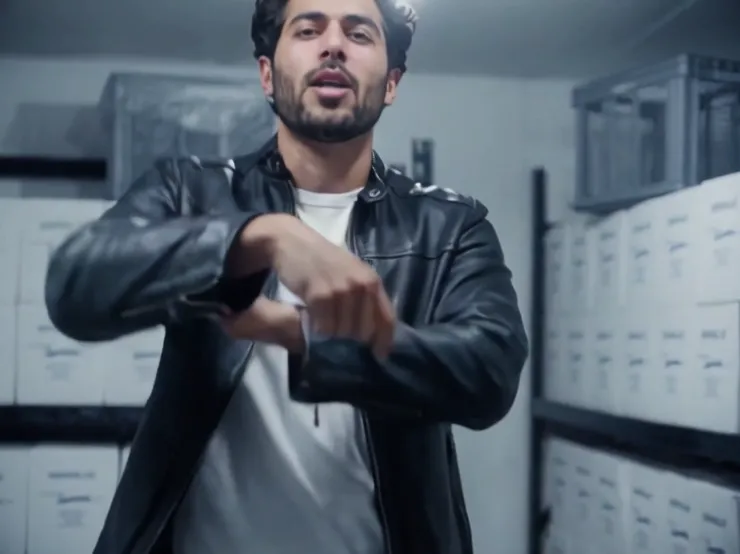
- Iceman AI Video1 photo · 15 s · you rap in the cold room, landscape
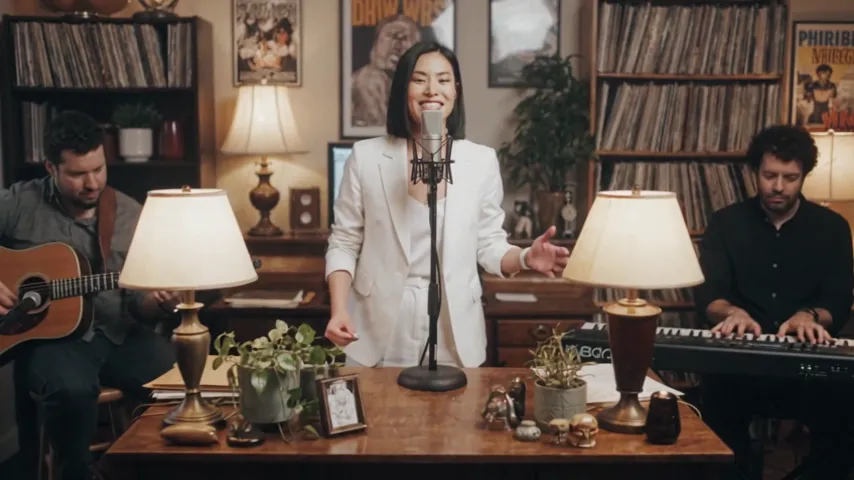
- Tiny Desk Concert AI1 photo · 8 s · you sing lead at a small desk concert
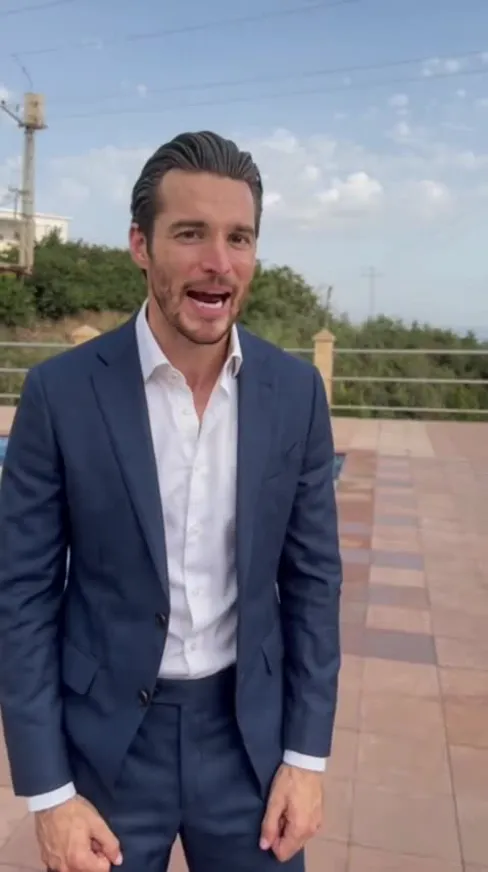
- Check One Check Two AI1 photo · 11 s · rap JME’s Check One Check Two by a pool
Walk into the white hall
One photo, a few minutes, and a whole hall bows to you.
Not affiliated with or endorsed by GENER8ION, Yung Lean or their labels.