Promo Video Generator
Promo Video Generator: turn a photo or a line of text into a 5–15 second video, from 150 credits. Turn a product photo into an ad, write a promo shot from scratch, or dress it up for a holiday sale.
This promo video generator gives you three ways in. Upload a product photo and Kling 3.0 makes a vertical ad, 5–15 seconds. Write a promo shot and Veo 3.1 Fast films it, with sound made in the same pass. Or give the same product a holiday sale look with confetti and lights. Every way opens the model with a tested prompt and the shape set.
Updated · Vidlark Editorial Team
At a glance
| Price | From 150 credits a video |
|---|---|
| Free credits | 100 free credits on sign-up, no card |
| Account | An account is required (free to create) |
| Watermark | None on paid plans and credit packs; videos made with free credits carry one |
| Length | 5–15 seconds |
| Quality | Up to 1080p |
| Sound | Kling 3.0: with sound as a switch you can turn on · Veo 3.1 Fast: with sound made in the same pass |
| Models | Kling 3.0, Veo 3.1 Fast |
| Updated | October 24, 2026 |
Three ways to make a promo video
Product photo into an ad
Product photo to video ad: upload the photo and Kling 3.0 turns it, lights it and pushes in, 5–15 seconds.
Kling 3.0 AI Video GeneratorA promo shot from text
An AI promo video from text: describe the product and the move, and Veo 3.1 Fast films 8 seconds, with sound made in the same pass.
Veo 3.1 Fast AI Video GeneratorHoliday sale version
A holiday sale video from the same photo: confetti, fairy lights and a slow orbit on Kling 3.0.
Kling 3.0 AI Video GeneratorHow to use the promo video generator
- 1
Pick a way
A product photo for your own item, text for a scene from nothing, the holiday version for a sale.
- 2
Keep or edit the prompt
Name your product, the background and one camera move; leave text off the screen.
- 3
Download and add your offer
Download the MP4 and add the price, the offer and your logo in your editor.
Prompt tips for product ads
One product, one move
A slow turn, a push-in or an orbit keeps the product sharp and in view.
Light it like a studio
Soft key light, a rim light, a sweep of light across the surface.
Season it
Gold confetti for a sale, snow for winter, petals for spring.
Promo video generator FAQ
Can I make a video ad from one product photo?
Yes. On Kling 3.0, upload the product photo and keep the prompt: the product turns, the light sweeps and the camera pushes in, 5–15 seconds.
Which shape should a promo video be?
Vertical 9:16 for TikTok, Reels and Shorts; 16:9 for YouTube and websites. A photo keeps its own shape; the text way opens with the shape set.
Does the promo have sound?
Veo 3.1 Fast: with sound made in the same pass. Kling 3.0: with sound as a switch you can turn on.
Can I add my price or my logo?
Add text, prices and your logo in your editor after you download: AI-drawn lettering is not reliable, and the prompts here ask for no text on screen.
How much does a promo clip cost?
Kling 3.0 35 credits a second at 720p, 175 for 5 seconds; Veo 3.1 Fast 150 credits for a clip at 720p.
Can I use the video in an ad?
Videos made with a credit pack or a plan download without a watermark, ready for your own posts and ads. Only use product photos you have the rights to.
Video templates with cars
All AI video effects- Toy Car to Real Car AI1 car photo · 10 s · the toy on a train becomes your real car
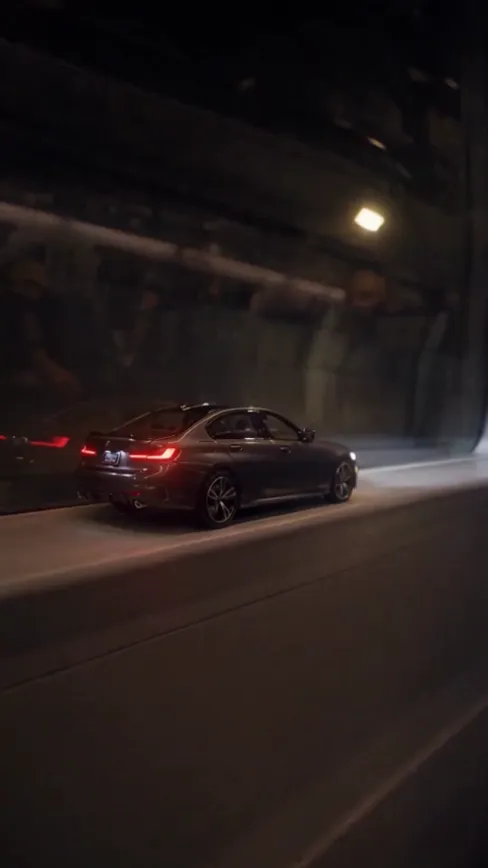
- Venom Car AI1 car photo · 10 s · black liquid builds your car
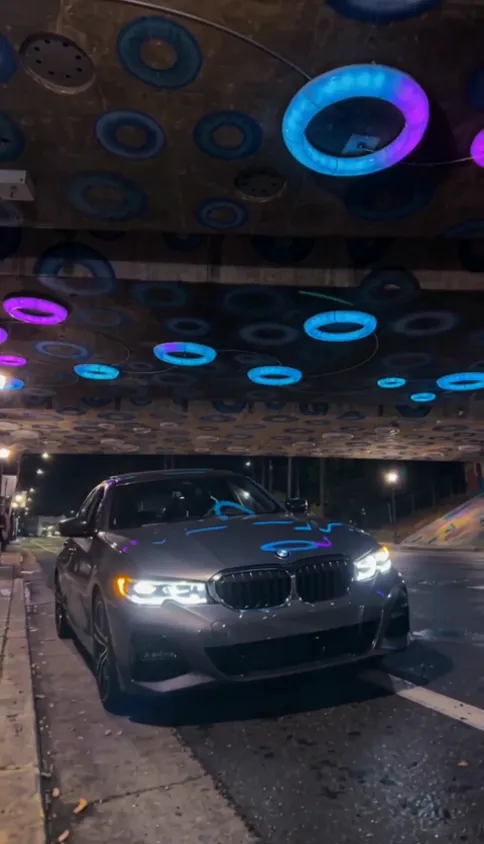
- Crazy Frog AI2 photos · 12 s · a highway chase

- Flying Car AI1 photo · 10–15 s · you or your car
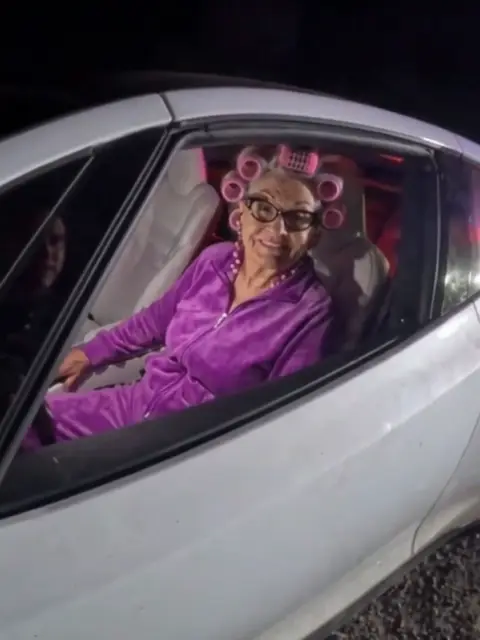
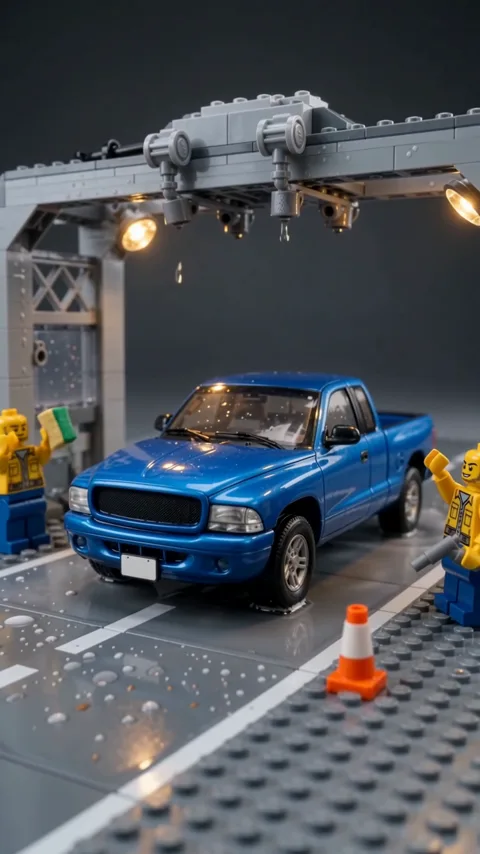
- Lego Car Spa AI1 photo · 10 s · tiny workers wash your car
- Unforgettable Car Trend1 photo · 10 s · 24 cards, then your car