AI Cinematic Video Generator
AI Cinematic Video Generator: turn a photo or a line of text into a 5–30 second video, from 150 credits. Film-look shots from a line of text or a photo: a sweeping camera move, real light, and slow motion when you want it.
This AI cinematic video generator gives you three ways in. Write a shot and Veo 3.1 Fast films it in 8 seconds, with sound made in the same pass. Turn a photo into a movie shot with Kling 3.0, the camera tracking through the scene for 5–15 seconds. Or slow everything down on Seedance 2.5. Each way opens the model with a tested prompt and the right frame.
Updated · Vidlark Editorial Team
At a glance
| Price | From 150 credits a video |
|---|---|
| Free credits | 100 free credits on sign-up, no card |
| Account | An account is required (free to create) |
| Watermark | None on paid plans and credit packs; videos made with free credits carry one |
| Length | 5–30 seconds |
| Quality | Up to 1080p |
| Sound | Veo 3.1 Fast: with sound made in the same pass · Kling 3.0: with sound as a switch you can turn on · Seedance 2.5: with sound as a switch you can turn on |
| Models | Veo 3.1 Fast, Kling 3.0, Seedance 2.5 |
| Updated | October 24, 2026 |
Three ways to make a cinematic AI video
Cinematic shot from text
A cinematic AI video from text: describe the scene, the light and one camera move, and Veo 3.1 Fast films 8 seconds, with sound made in the same pass.
Veo 3.1 Fast AI Video GeneratorPhoto into a movie shot
Photo to cinematic video: upload a photo and Kling 3.0 moves it like a film scene, 5–15 seconds, from 35 credits a second.
Kling 3.0 AI Video GeneratorSlow motion
An AI slow motion video on Seedance 2.5: fabric, dust and light at a fraction of real speed, from 40 credits a second at 480p.
Seedance 2.5 AI Video GeneratorHow to use the AI cinematic video generator
- 1
Pick a way
Text for a scene from nothing, a photo for your own person or place, slow motion for one big moment.
- 2
Keep or edit the prompt
Change the place, the light or the camera move; keep one move per shot so it stays readable.
- 3
Generate and download
The clip waits in My creations; download it as an MP4 for your edit or your post.
Prompt tips for a film look
Name the camera move
Slow push-in, low tracking shot, crane up: one move per shot reads like film.
Give the light a direction
Golden-hour backlight, a neon rim, window light from the left: light sets the mood.
Ask for the lens
Anamorphic flares, shallow depth of field, soft film grain.
AI cinematic video generator FAQ
What makes an AI video look cinematic?
One clear camera move, light with a direction and a shallow depth of field. Write those in the prompt: a slow push-in, golden-hour backlight, anamorphic flares. The tested prompts on this page already do.
Can I make a cinematic shot from a photo?
Yes. On Kling 3.0, upload the photo and keep the prompt: the person or place in it moves through the scene while the camera tracks. Clips run 5–15 seconds.
Which way is cheapest?
Veo 3.1 Fast makes one 8 second clip for 150 credits at 720p. Kling 3.0 costs 35 credits a second at 720p, and Seedance 2.5 40 credits a second at 480p.
Does the video have sound?
Veo 3.1 Fast: with sound made in the same pass. Kling 3.0: with sound as a switch you can turn on. Seedance 2.5: with sound as a switch you can turn on.
How long can a cinematic clip be?
Veo 3.1 Fast makes 8 seconds, Kling 3.0 5–15 seconds and Seedance 2.5 5–30 seconds per run.
Do I need an account?
Yes, to make a video. Sign-up gives 100 credits; Veo 3.1 Fast is open to every account, the other two need any plan or credit pack.
Cinematic video templates
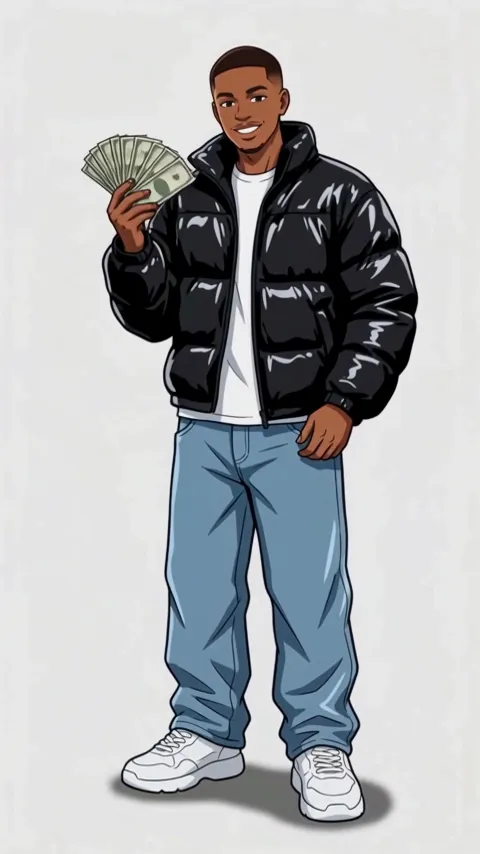
All AI video effects- Wassup in a Minute AI1 photo · 10 s · drawn as a 2D anime streetwear character, then animated
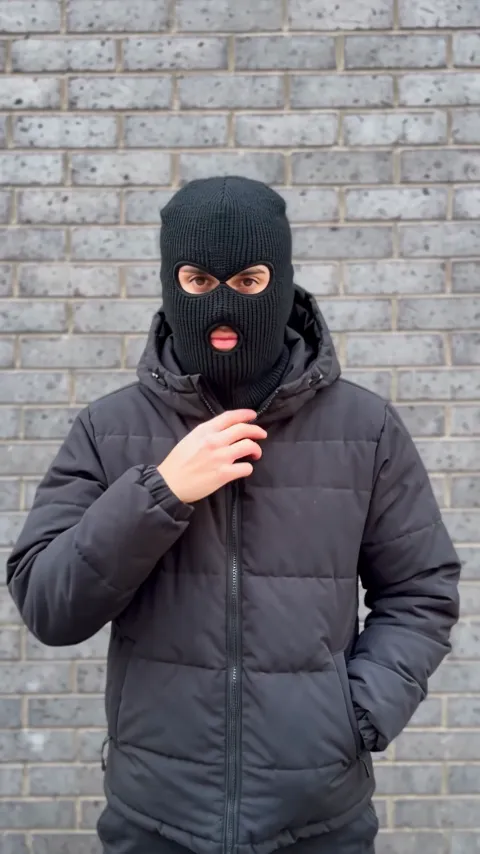
- Mandem in Disguise AI1 photo · 10 s · a smile, a flash, then a balaclava and a deadpan nod
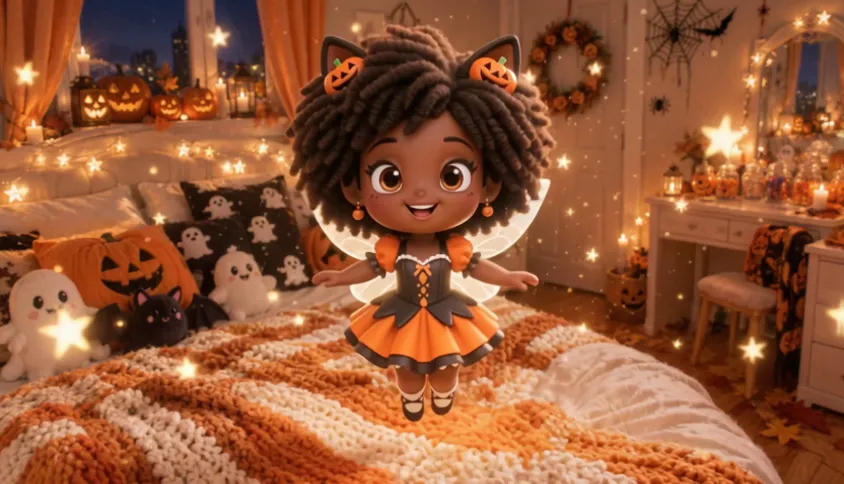
- Shrinking Sprite AI1 photo · 6 s · a candy, a glowing pumpkin and a tiny fairy you
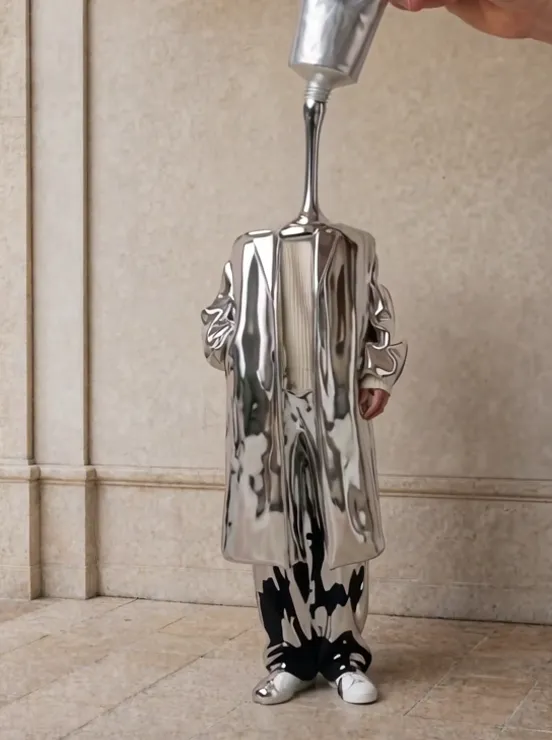
- Sculpted Self AI1 photo · 6 s · liquid metal sculpts a statue that turns into you
- Warrior Reveal AI1 photo · 5 s · dark armor, the helmet off, your face

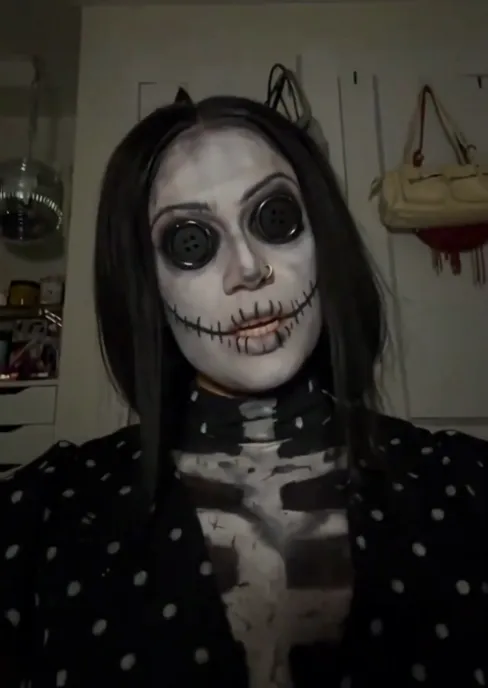
- Coraline Makeup AI1 photo · 10 s · two stripes, a flash and button eyes