Trend guide
How to Make an AI Dog Dance Video
AI dancing pet videos combine a pet photo with dance movements. On Vidlark, upload one full-body photo of your dog or cat. The template makes a 10-second vertical clip of your pet standing up and dancing in a studio with two backup dancers. Download it and add music on TikTok.
- AI dog dance tutorial
- One pet photo
- 10 s, vertical
How do people make those AI dog dancing videos?
They start with a photo and a set of dance movements. AI animates the pet to follow the routine, so the animal seems to stand up and dance like a person. You do not need to film your pet performing.
Some tools ask for a reference dance clip. Others have a fixed routine. Vidlark’s Dance Studio template sets the moves, camera and two backup dancers for you; you supply one pet photo.
Ways to make your pet dance with AI
The main difference is how much of the dance you need to prepare.
| Way | What you need | What you get |
|---|---|---|
| A mobile app’s fixed dance | A pet photo and a dance choice | The routine offered in the app |
| A tool that takes a reference dance clip | A pet photo and a dance video you can use | Motion based on the clip you find |
| A video model with your own prompt | A pet photo and written dance instructions | Movements that can vary between attempts |
| A one-photo AI template (Vidlark) | One pet photo | A set studio dance with two backup dancers |
How to make an AI pet dance video on Vidlark
You do not need a dance reference or a prompt. Dance Studio is set to 10 seconds, vertical, with no music.
Step 1
Open the AI Pet Dance page
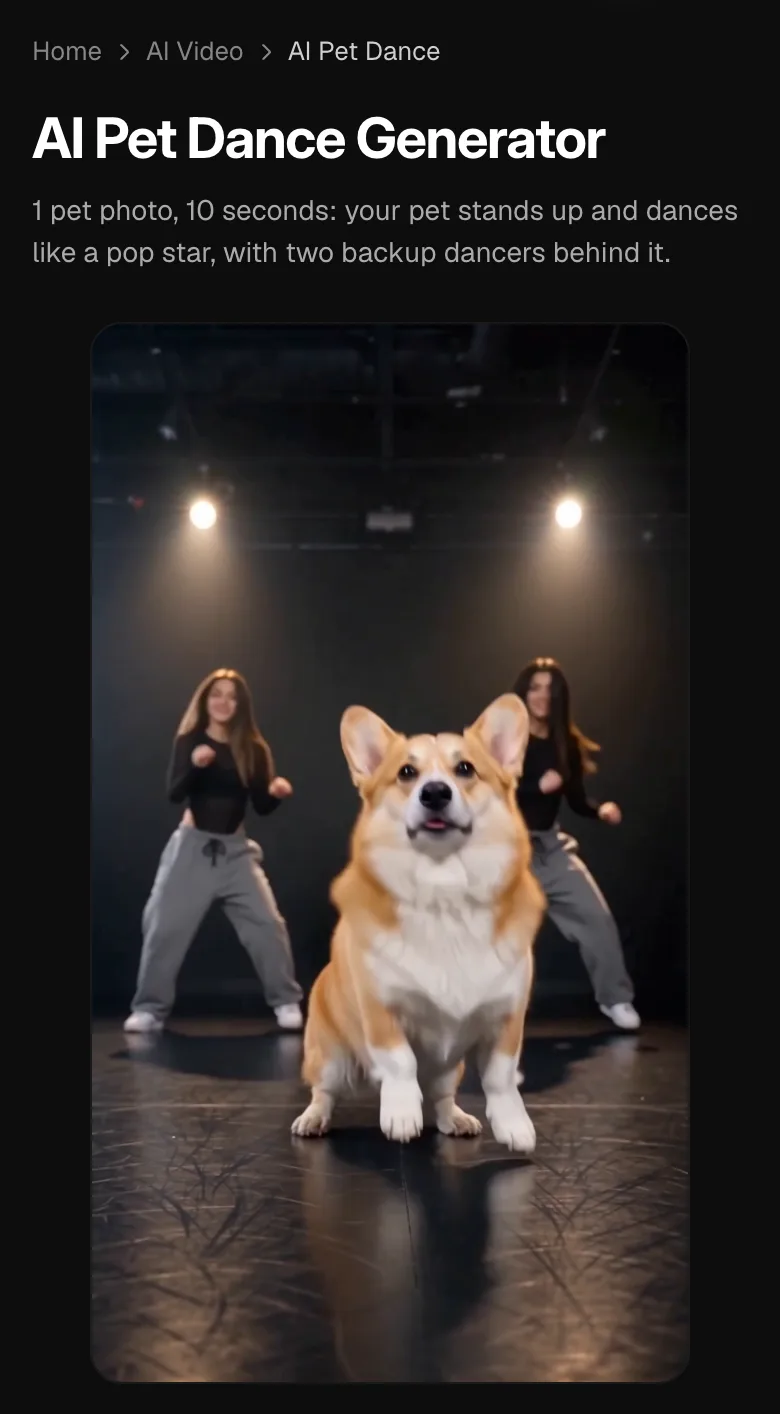
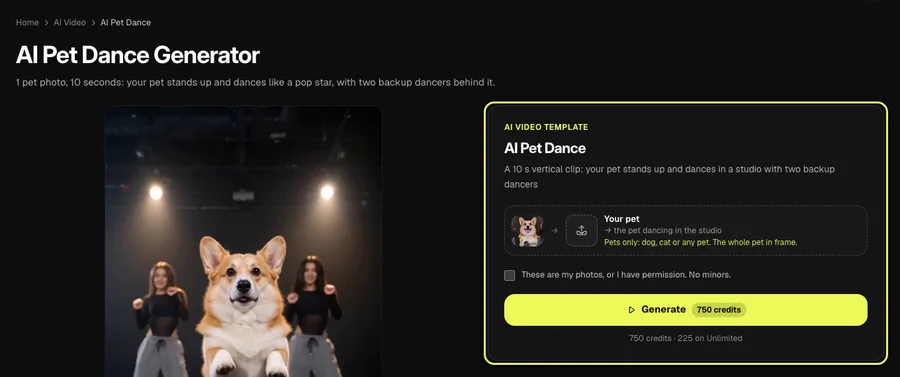
Check the studio sample and find the template card with the Your pet photo slot. This template accepts pets only.
Step 2
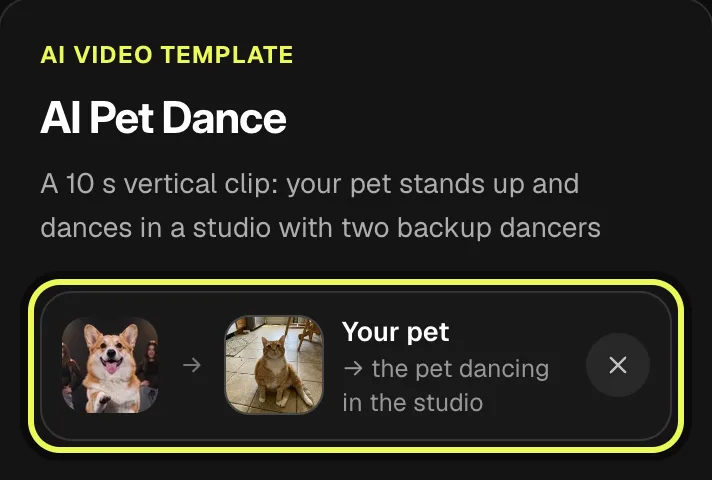
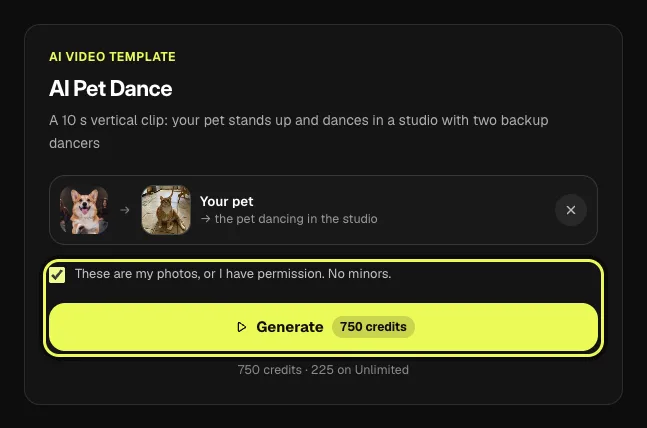
Upload one full-body pet photo
Choose a clear photo showing your pet from head to tail. Keep just one animal in the frame.
Step 3
Check the price and tap Generate
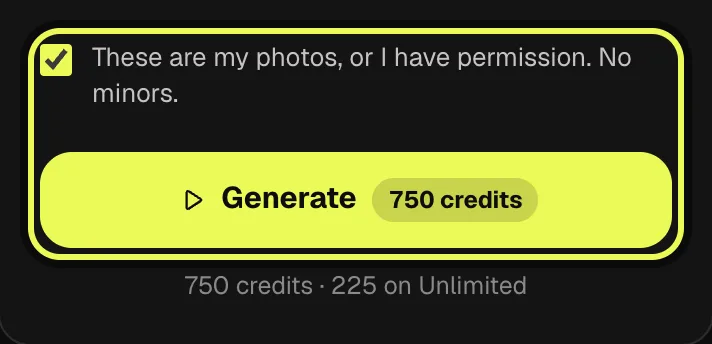
Read the cost on the button, confirm that you own the photo or have permission to use it, and tap Generate.
Step 4
Download, add music and post
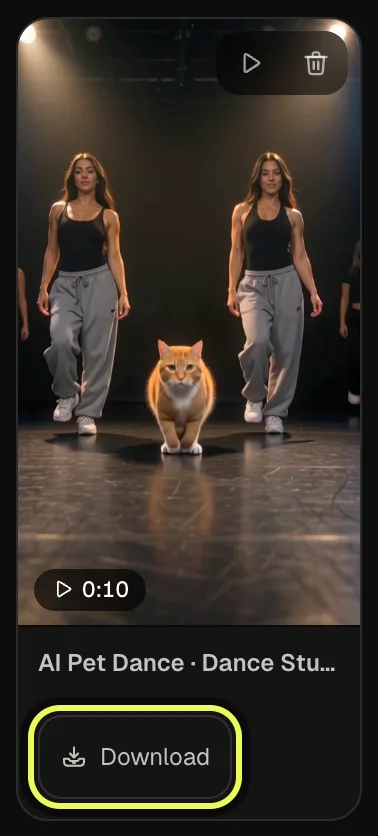
The clip is usually ready in two to three minutes in My creations. Tap Download, then upload it on TikTok and use Add sound to pick the music. The clip comes without music.
Step 5
Add music and post
The downloaded clip has no music. Upload it on TikTok, tap Add sound and choose the music you want your pet to dance to.
Make yours now
AI video template
AI Pet Dance
A 10 s vertical clip: your pet stands up and dances in a studio with two backup dancers
750 credits · 225 on Unlimited
Does it work for cats?
Yes. Cats dance in the same studio as dogs. Rabbits and other pets work too. Use one animal per photo, with its whole body visible.
Tips for posting your AI dog dance video
Once you know how to make AI dog dance video clips, a few small choices help them do well on TikTok. Pick an upbeat sound from the TikTok library, since the clip comes without music. Put your pet’s name in the caption so friends know whose dance it is, and add a tag such as #aipetdance or #dogdance. The clip is already vertical, so post it as it is, without cropping.
Best photos for an AI pet dance video
The dance needs a clear view of the animal’s body and face.
Head to tail
Keep the whole pet in frame without cutting off its legs, ears or tail.
A clear view
Use daylight, with the pet facing the camera or side-on and its eyes visible. Blurry action shots come out weaker.
One pet
Use a single animal. Dogs and cats work best; rabbits and other pets can work too.
FAQ
Is there a free app for dancing pets?
For Vidlark’s pet dance template, no. A template video uses 750 credits at 480p (1,500 in HD), about $10 with a credit pack. Starter and Pro plans pay half (375) and Unlimited pays 30%: 225 credits a video, about $2.25. The 100 free credits you get when you sign up are not enough for one video.
Do I need an account, and is there a watermark?
Yes. A free account is required to generate; sign up with Google or email. Videos made with a credit pack or a plan download without a watermark.
What AI makes my cat dance?
Vidlark’s AI pet dance template makes a cat dance from one photo. Dance Studio supplies the choreography and backup dancers, so you do not need to find a reference clip.
Can I use a photo of a person?
No. This template is for pets only. For an adult, use Toc Toc or the You style on Bad Times instead.
Will it look like my pet?
The template aims to keep your pet’s breed, fur color, markings and face. Small details can change.
How do I add music?
The video comes without music. After downloading it, upload it on TikTok and use Add sound to choose a song before posting.
Related trends
Tools you'll need
AI Pet Dance
A 10 s vertical clip: your pet stands up and dances in a studio with two backup dancers
Updated Oct 15, 2026